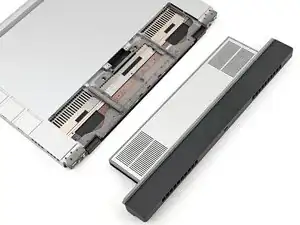
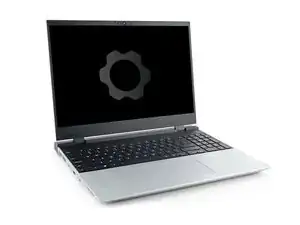
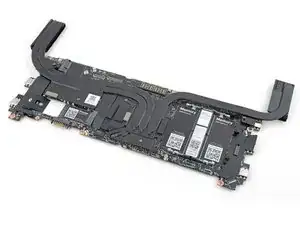
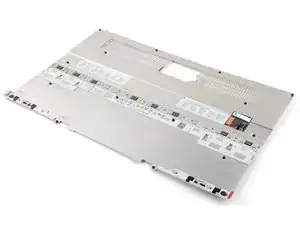
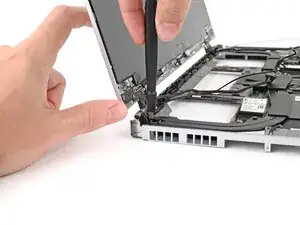
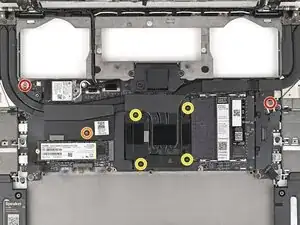
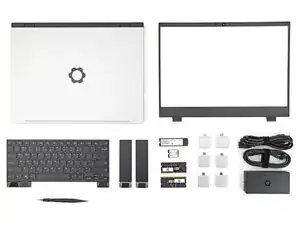
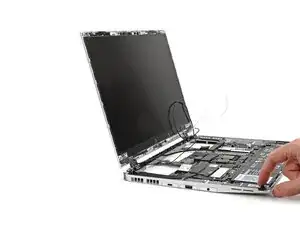
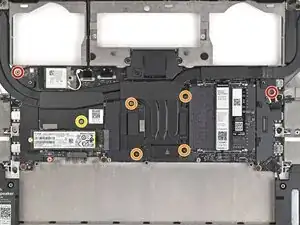
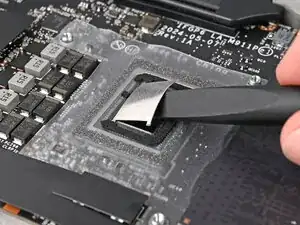
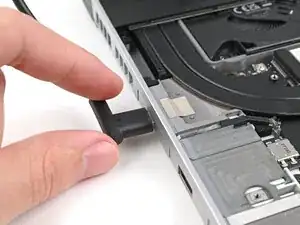
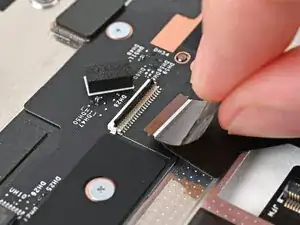
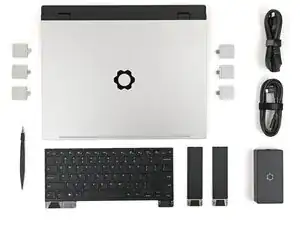
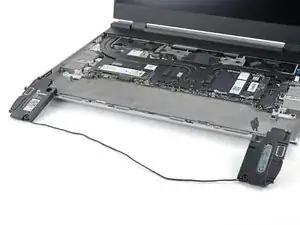
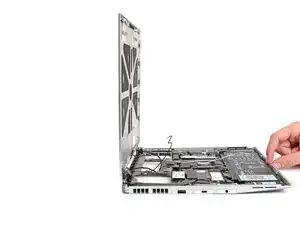
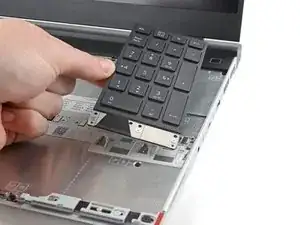
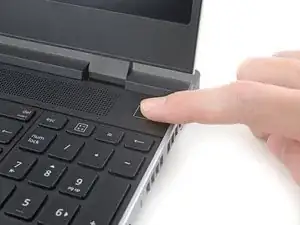
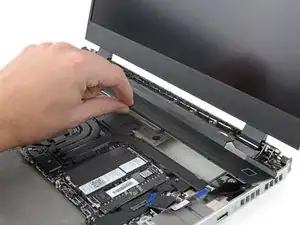
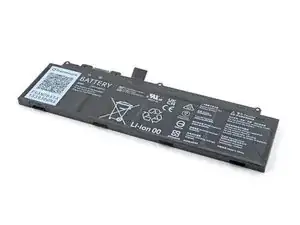
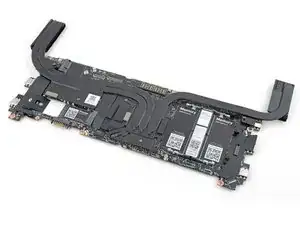
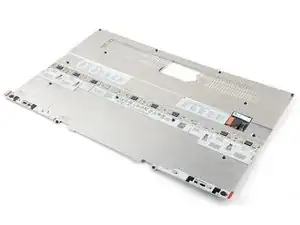
The 2025 refresh of the Framework Laptop 16 maintains Framework's iconic modularity and repairability while offering updates to the processor and graphics module. The refresh features new Ryzen™ AI 300 Series processors (AI 7 350 and AI 9 HX 370) and a new NVIDIA® GeForce RTX™ 5070 Graphics Module. The following is a list of the rest of the updates:
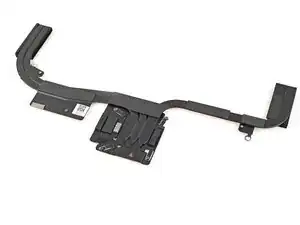
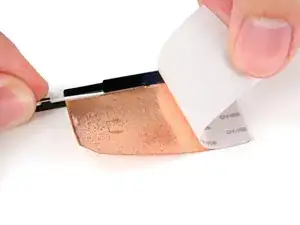
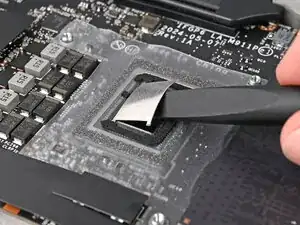
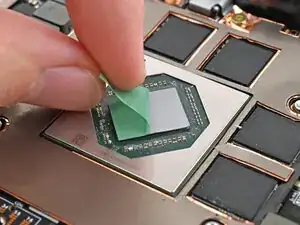
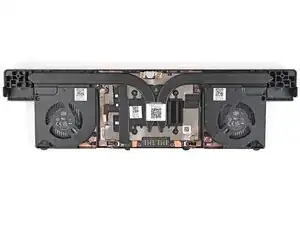
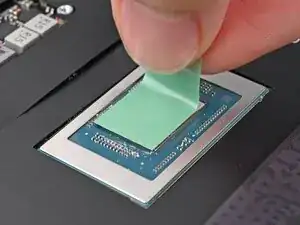
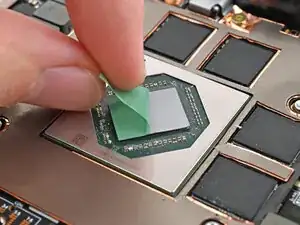
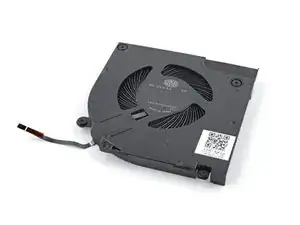
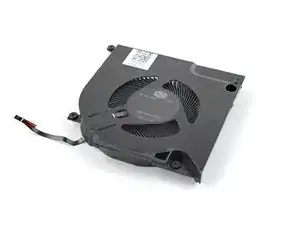
- New Thermal System: redesigned heatsink, fans, and a switch to Honeywell phase change thermal material, i.e., thermal pad instead of the 2024's liquid metal.
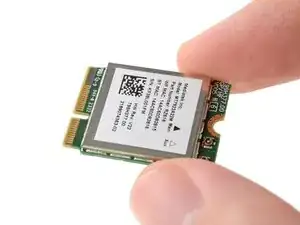
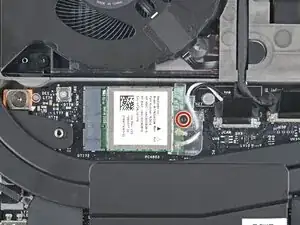
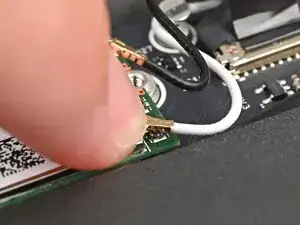
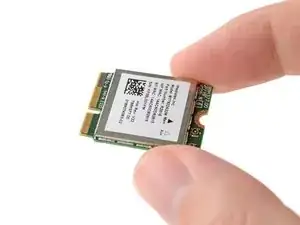
- New Wireless Module: Wi-Fi 7 supported AMD RZ717 wireless card
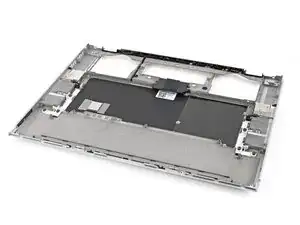
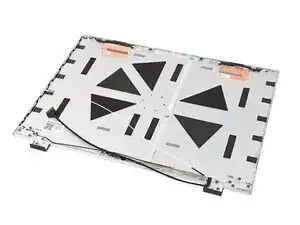
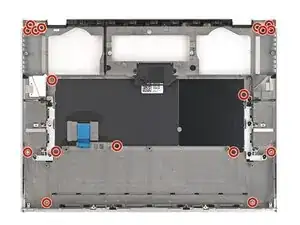
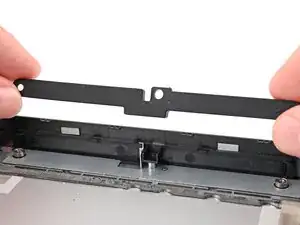
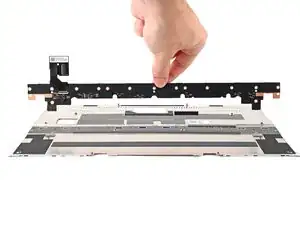
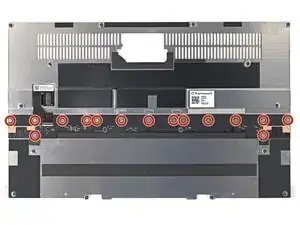
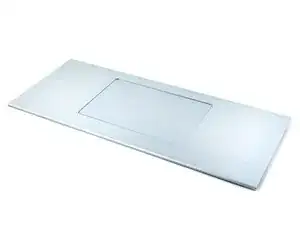
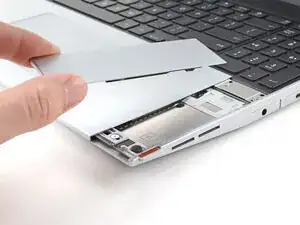
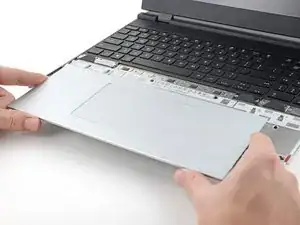
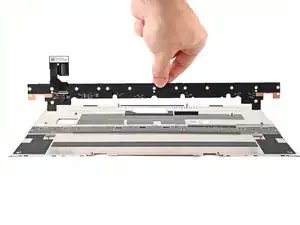
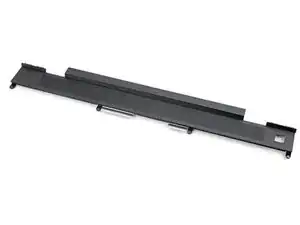
- New Top Cover: revamped Top Cover that improves rigidity
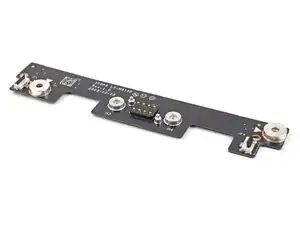
- Updated Expansion Slots: now supports display output on four of the six slots
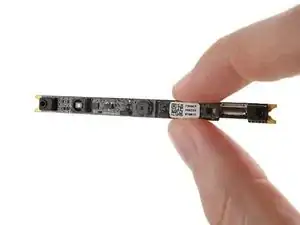
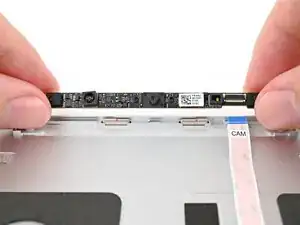
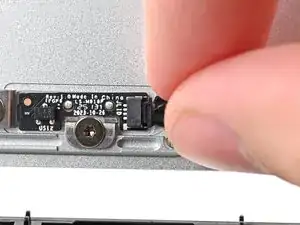
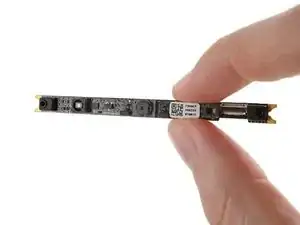
- New Webcam Module: the Webcam Module (2nd Gen) included an updated OmniVision sensor
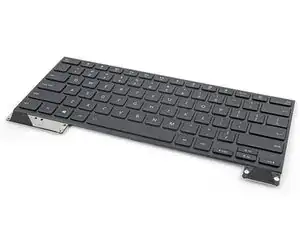
- New Keyboard: physically the same, except the 2nd Gen Keyboard has updated firmware to prevent the system from waking accidentally (this firmware can also be installed on 1st Gen Keyboards)
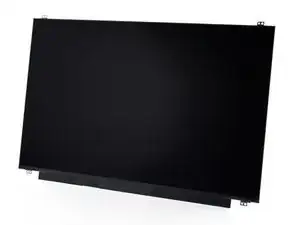
- G-Sync Enabled: updated firmware for the Display to allow NVIDIA G-SYNC with the NVIDIA Graphics Module
Alongside this release, Framework has also introduced one of the first 240W USB-C adapters on the market, compared to the previous generation's 180W adapter. This upgraded wattage is mainly to support the power needs of the Graphics Modules.
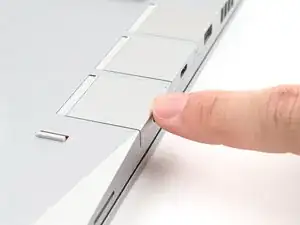
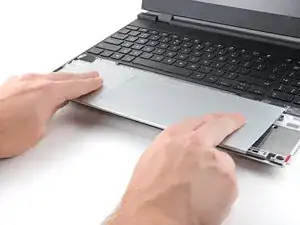
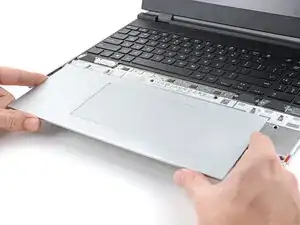
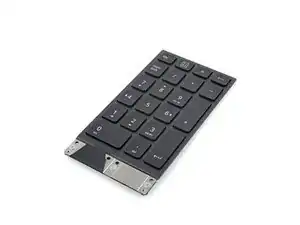
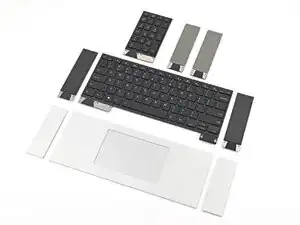
Unlike the standard 13" Framework laptop, the 16" Framework laptop features six module bays, along with an expansion bay system designated for graphics cards. The keyboard and trackpad are also modular, and can even be offset.
Beyond the hardware itself, Framework's developer program allows you to get started with designing Input Modules and Expansion Bay Modules with open source design documentation available on Framework's official GitHub Page.
Since the laptop is highly customizable, the price can fluctuate based on what specifications and operating system you want. The baseline version of the DIY model (Ryzen™ AI 7 350) starts at $1,499 USD.
The Framework laptop 16 is fully customizable, so the components may differ depending on the build. However, there are certain features that are consistent for all devices:
- The case is a silver, with a distinct gear-shaped logo on the top cover.
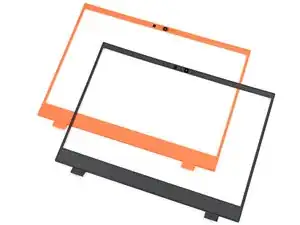
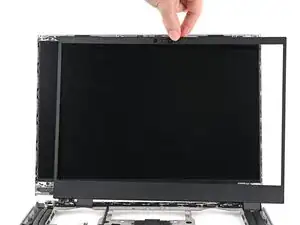
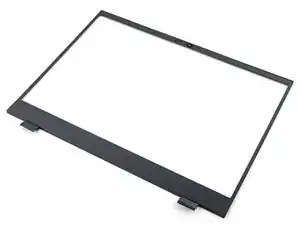
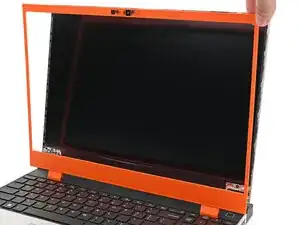
- The bezel around the screen is magnetic and can be switched out easily with different color options (currently black, orange, and lavender).
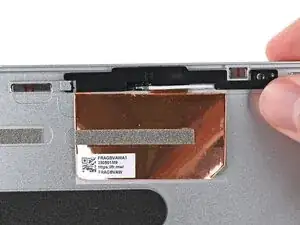
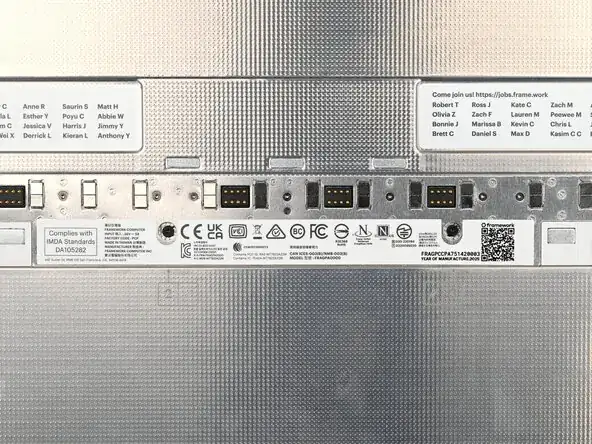
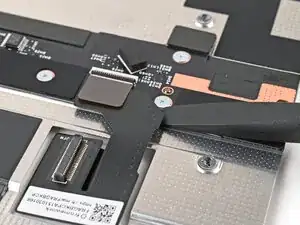
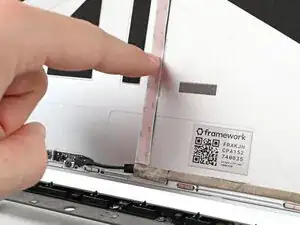
- You will find the serial and model number either on your laptop's original box or on the metal midframe under the trackpad:
For a detailed look at the pros and cons of repairing the Framework Laptop 16, see the attached report.
Repairability Snapshot Framework Laptop 16
Schematics
Mainboard Interfaces Schematic Framework Laptop 16 Ryzen AI 300 Series
Framework Laptop 16 Mainboard Drawings
The most updated schematics can be found on Framework's GitHub page.
Processor Options:
- "Performance:" Ryzen™ AI 7 350 (Up to 5.0GHz, 8-core 16-thread)
- "Performance Pro:" same as above
- "Overkill:" Ryzen™ AI 9 HX 370 (Up to 5.1GHz, 12-core 24-thread)
NPU:
Processor Power:
- Performance = 45W sustained, 54W boost
- Balanced = 40W sustained, 48W boost
- Efficiency = 30W sustained, 36W boost
Thermals:
- Mainboard = Honeywell PTM7958 phase change thermal interface for processor / two 6.0mm and one 8.0mm heatpipes
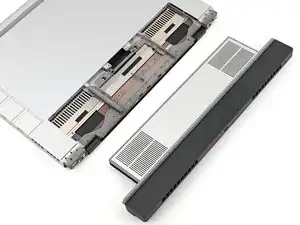
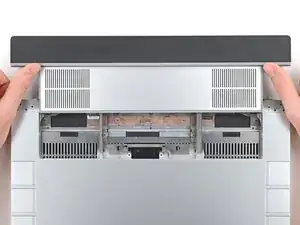
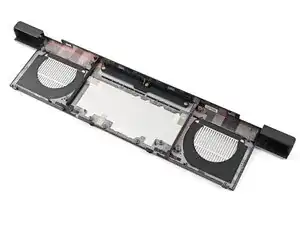
- Expansion Bay Shell = 75.0 × 75.0 × 8.5mm dual fans
- Graphics Module = Honeywell PTM7958 phase change thermal interface / four 10mm heatpipes / 75.0 × 75.0 × 11.5mm dual fans
Graphics:
- Integrated:
- Ryzen™ AI 7 350 = AMD Radeon™ 860M / Up to 3.0GHz / 8 graphics cores
- Ryzen™ AI 9 HX 370 = AMD Radeon™ 890M / Up to 2.9GHz / 16 graphics cores
- Discrete:
- Radeon™ RX 7700S = 32 compute units / 100W TGP / 8GB 18Gbps GDDR6 memory / USB-C port with DP Alt Mode
- NVIDIA® GeForce RTX™ 5070 = 798 AI TOPS / Up to 100W TGP on AC, 50W on battery / 8GB GDDR7 memory / 128-bit memory bus / 384GB/s memory bandwidth / 2.0GHz base clock and up to 2.4GHz boost / USB-C port with DP Alt Mode and charging / 4,608 CUDA cores / DLSS 4 / 5th gen tensor cores / 4th gen ray tracing / 1x 9th gen NVIDIA encoder / 1x 6th gen NVIDIA decoder
Operating Systems:
- Pre-built:
- "Performance:" Windows 11 Home (Copilot+ enabled)
- "Performance Pro:" Windows 11 Pro (Copilot+ enabled)
- "Overkill:" Windows 11 Pro (Copilot+ enabled)
- DIY Edition:
- Doesn't come pre-installed
Primary Storage:
- Pre-built:
- "Performance:" 512GB M.2 2280 SSD
- "Performance Pro:" 1TB M.2 2280 SSD
- "Overkill:" 2TB M.2 2280 SSD
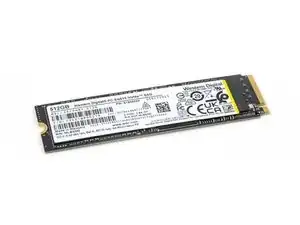
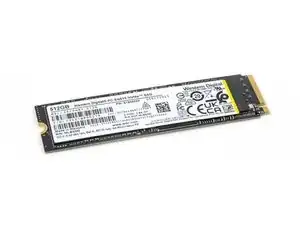
- DIY Edition supports any M.2 2280 SSD (Framework recommends Western Digital)
Secondary Storage:
- Neither the Pre-built or DIY Edition come with secondary storage
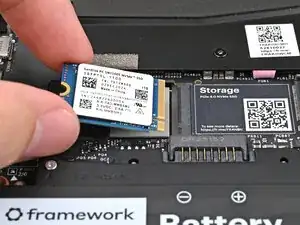
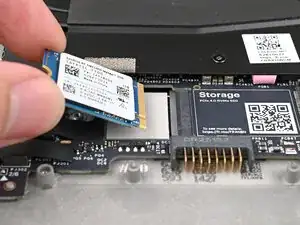
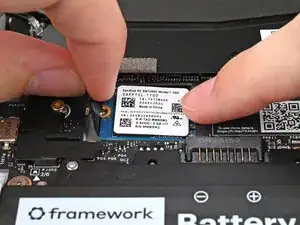
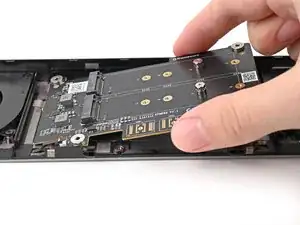
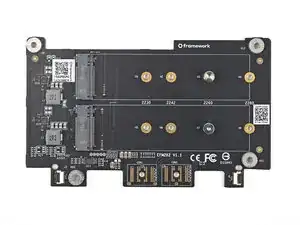
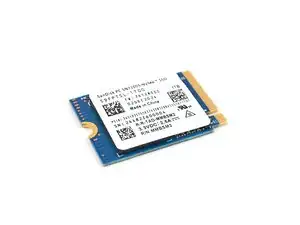
- Supports any x2 PCIe 4.0 M.2 2230 SSDs, with x4 PCIe running at a slower speed (Framework recommends Western Digital)
Memory:
- Pre-built:
- "Performance:" 16GB (2 x 8GB) DDR5-5600
- "Performance Pro:" 32GB (2 x 16GB) DDR5-5600
- "Overkill:" 64GB (2 x 32GB) DDR5-5600
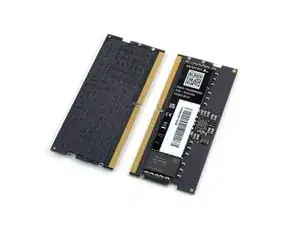
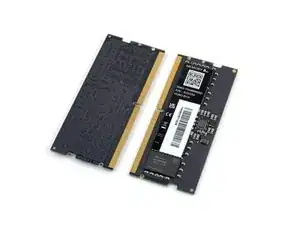
- DIY Edition supports up to 96 GB DDR5-5600 (Framework sells their own branded RAM)
Connectivity:
- Wi-Fi: AMD RZ717 Wi-Fi 7 module supporting Wi-Fi 7
- Bluetooth: 5.2
Display:
- Refresh Rate: 165 Hz
- Brightness: 500 nits
- Rise & Fall Time: 9 ms
- Contrast Ratio: 1500:1
- Pixels: 2560 x 1600 px
- RGB Color Space: 100% DCI-P3
- FreeSync: Yes
- VRR: Yes
- Anti-glare matte display
- G-Sync support - requires NVIDIA® GeForce RTX™ 5070 Laptop GPU and Display Kit (2nd gen)
I/O:
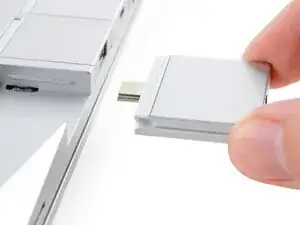
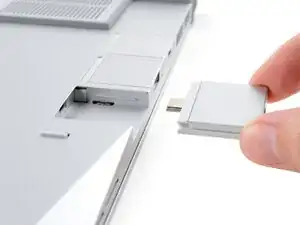
- You can choose six "Expansion Cards" that act as interchangeable ports:
- USB-C
- USB-A
- HDMI
- Display Port
- Ethernet
- MicroSD
- Audio (3.5 mm headphone jack)
- Storage Expansion (250 GB and 1 TB)
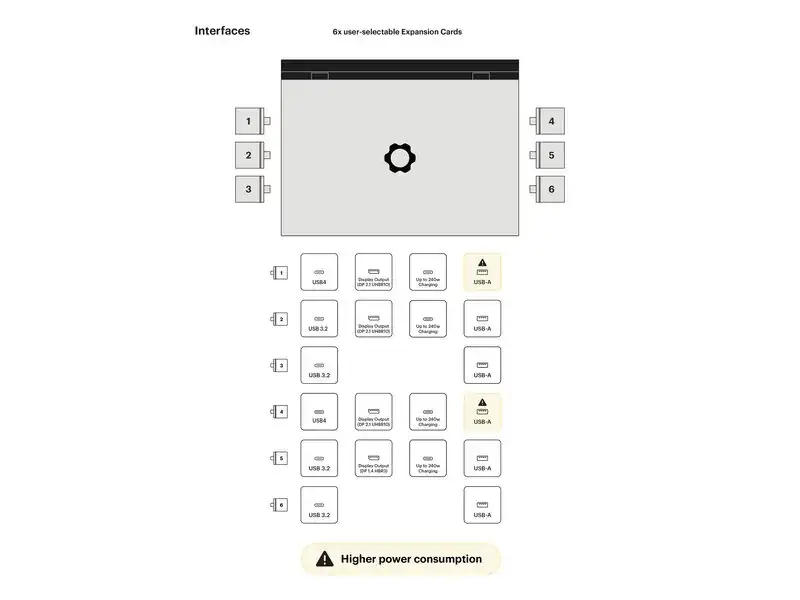
Refer to this chart by Framework for which slots are compatible with specific Expansion Cards:
For example, you can't have a display output Expansion Card in slot 3 or 6. |
- NVIDIA® GeForce RTX™ 5070 Laptop GPU = USB 2.0 / Display Output (DP 2.1) / Up to 240W charging
- Radeon™ RX 7700S = USB 2.0 / Display Output (DP 2.1)
Audio:
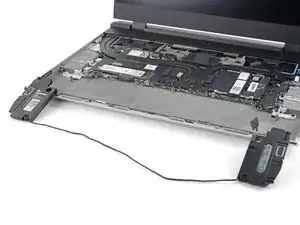
- Speakers: Stereo Bi-amp speakers with 1W high frequency driver
- Driver: 2W wide band driver, powered by an ALC1318 smart amp
- Microphones: 2 x MEMs microphones with hardware privacy switches
Power:
- 85Wh battery with 80% at 1000 cycles
Camera:
- 1080p 30fps webcam with Omnivision OV08X 9.2MP image sensor, 87 degree field of view 5 element lens, and a hardware privacy switch
Biometrics:
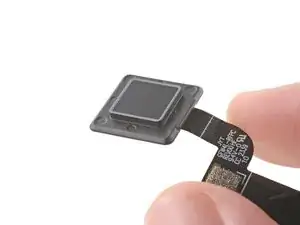
- Fingerprint Reader compatible with Windows Hello and libfprint in Linux
Touchpad:
- 122.6mm x 76.6mm Windows Precision Touchpad with matte glass surface
Power Adapter Compatibility:
Physical Dimensions:
- Width: 356.58 mm
- Length: 270.00mm
- Height: 17.95mm
- Weight: 2.1kg
- Length w/ Graphics Module: 290.20mm
- Height w/ Graphics Module: 20.95mm
- Weight w/ Graphics Module: 2.4kg
Keyboard:
- Backlit: Yes
- Key Travel: 1.5mm
- Firmware: QMK and NKRO support
Keyboard Layout Options:
- All keyboards are backlit with 1.5mm key travel, run QMK firmware and support NKRO
- Find their list of supported keyboard types here.
Mechanical:
- Top Cover: CNC Aluminum
- Bottom Cover: Magnesium Alloy Thixomolded
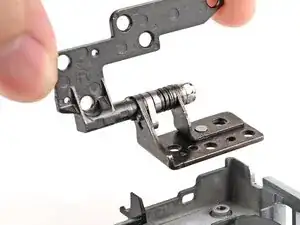
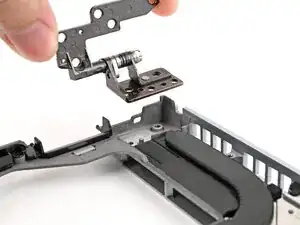
- Hinges: 155° with 6.1kg force profile