Introdução
-
-
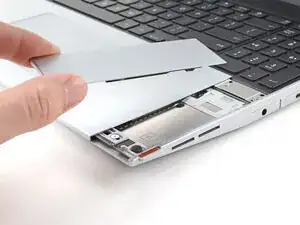
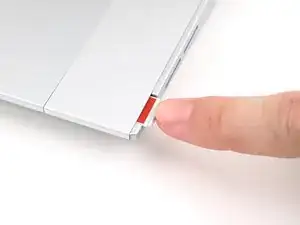
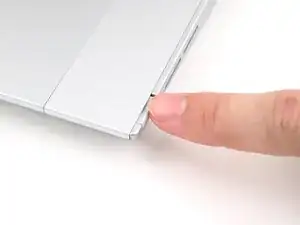
Place the Touchpad Spacer over its spot on the laptop with the bottom edge overhanging slightly.
-
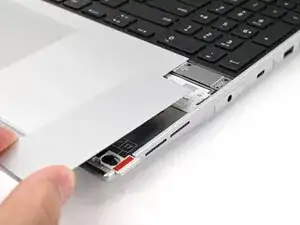
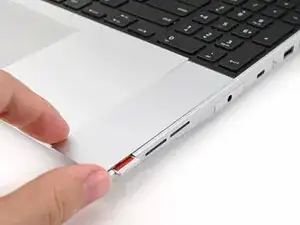
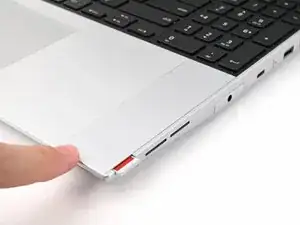
Slide the Touchpad Spacer towards the top of the laptop to secure it.
-
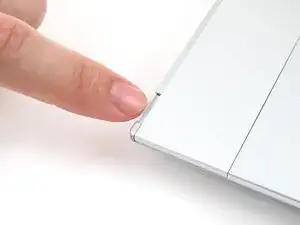
Repeat the same procedure for the other Touchpad Spacer.
-
Conclusão
To reassemble your device, follow these instructions in reverse order.
Repair didn’t go as planned? Try some basic troubleshooting, or ask our Answers Community for help.
