Introdução
-
-
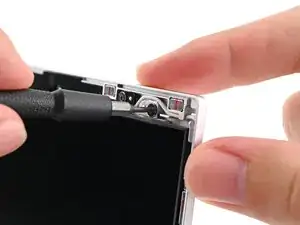
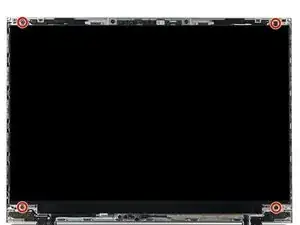
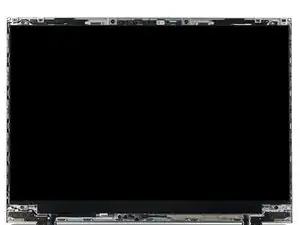
While supporting the display with one hand, use your Framework Screwdriver to remove the four 2.4 mm‑long T5 Torx screws securing the display.
-
-
-
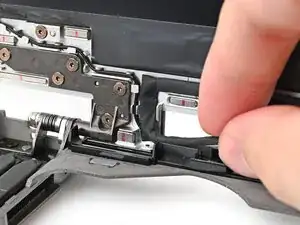
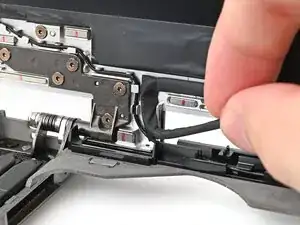
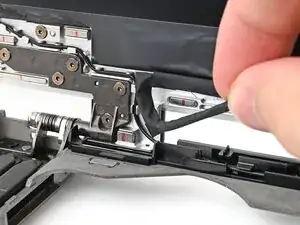
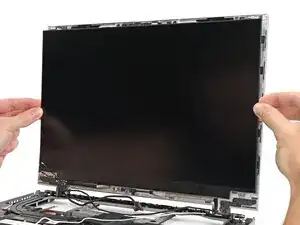
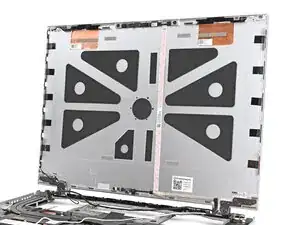
Grab the display and pull it straight off the Top Cover to free it from its alignment pegs.
-
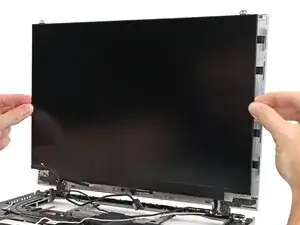
Remove the display.
-
Conclusão
To reassemble your device, follow these instructions in reverse order.
