Introdução

  1. fdlX1ZigVAEoTtJt
    fdlX1ZigVAEoTtJt
    bMt3JwDXMQKXFvoH
    Sd5AevEchhM122ej
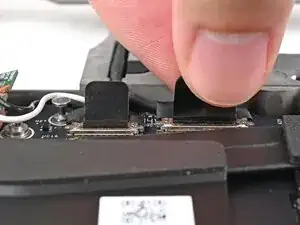
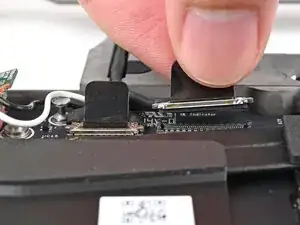
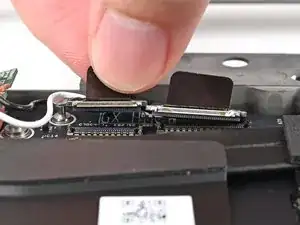
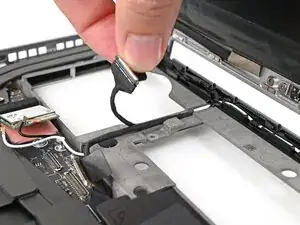
    • Grip the eDP cable connector to the right of the Wi-Fi module slot by its pull tab and lift up to disconnect it.

    • Repeat for the webcam cable connector next to it.

  2. 4CI31RNiq5UPhJ2I
    4CI31RNiq5UPhJ2I
    tgHYDnDpIjMaTuZJ
    gY2IYrxAUaQX2VjJ
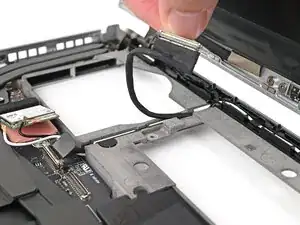
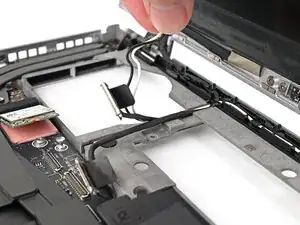
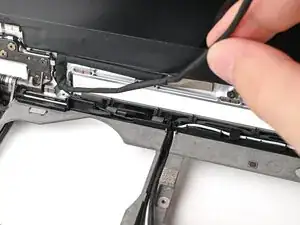
    • Lift the eDP, webcam, and antenna cables out of their vertical slot in the Bottom Cover.

  3. 1LRpASjNLJNKBHLt
    1LRpASjNLJNKBHLt
    Brl2GiOdNXWuYSM2
    CeSvRc3u6QhgBXAb
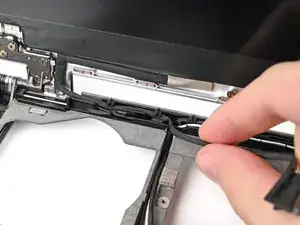
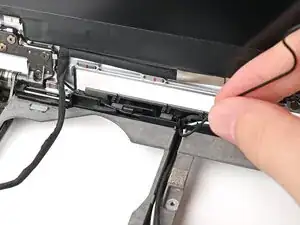
    • Use your fingers to guide the eDP cable out of its clips along the top left edge of the Bottom Cover.

  4. 2qa5NBgvvcRMqWdn
    2qa5NBgvvcRMqWdn
    L2pmuoBhiGquKMtR
    ILIIIFlSDc2OpdnQ
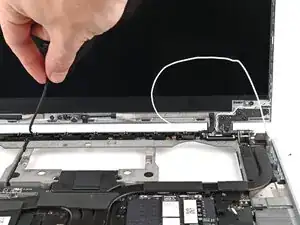
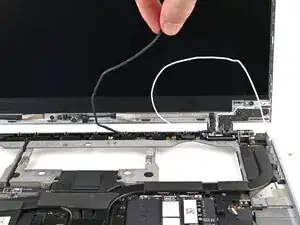
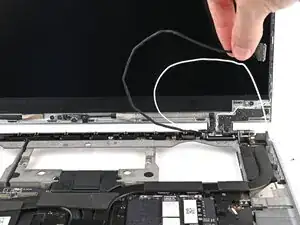
    • Repeat the previous step for the black antenna cable.

  5. 2tCVOQrOyURhZWoI
    2tCVOQrOyURhZWoI
    hGWVYxct1sFbeIg4
    gCHk1S5BIErHQcV1
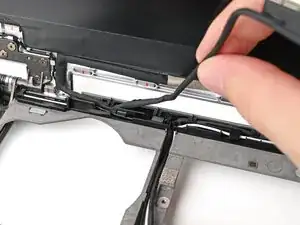
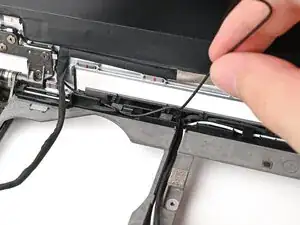
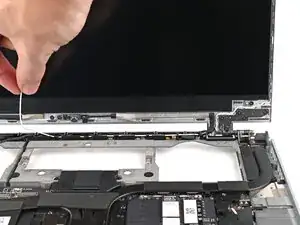
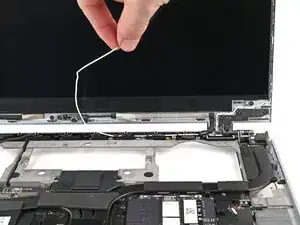
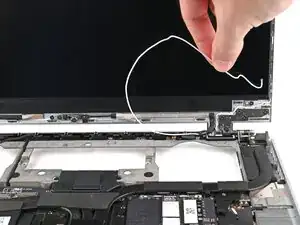
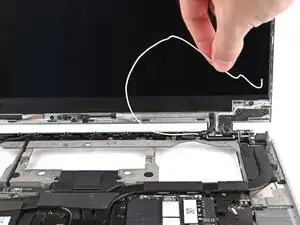
    • Use your fingers to guide the white antenna cable out of its clips along the top right edge of the Bottom Cover.

  6. XK5Tc4sbpl51ZcfE
    XK5Tc4sbpl51ZcfE
    KcjtqMVKPYnZHrQ2
    tGHeI6CPEYfJgiAP
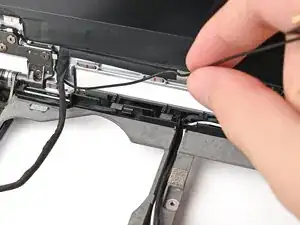
    • Repeat the previous step for the webcam cable.

Conclusão

To reassemble your device, follow these instructions in reverse order.

Alex Diaz-Kokaisl

Membro desde: 16/01/22

227430 Reputação

0 comentários