Introdução
-
-
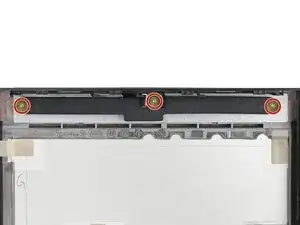
Use your Framework Screwdriver to remove the three 3.6 mm‑long screws securing the rubber spacer.
-
-
-
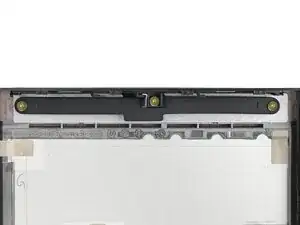
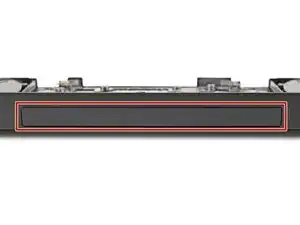
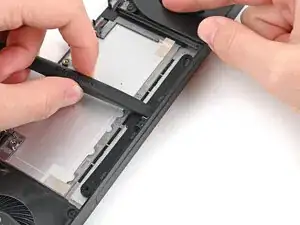
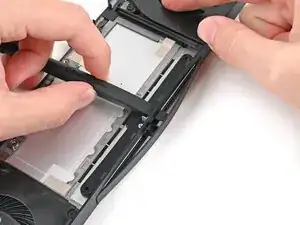
While holding the Expansion Bay Shell down, use the flat end of your Framework Screwdriver to push the plastic strip near the rubber spacer outwards.
-
-
-
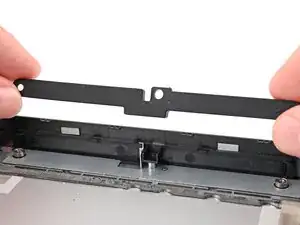
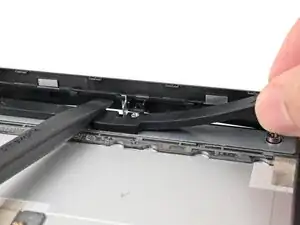
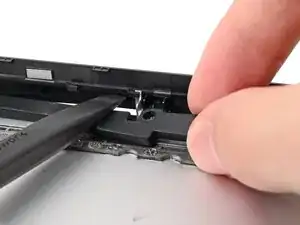
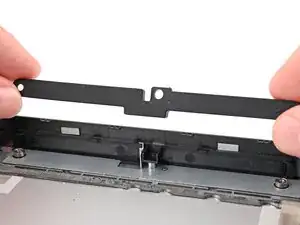
While keeping the plastic strip bent, lift the rubber spacer out of its screw posts and remove it.
-
Conclusão
To reassemble your device, follow these instructions in reverse order.
