Introdução
-
-
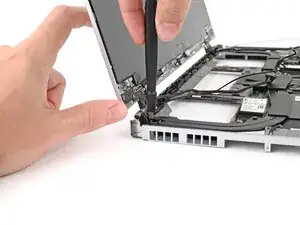
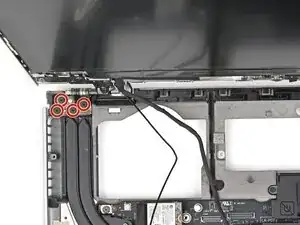
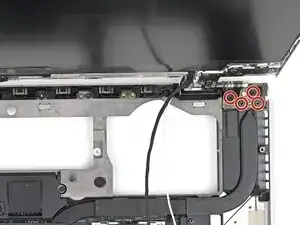
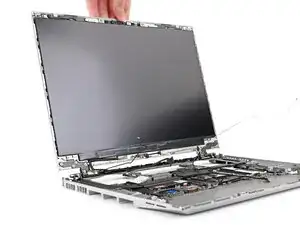
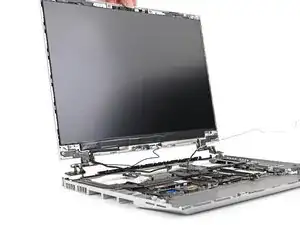
While supporting the Top Cover with one hand, use your Framework Screwdriver to remove the four 3.9 mm‑long screws on each hinge connected to the Bottom Cover (8 total).
-
-
-
Lift up the interposer door to reveal the screw underneath.
-
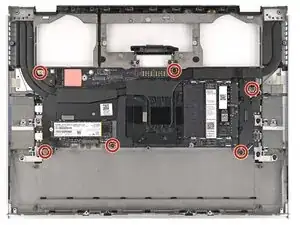
Use your Framework Screwdriver to remove the six 2.0 mm‑long T5 Torx screws securing the Mainboard.
-
-
-
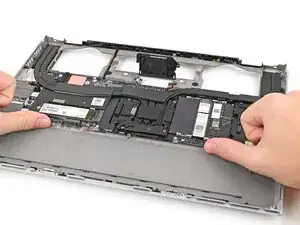
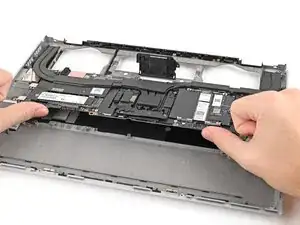
Use your fingers to lift the bottom edge of the Mainboard enough to grip its edges.
-
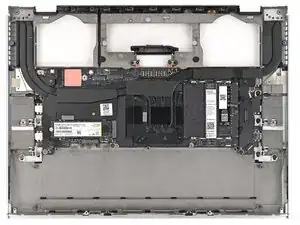
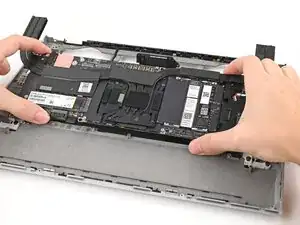
Lift the Mainboard off its alignment pegs and remove it.
-
Conclusão
To reassemble your device, follow these instructions in reverse order.
