Introdução

  1. grA52eURD4nX4AlI
    grA52eURD4nX4AlI
    pGY1AAgfEmBKSR5X
    Bmaik2RmCtkLKcue
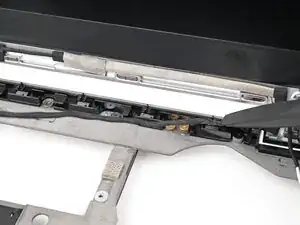
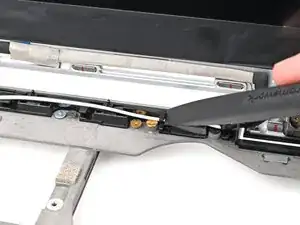
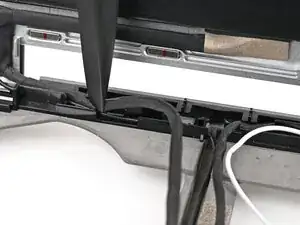
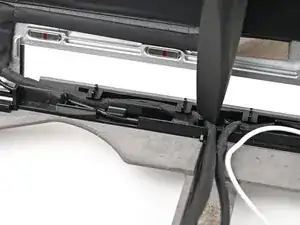
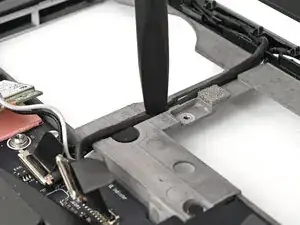
    • Use the flat end of your Framework Screwdriver, or your fingers, to press the webcam cable into its clips at the top right edge of the Bottom Cover.

  2. Oq3OgOWlQprJ1ujI
    Oq3OgOWlQprJ1ujI
    4hjbEXsHBwQq5Qlt
    qgpQZmREX5sRhK3r
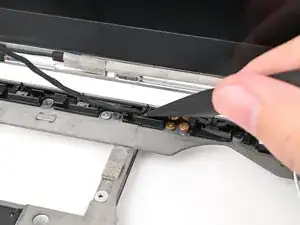
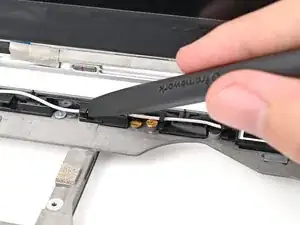
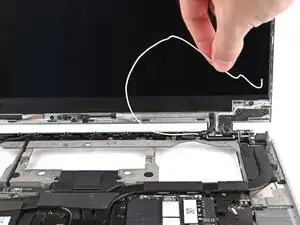
    • Repeat the previous step for the white antenna cable.

  3. pXumJMFLoZP4BCQE
    pXumJMFLoZP4BCQE
    VTVJ6DXTsqNKWGQU
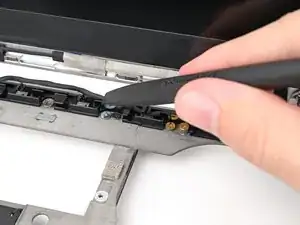
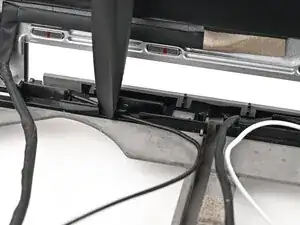
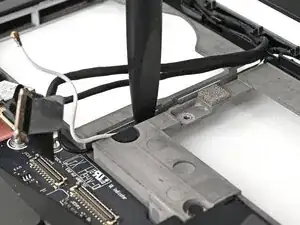
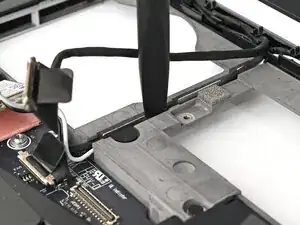
    • Use the flat end of your Framework Screwdriver, or your fingers, to press the black antenna cable into its clips at the top left edge of the Bottom Cover.

  4. qdMmkd4uCKcPbonS
    qdMmkd4uCKcPbonS
    GQLP1yvdKmjHoEAm
    • Repeat the previous step for the eDP cable.

  5. OvCZQaNS3I6Isigq
    OvCZQaNS3I6Isigq
    IFIwQwEURqIclWv4
    uDLSZBIXbDMxmNnf
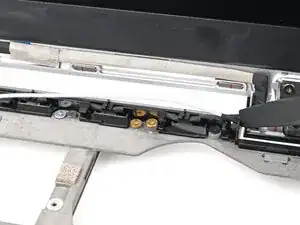
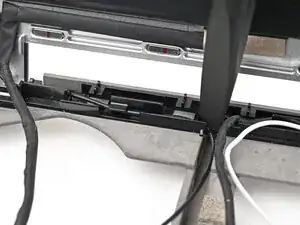
    • Press the eDP, webcam, and antenna cables into their vertical slot in the Bottom Cover.

  6. PASbcq4hiZyMF5Kb
    PASbcq4hiZyMF5Kb
    UTfZZdS1Qh3ORMit
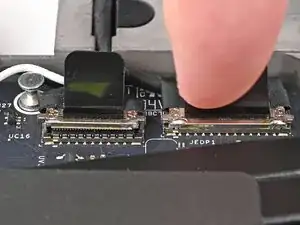
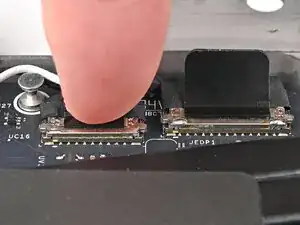
    • Press the eDP and webcam cable connectors straight down into their sockets to connect them.

Conclusão

To reassemble your device, follow these instructions in reverse order.

Alex Diaz-Kokaisl

Membro desde: 16/01/22

227430 Reputação

0 comentários