Introdução
-
-
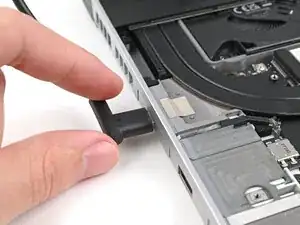
Plug the laptop into a power source.
-
The red status LED near the right Expansion Card slots should blink continuously. If this LED isn't blinking, the laptop isn't receiving power correctly—try another USB-C port.
-
-
-
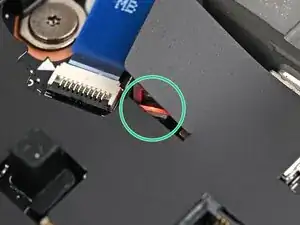
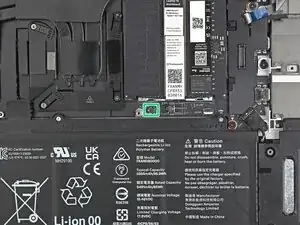
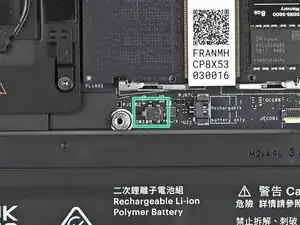
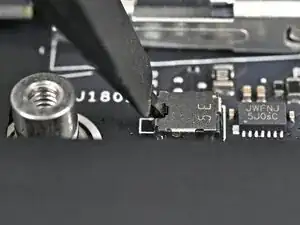
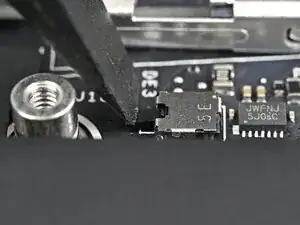
Use your finger or the flat end of a Framework Screwdriver to press the chassis open switch 10 times:
-
Press and hold the switch down for two seconds.
-
Release the switch and wait for the indicator LED to resume blinking.
-
Repeat the process 10 times total.
-
Conclusão
To reassemble your device, follow these instructions in reverse order.
