Introdução

  1. BtLCG6J1iAq4rPyc
    BtLCG6J1iAq4rPyc
    UtrGDcPyMGZIbouT
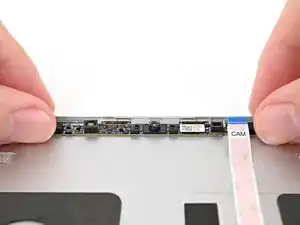
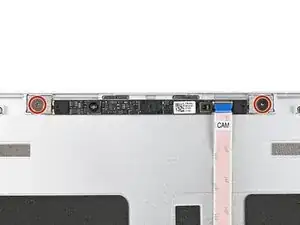
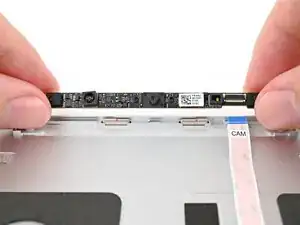
    • Place the webcam into its spot on the Top Cover.

  2. FWkwcHISVyEOM1lW
    FWkwcHISVyEOM1lW
    CIKPMCoBWGauCfMq
    ihO4Z44x2y3uVd24
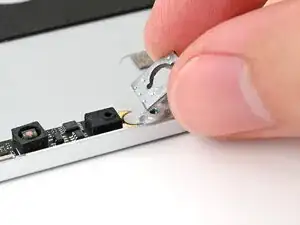
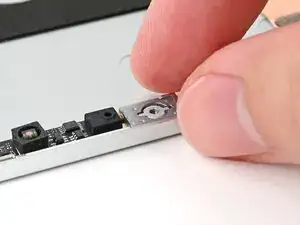
    • Use your fingers to place the washers into their spots on the Top Cover.

    • The washers only fit one way. If they're aren't fitting properly, flip them over.

  3. nKQJK5gSPfedYGeO
    nKQJK5gSPfedYGeO
    RUlciMiYNdGUFAUX
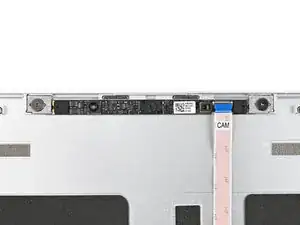
    • Use your Framework Screwdriver to install the two 2.0 mm‑long T5 Torx screws securing the webcam.

  4. TS2hrcU6WJyNIUQV
    TS2hrcU6WJyNIUQV
    aSTBt5YqvoChEITp
    gjPMlsMnjhqfuJRQ
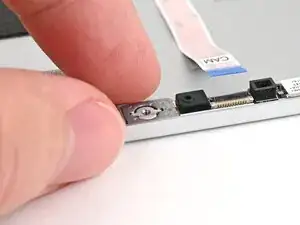
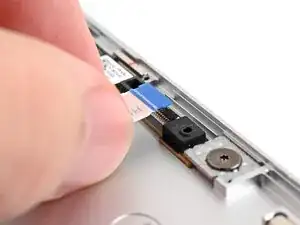
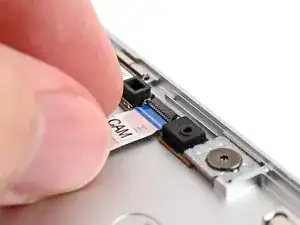
    • Use your fingers to slide the webcam cable into its socket.

  5. WJeKnxOGDEgUBis6
    WJeKnxOGDEgUBis6
    iktX3MfDSQBWIVGg
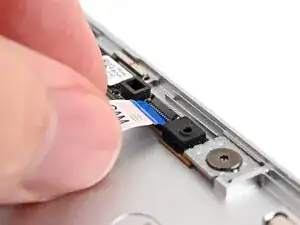
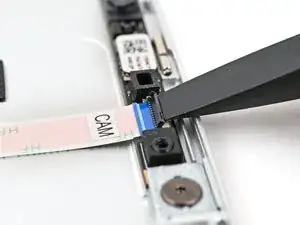
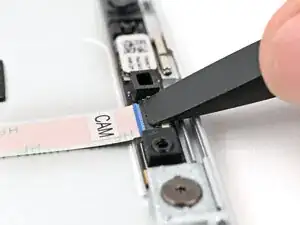
    • Use the flat end of your Framework Screwdriver, or a clean fingernail, to press down the locking tab on the webcam ZIF connector.

  6. nFKYCLBwQBE1upKG
    nFKYCLBwQBE1upKG
    AjOtwZavOITDxTX6
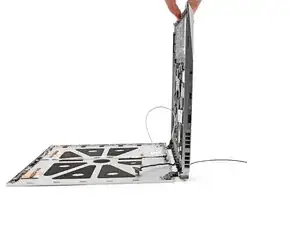
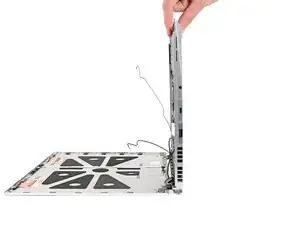
    • Place the Bottom Cover over the Top Cover, making sure the hinges are slotted into their alignment pegs.

  7. 2CqrvkuhcaDiVXhR
    2CqrvkuhcaDiVXhR
    D2C4pbGcYE3Ldvin
    Q1ZKVCMTcxmqnI1Y
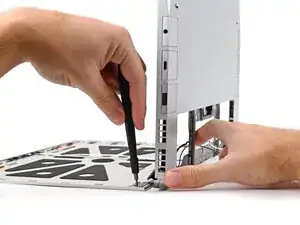
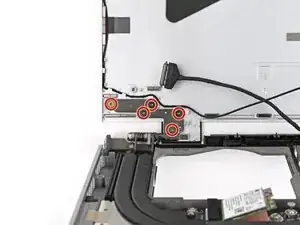
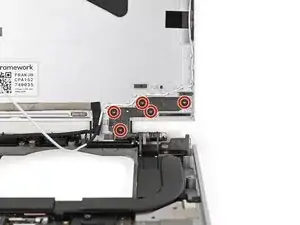
    • While supporting the Bottom Cover with one hand, use your Framework Screwdriver to install the five 2.4 mm‑long screws on each hinge connected to the Top Cover (10 total).

  8. d4xOsSpicdTb4ElM
    d4xOsSpicdTb4ElM
    iKdw6vVukt66bEjU
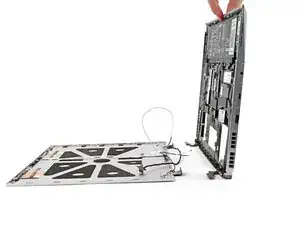
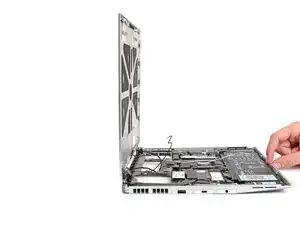
    • Tilt the laptop forwards and let it rest on its Bottom Cover.

Conclusão

To reassemble your device, follow these instructions in reverse order.

Alex Diaz-Kokaisl

Membro desde: 16/01/22

227430 Reputação

0 comentários