Introdução
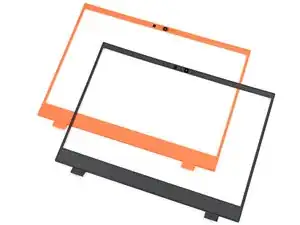
Use this guide to replace the magnetic bezel in your Framework 16 laptop.

-
-
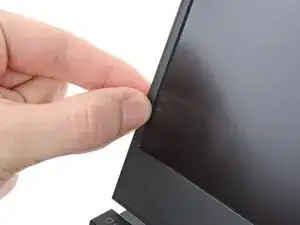
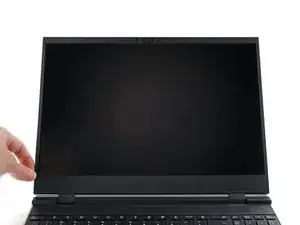
Slide your fingernail under the inside edge of either bottom corner of the bezel.
-
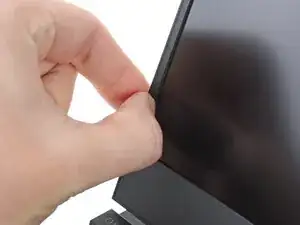
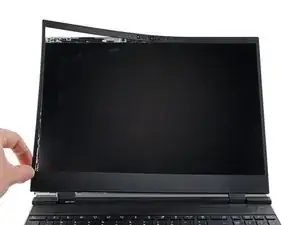
Pull the bezel away from the screen to release the first few magnets.
-
-
-
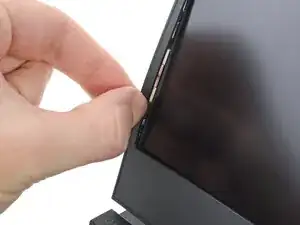
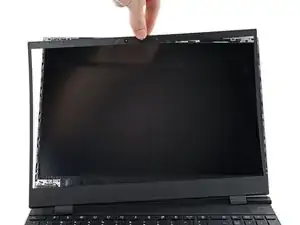
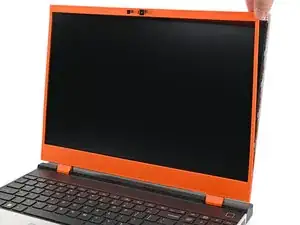
Lift the bezel around the perimeter of the screen until all of its magnets are released.
-
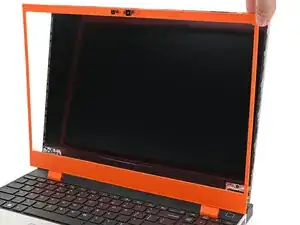
Remove the bezel.
-
-
-
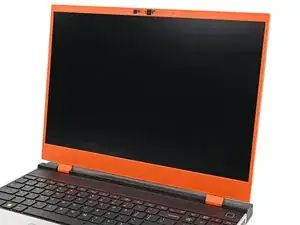
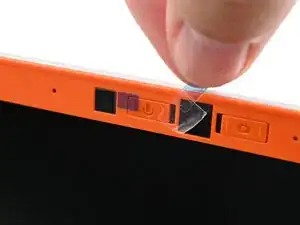
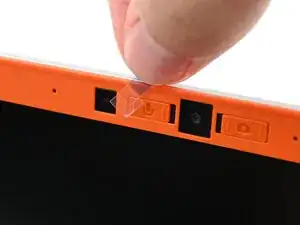
Align the bezel over the perimeter of the display and let the magnets pull the bezel into place.
-
Conclusão
If you need help, contact Framework support.
