Introdução
Ferramentas

-
-
Flip over the laptop and open it.
-
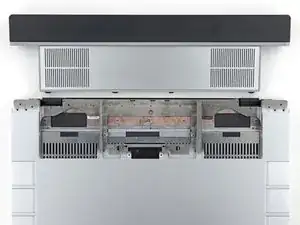
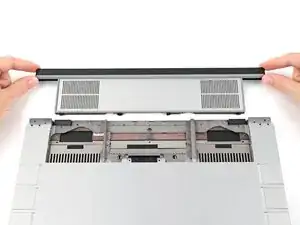
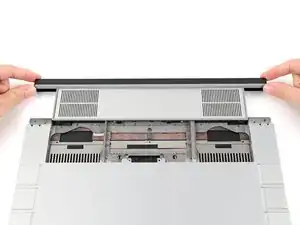
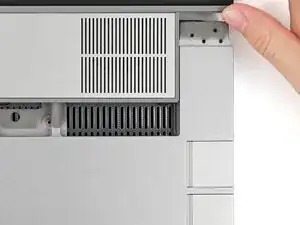
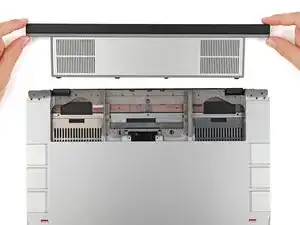
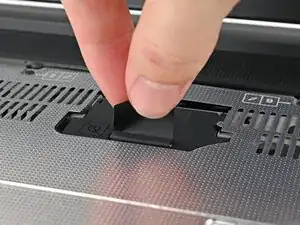
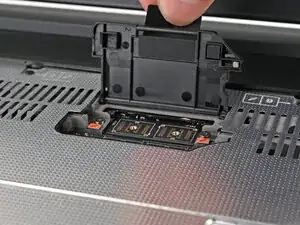
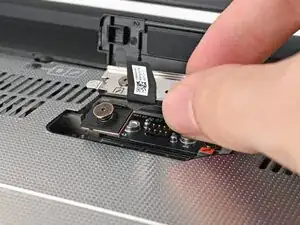
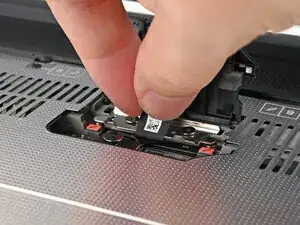
Lift the interposer door by its black pull tab and let it rest upright.
-
-
-
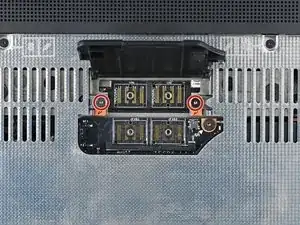
Use your Framework Screwdriver to tighten the two captive T5 Torx screws securing the Expansion Bay Shell.
-
-
-
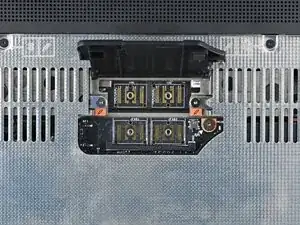
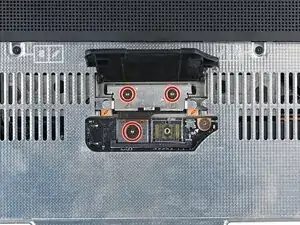
Use your Framework Screwdriver to tighten the three captive T5 Torx screws securing the interposer.
-
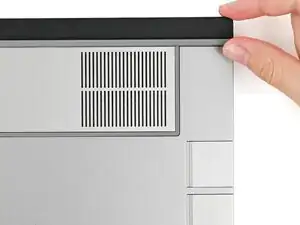
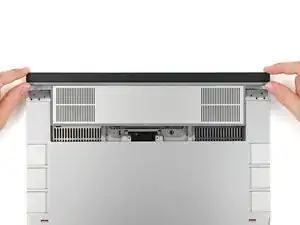
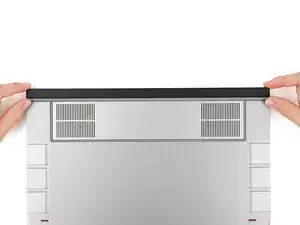
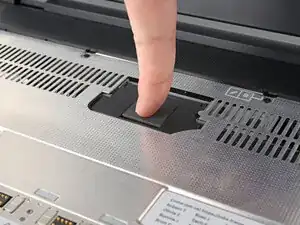
Close the interposer door.
-
Conclusão
To reassemble your device, follow these instructions in reverse order.
Repair didn’t go as planned? Try some basic troubleshooting, or ask our Answers Community for help.
