Introdução
-
-
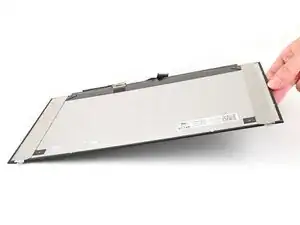
Rest your display facedown on a flat, clean work surface.
-
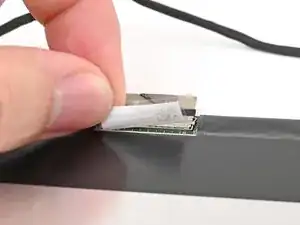
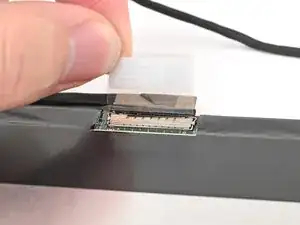
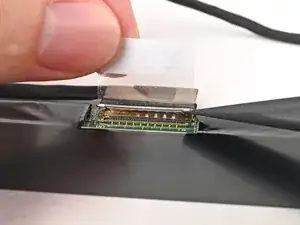
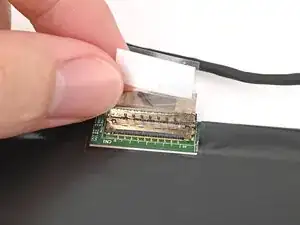
Use your fingers to flip up the plastic tab and access the connector underneath.
-
-
-
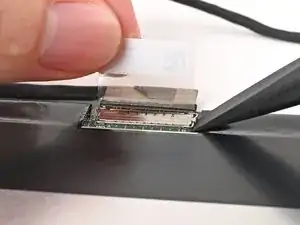
Use the flat end of your Framework Screwdriver to lift up the metal locking tab over the display connector.
-
-
-
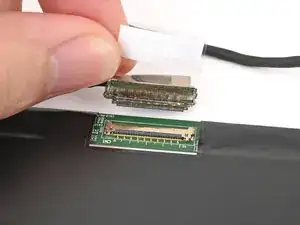
Grip the display cable where it meets the connector head.
-
Slide the connector straight out of its socket to disconnect it.
-
Conclusão
To reassemble your device, follow these instructions in reverse order.
