Introdução
-
-
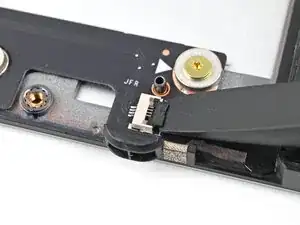
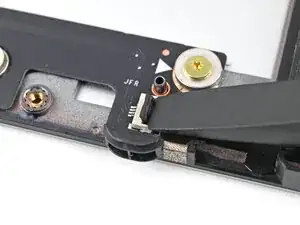
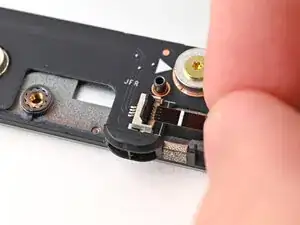
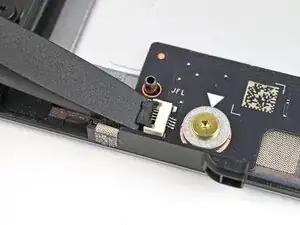
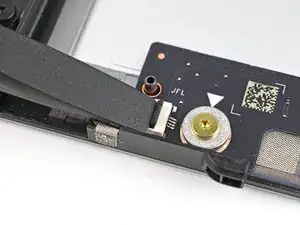
Use the flat end of your Framework Screwdriver, or a clean fingernail, to lift up and release the locking tab on one of the fan ZIF connectors.
-
-
-
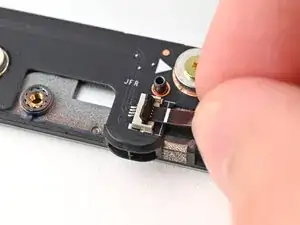
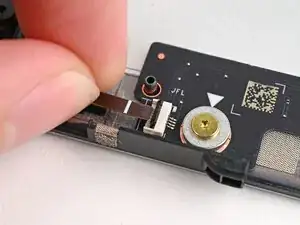
Use your fingers to grip the brown pull tab and slide the fan cable straight out of its socket.
-
-
-
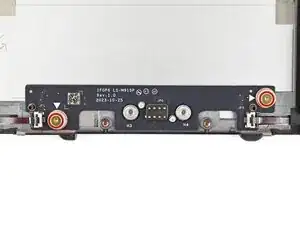
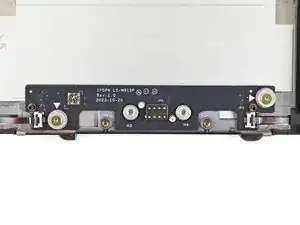
Use your Framework Screwdriver to remove the two 3.6 mm‑long screws securing the Expansion Bay Shell Fan Board.
-
-
-
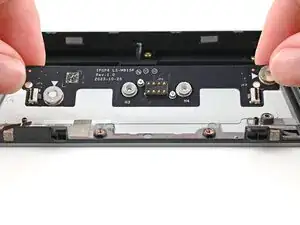
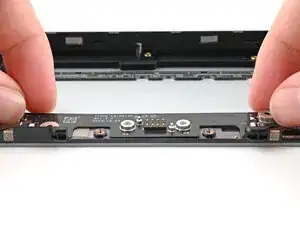
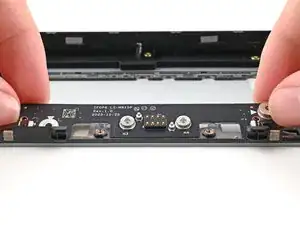
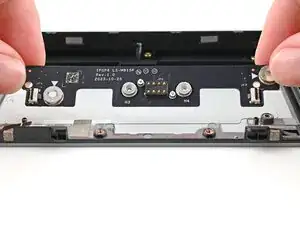
Use your fingers to lift the board straight off its alignment pegs on Expansion Bay Shell and remove it.
-
Conclusão
To reassemble your device, follow these instructions in reverse order.
