Introdução

  1. V2CUewD6OQVgUwNd
    V2CUewD6OQVgUwNd
    FoSxDsy2yMqYbeUQ
  2. ooBNeknaOCPUFU1v
    ooBNeknaOCPUFU1v
    sDAulYDvbkUhmtkD
    1SxGFxuPndBDqtxU
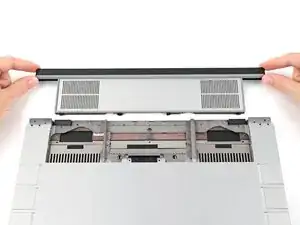
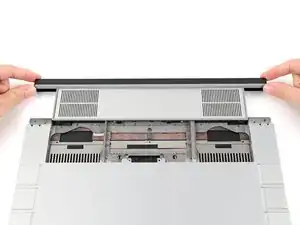
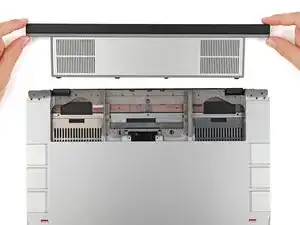
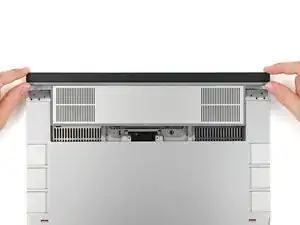
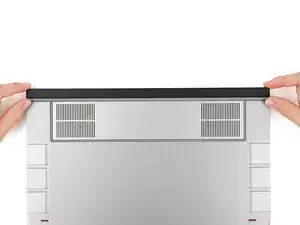
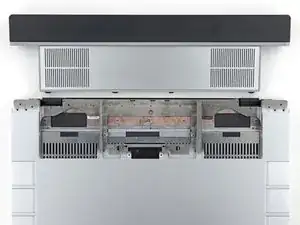
    • While keeping the shell level with the laptop, slide it into its slot.

    • The shell should slide in easily. If you feel any resistance, pull the module out and realign it.

    • You should hear an audible "click" when the shell's clips snap into place.

  3. ijgrLrI1TnApuUXl
    ijgrLrI1TnApuUXl
    lCCnADUNZhxXM4Lm
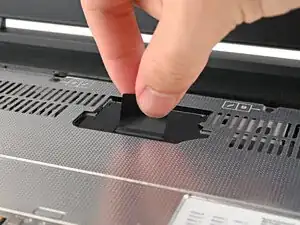
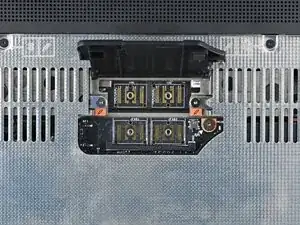
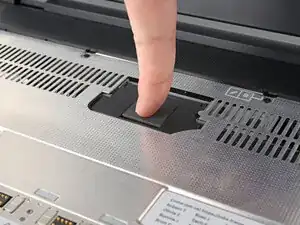
    • Flip over the laptop and open it.

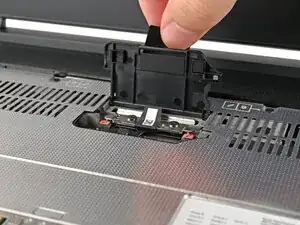
    • Lift the interposer door by its black pull tab and let it rest upright.

  4. 1xM31Q5HLnOx22yi
    1xM31Q5HLnOx22yi
    K2msUAJei2QOCFTF
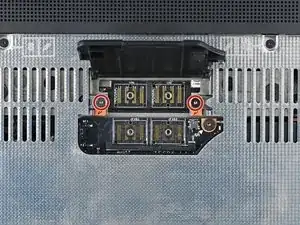
    • Use your Framework Screwdriver to tighten the two captive T5 Torx screws securing the Expansion Bay Shell.

  5. NQAgCpTOAqbR5XMw
    NQAgCpTOAqbR5XMw
    kjCI5mcn5BTReEAP
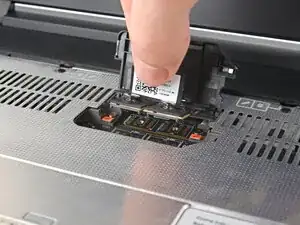
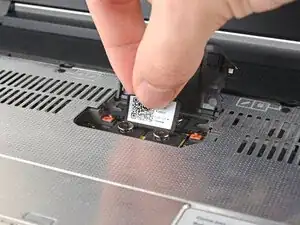
    • Place the interposer over its spot between the Mainboard and the Expansion Bay.

  6. QU6DVdYN4NIrRb6M
    QU6DVdYN4NIrRb6M
    ny2MDHPvLAEQtmsl
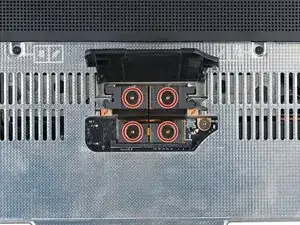
    • Use your Framework Screwdriver to tighten the three captive T5 Torx screws securing the interposer.

    • Close the interposer door.

Conclusão

To reassemble your device, follow these instructions in reverse order.

Repair didn’t go as planned? Try some basic troubleshooting, or ask our Answers Community for help.

Alex Diaz-Kokaisl

Membro desde: 16/01/22

227430 Reputação

0 comentários