Introdução
-
-
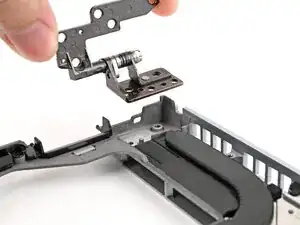
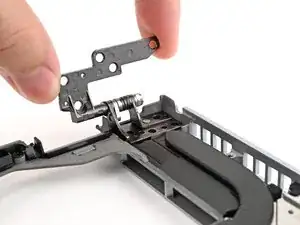
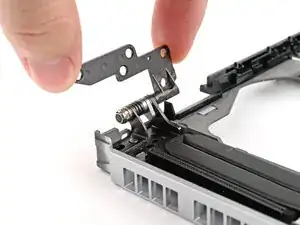
Place the hinges in their slots on the Bottom Cover, making sure they sit in their alignment pegs.
-
-
-
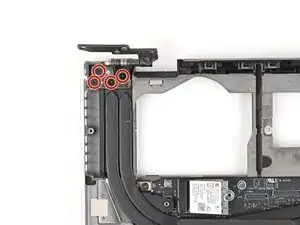
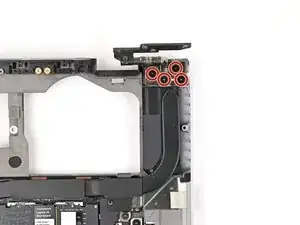
Use your Framework Screwdriver to install the four 3.9 mm‑long screws on each hinge connected to the Top Cover (8 total).
-
-
-
Place the Bottom Cover over the Top Cover, making sure the hinges are slotted into their alignment pegs.
-
-
-
While supporting the Bottom Cover with one hand, use your Framework Screwdriver to install the five 2.4 mm‑long screws on each hinge connected to the Top Cover (10 total).
-







Conclusão
To reassemble your device, follow these instructions in reverse order.
