Introdução
-
-
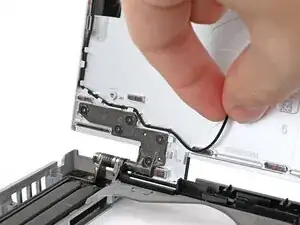
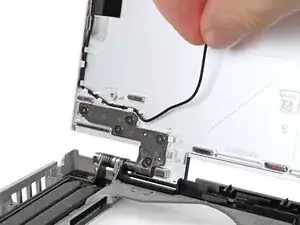
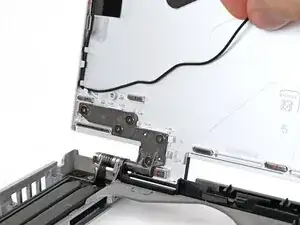
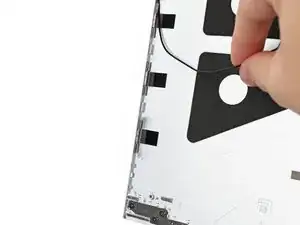
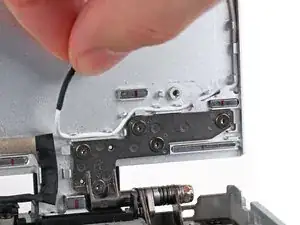
Use your fingers to guide the black antenna cable out of its clips on the bottom left corner of the Top Cover.
-
-
-
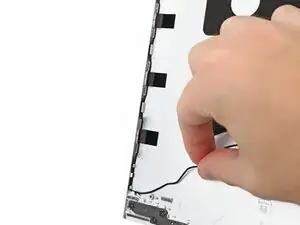
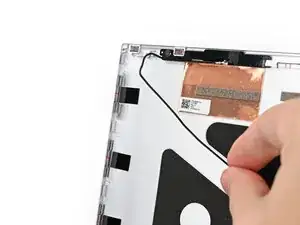
Repeat the previous step for the clips along the left edge of the Top Cover until the cable is completely free.
-
-
-
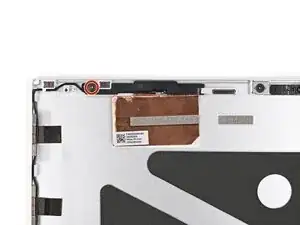
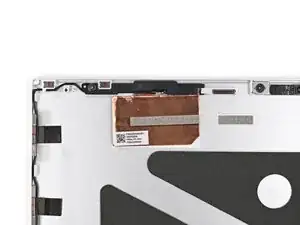
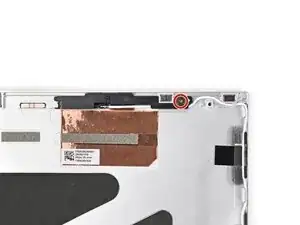
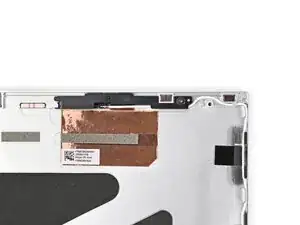
Use your Framework Screwdriver to remove the 2.4 mm‑long T5 Torx screw securing the left antenna.
-
-
-
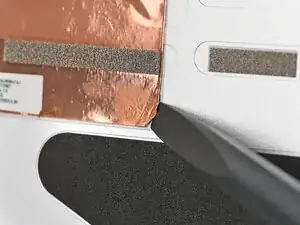
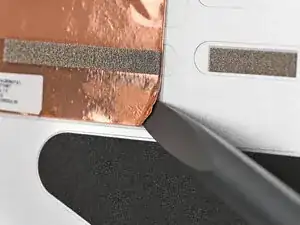
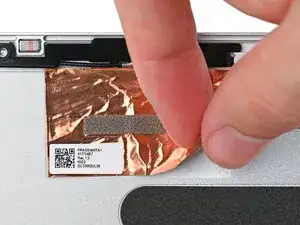
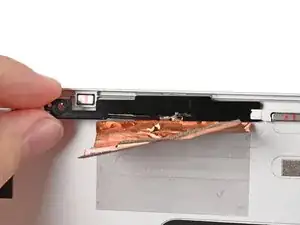
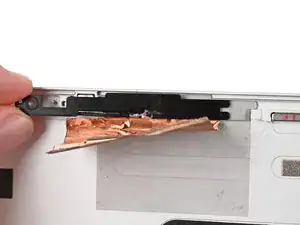
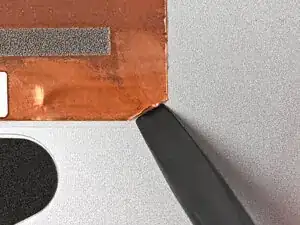
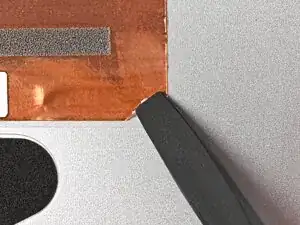
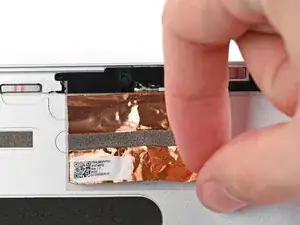
Use the flat end of your Framework Screwdriver to peel up a corner of the left antenna's copper film until you can grip it with your fingers.
-
-
-
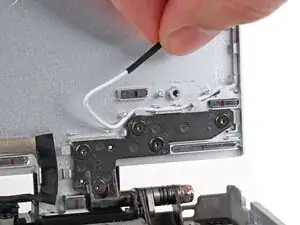
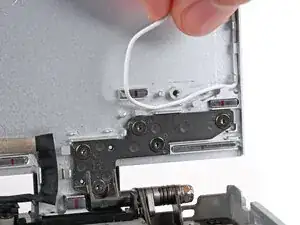
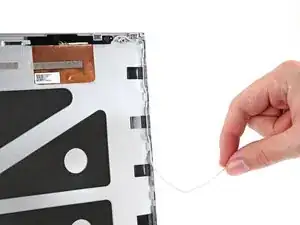
Use your fingers to guide the white antenna cable out of its clips on the bottom right corner of the Top Cover.
-
-
-
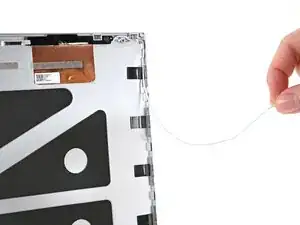
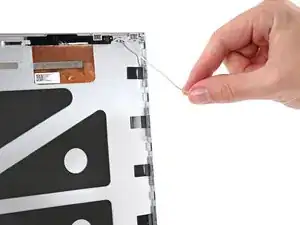
Repeat the previous step for the clips along the right edge of the Top Cover until the cable is completely free.
-
-
-
Use your Framework Screwdriver to remove the 2.4 mm‑long T5 Torx screw securing the right antenna.
-
-
-
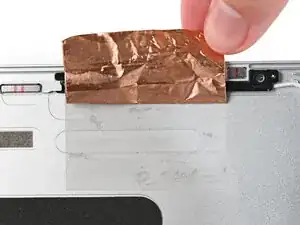
Use the flat end of your Framework Screwdriver to peel up a corner of the right antenna's copper film until you can grip it with your fingers.
-
-
-
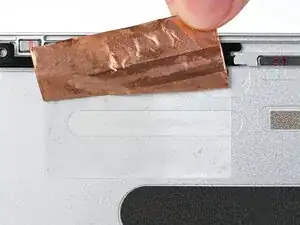
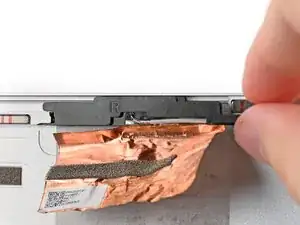
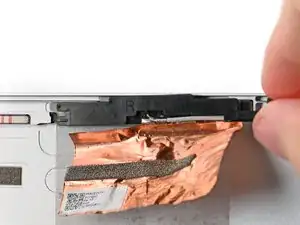
Use your fingers to slide the right antenna out of its slot in the Top Cover and remove it.
-
To reassemble your device, follow these instructions in reverse order.
