Introdução
-
-
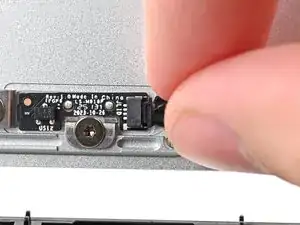
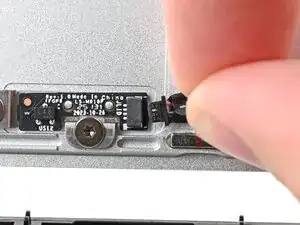
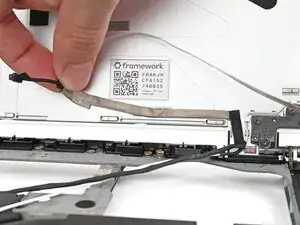
Grip the Hall Effect cable connector by its black pull tab and slide it straight out of its socket.
-
-
-
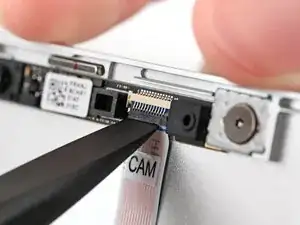
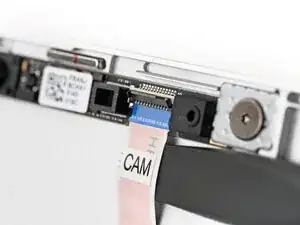
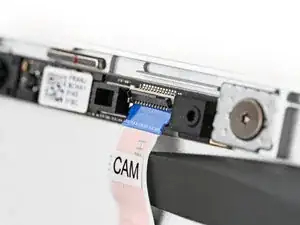
While supporting the Top Cover with one hand, use the flat end of your Framework Screwdriver, or a clean fingernail, to lift up the locking tab on the webcam ZIF connector.
-
-
-
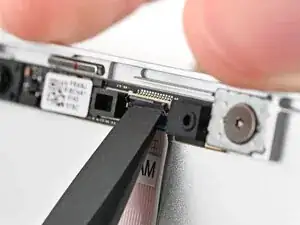
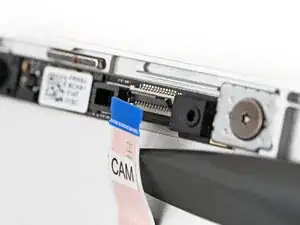
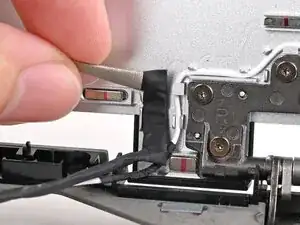
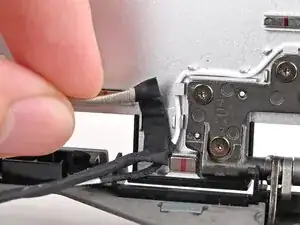
Slide the flat end of your Framework Screwdriver under the webcam cable, near the ZIF connector, and twist to slide the connector out of its socket.
-
-
-
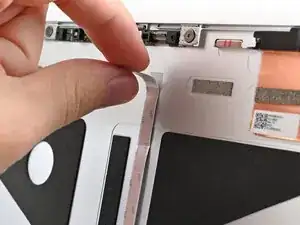
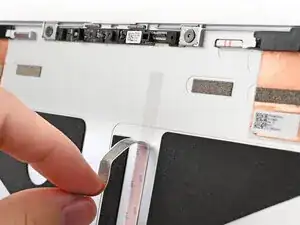
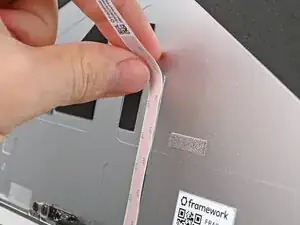
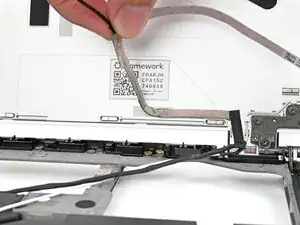
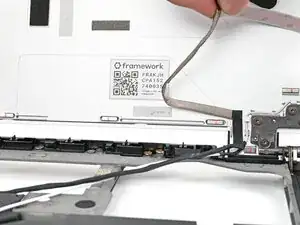
Use your fingers to peel off the flat portion of the webcam cable from its adhesive near the top edge of the Top Cover.
-
-
-
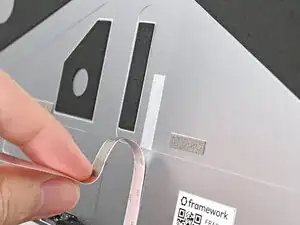
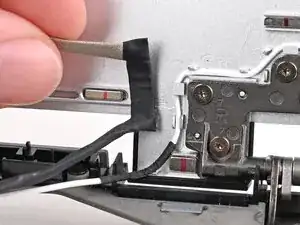
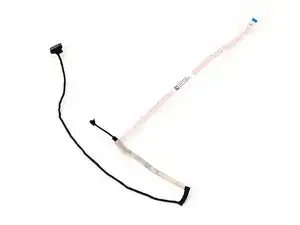
Use your fingers to peel off the thick portion of the webcam cable from its adhesive near the bottom edge of the Top Cover.
-
Conclusão
To reassemble your device, follow these instructions in reverse order.
