Introdução
Ferramentas


-
-
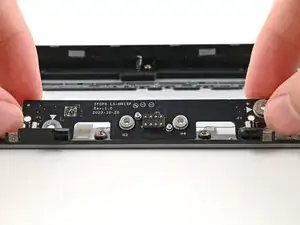
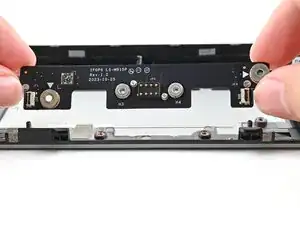
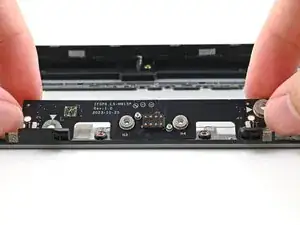
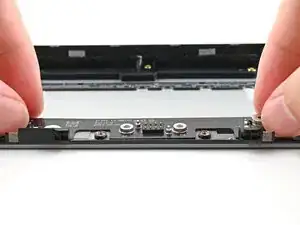
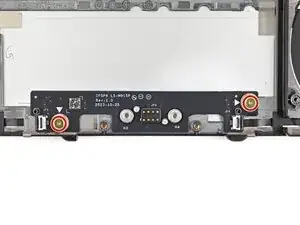
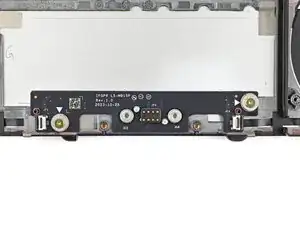
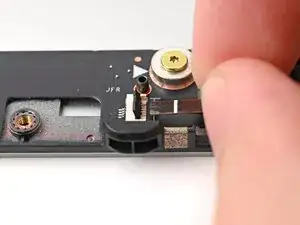
Use your Framework Screwdriver to install the two 3.6 mm‑long screws securing the Expansion Bay Shell Fan Board.
-
-
-
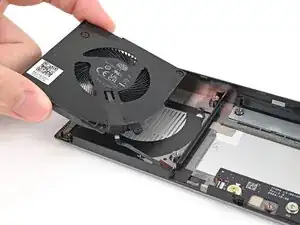
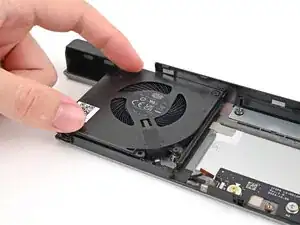
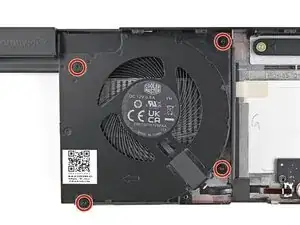
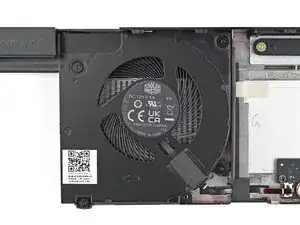
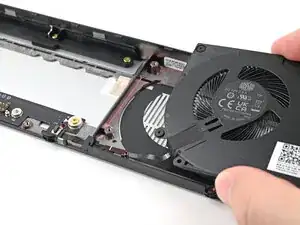
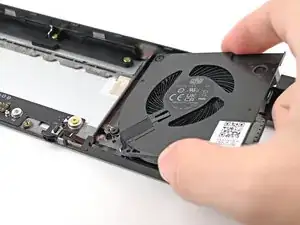
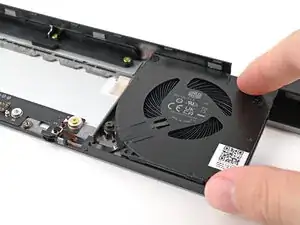
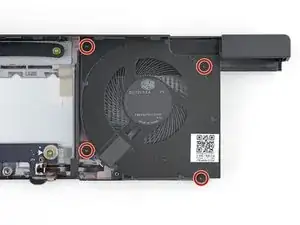
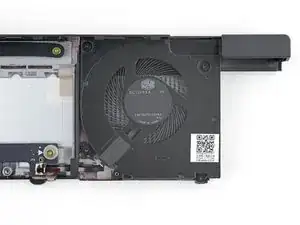
Use your Framework Screwdriver to tighten the four captive Torx T5 screws securing the left fan.
-
-
-
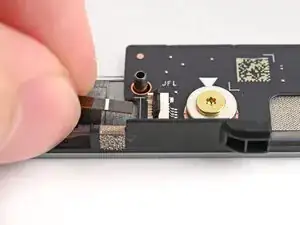
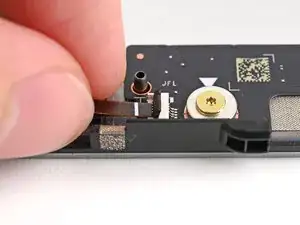
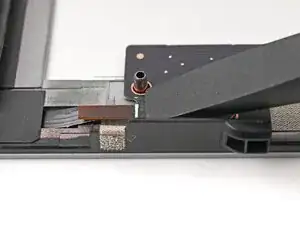
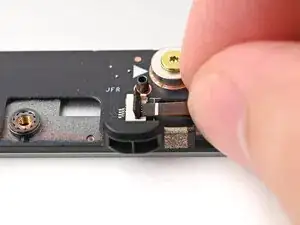
Use your fingers to grip the brown pull tab and slide the left fan cable straight into its socket.
-
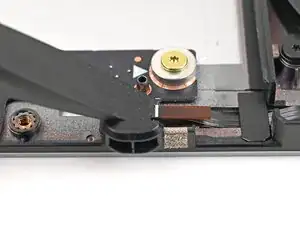
Use the flat end of your Framework Screwdriver, or a clean fingernail, to press down the locking tab on the left fan ZIF connector.
-
-
-
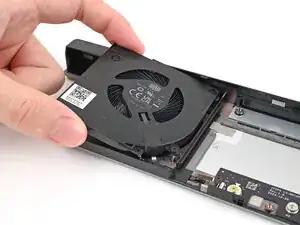
Use your Framework Screwdriver to tighten the four captive Torx T5 screws securing the right fan.
-
-
-
Use your fingers to grip the brown pull tab and slide the right fan cable straight into its socket.
-
Use the flat end of your Framework Screwdriver, or a clean fingernail, to press down the locking tab on the right fan ZIF connector.
-
To reassemble your device, follow these instructions in reverse order.
Take your e-waste to an R2 or e-Stewards certified recycler.
Repair didn’t go as planned? Try some basic troubleshooting, or ask our Answers Community for help.
