Introdução


-
-
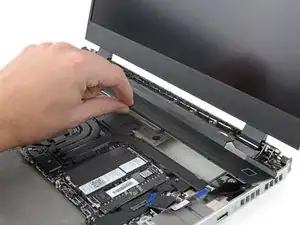
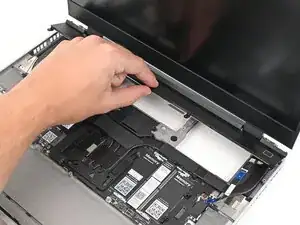
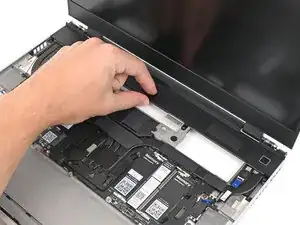
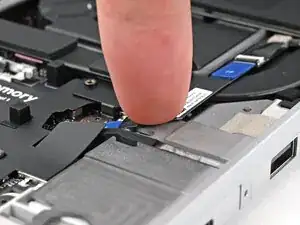
Lay the ventilation plate along the top edge of the laptop and let its magnets pull into place.
-
-
-
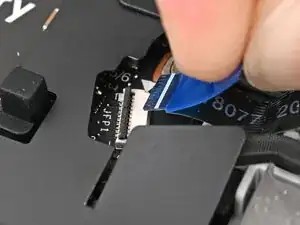
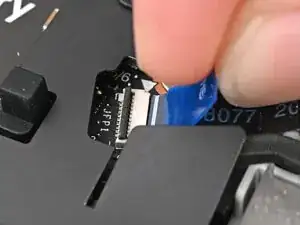
Use your fingers to grip the blue pull tab and slide the fingerprint reader cable straight into its socket.
-
-
-
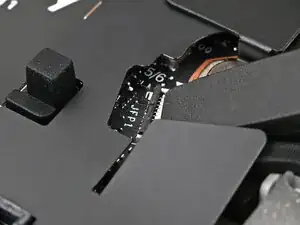
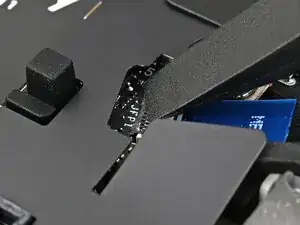
Use the flat end of your Framework Screwdriver, or a clean fingernail, to press down the locking tab on the fingerprint reader ZIF connector.
-
Conclusão
To reassemble your device, follow these instructions in reverse order.
