Introdução
-
-
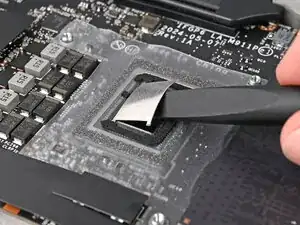
Use the flat end of your Framework Screwdriver to scrape off the hardened sections of liquid metal on the CPU.
-
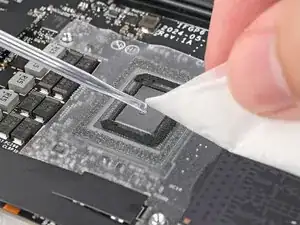
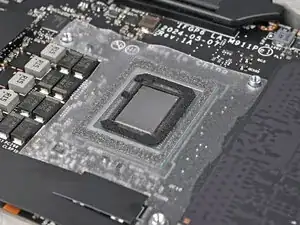
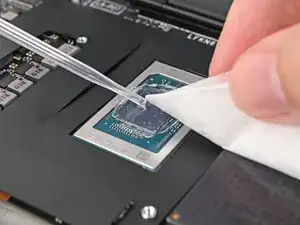
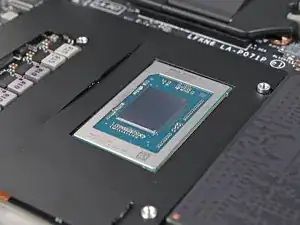
Use a few drops of high concentration (>90%) isopropyl alcohol and a lint-free cloth to wipe away the remaining residue.
-
-
-
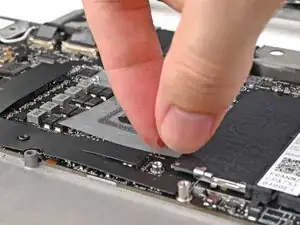
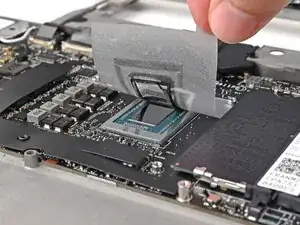
Use your fingers to peel off the plastic shield surrounding the CPU.
-
If the foam pad on the CPU doesn't come off with the tape, use the flat end of your Framework Screwdriver to pry it off.
-
Skip the next step.
-
-
-
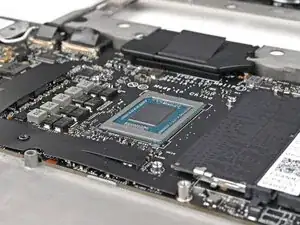
Use a few drops of high concentration (>90%) isopropyl alcohol and a lint-free cloth to wipe away the thermal pad residue.
-
-
-
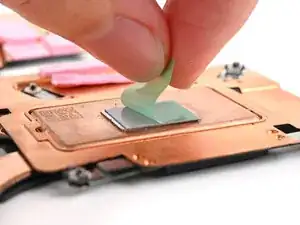
Remove the liner from the bottom of your replacement heatsink to expose the thermal pad.
-
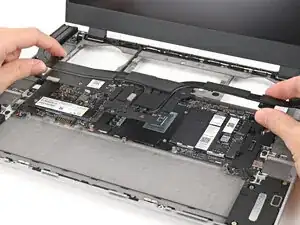
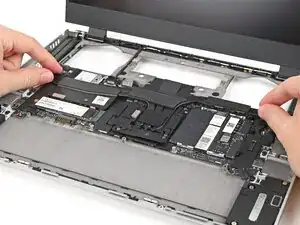
Align your heatsink over the CPU and place it straight down onto the Mainboard.
-
-
-
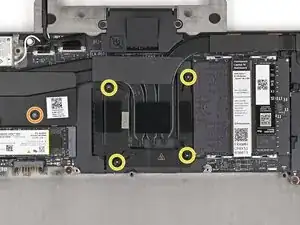
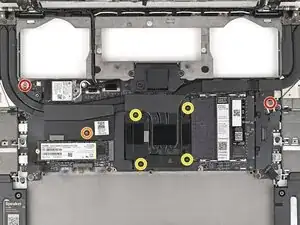
Use your Framework Screwdriver to install or tighten the T5 Torx screws securing the CPU Heatsink:
-
Tighten the captive screw above the primary SSD.
-
Tighten the captive screws directly over the CPU in reverse order from 4–1.
-
Install the two 2.0 mm‑long screws along the top corners of the Mainboard.
-
To reassemble your device, follow these instructions in reverse order.
