Introdução
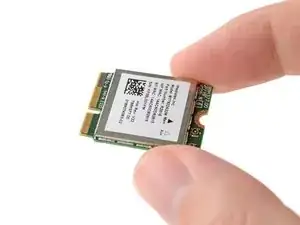
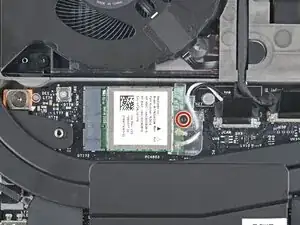
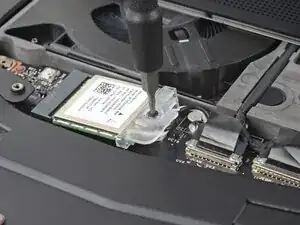
Use this guide to replace the Wi-Fi card in your Framework 16" laptop.
The Framework 16" laptop comes with an AMD RZ616 6E Wi-Fi card. This is also the same model sold on their website.
Note: the laptop used in this guide is a generic setup of one US keyboard, one numpad module, and two touchpad spacers. Your setup might vary, but the procedure should remain the same.
Ferramentas


-
-
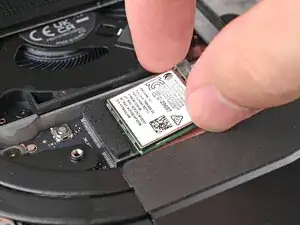
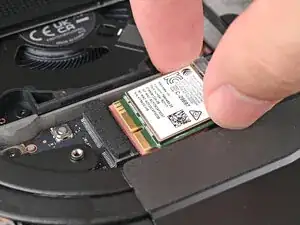
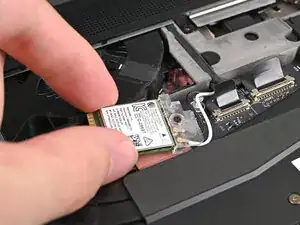
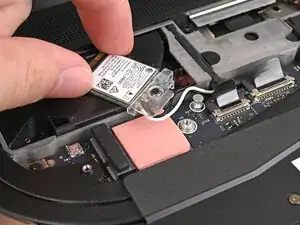
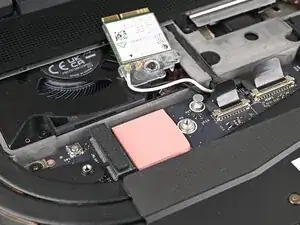
Rotate the Wi-Fi module towards the top of the laptop to keep it out of the way of the Mainboard.
-
Conclusão
To reassemble your device, follow these instructions in reverse order.
Take your e-waste to an R2 or e-Stewards certified recycler.
Repair didn’t go as planned? Try some basic troubleshooting, or ask our Answers Community for help.
