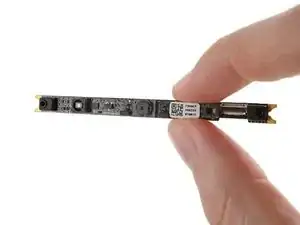
Introdução
Use this guide to replace the webcam, aka "webcam module," in your Framework 16" laptop.
Ferramentas


-
-
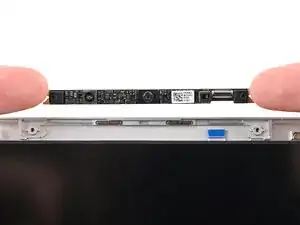
If your replacement webcam comes with liners covering the lenses, remove them now.
-
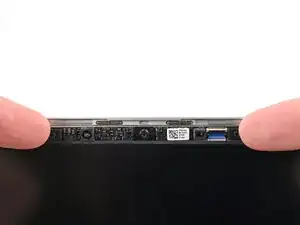
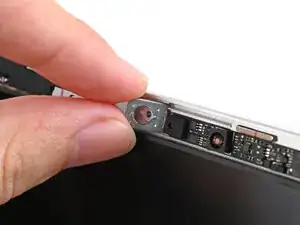
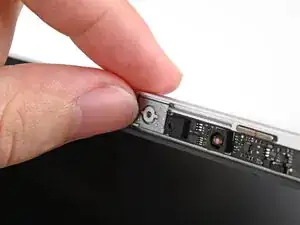
Place the webcam into its spot above the display, making sure the cable slides into its socket.
-
-
-
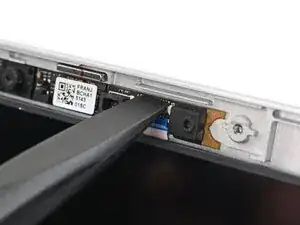
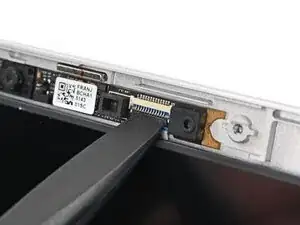
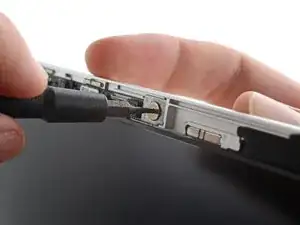
Use the flat end of your Framework Screwdriver, or a clean fingernail, to press down the locking tab on the webcam ZIF connector.
-
-
-
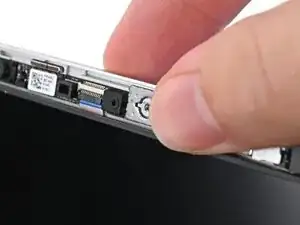
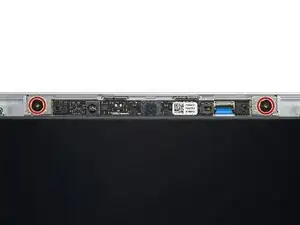
While supporting the screen with one hand, use your Framework Screwdriver to install the two 2.0 mm‑long T5 Torx screws securing the webcam.
-
To reassemble your device, follow these instructions in reverse order.
Take your e-waste to an R2 or e-Stewards certified recycler.
Repair didn’t go as planned? Try some basic troubleshooting, or ask our Answers Community for help.
