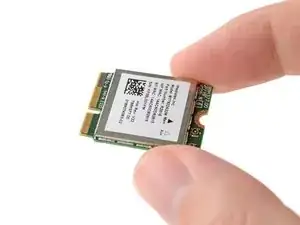
Introdução
Ferramentas


-
-
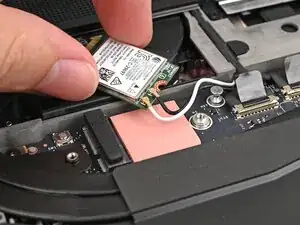
Rotate the Wi-Fi Module back into place, making sure the antenna cables wrap around their silver peg on the Mainboard and tuck underneath the heat sink.
-
-
-
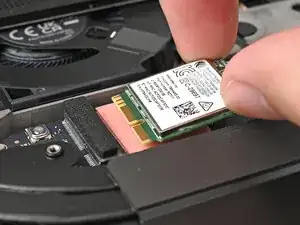
Align the Wi-Fi module's gold contacts and notch with the socket on the Mainboard.
-
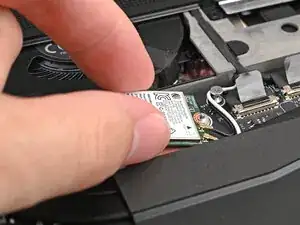
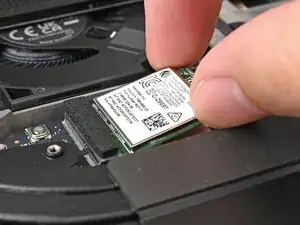
Insert the Wi-Fi module into the socket at a shallow angle. The gold contacts should mostly be covered by the socket.
-
-
-
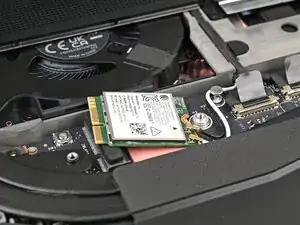
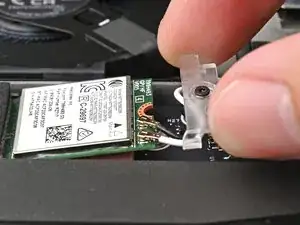
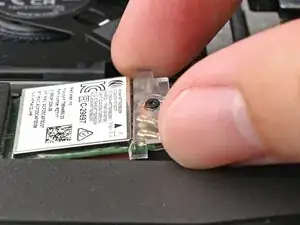
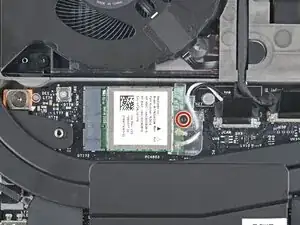
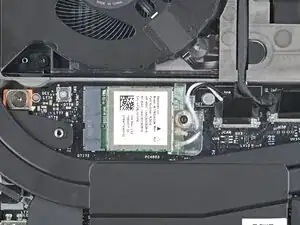
Slide the clear Wi-Fi module cover on the module and align its screw with the screw hole cutout.
-
Conclusão
To reassemble your device, follow these instructions in reverse order.
Take your e-waste to an R2 or e-Stewards certified recycler.
Repair didn’t go as planned? Try some basic troubleshooting, or ask our Answers Community for help.
