Introdução
-
-
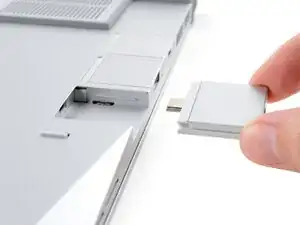
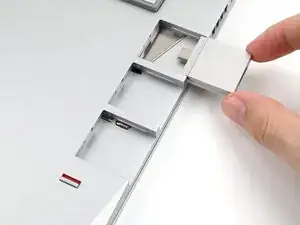
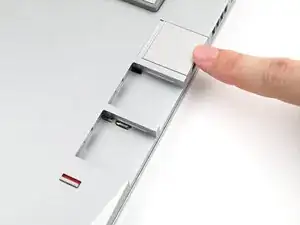
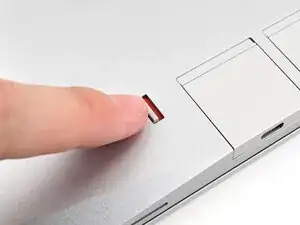
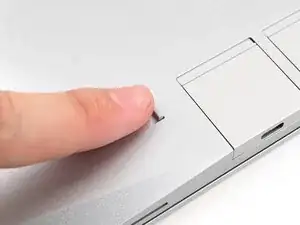
Align the new Expansion Card on the rail and push it in until it sits evenly with the edge of the laptop.
-
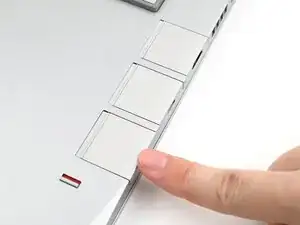
Repeat for the remaining Expansion Cards.
-
Conclusão
To reassemble your device, follow these instructions in reverse order.
Take your e-waste to an R2 or e-Stewards certified recycler.
Repair didn’t go as planned? Try some basic troubleshooting, or ask our Answers Community for help.
