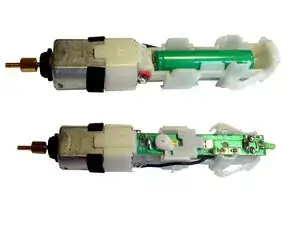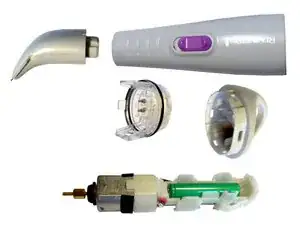
Introdução

If the charger-contact is defect (= no charging LED), or battery has never charged : read this other guide to check the electric connection

  1. VfGdQUgOgBRdQZBZ
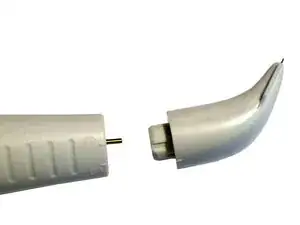
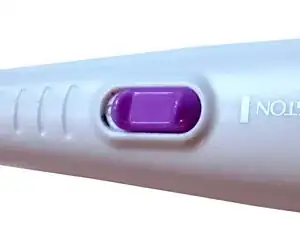
    • Twist off the head

  2. cHxFtBKOxkSQtIAS
    cHxFtBKOxkSQtIAS
    tZdsEO4RulKj4HWX
    gFvGKql2ilOcOkfD
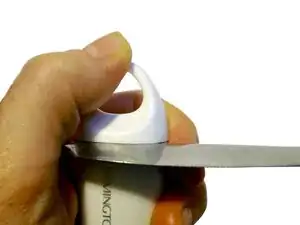
    • use a stub knife (like the stub side of a butter knife)

  3. bk45CMdmlH4OTQ3c
    bk45CMdmlH4OTQ3c
    KXURUvJY5kLHMfoW
    2ZXdtcd2mqrnaQDP
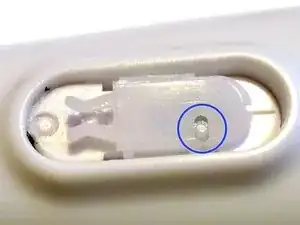
    • Carefully lever off the knob with a small knife.

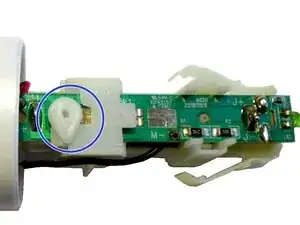
    • To reassemble: This small hook should be in that hole.

    • Take care, to no lose this little part.

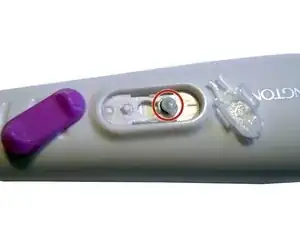
    You definitely need to take off the purple switch and internal white plastic thing in the red circle. Otherwise you might break it when you pull of the main board on the step 5.

    Dmitry Kolesnikov -

    Thanks for feedback. I corrected the guide.

    Joe Musters -

  4. Xq1TiIrxBdDIMKui
    Xq1TiIrxBdDIMKui
    cVIm6YPm2nUlZNne
    HIjHFI3WBbEoup6S
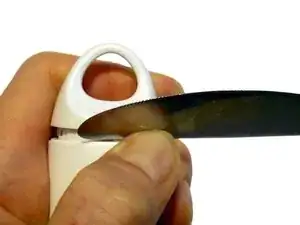
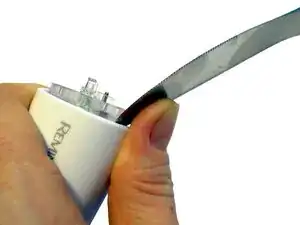
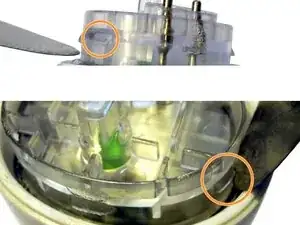
    • use a stub knife (like the stub side of a butter knife). Be careful.

    • Your hear a "blob" sound, when a locking is open.

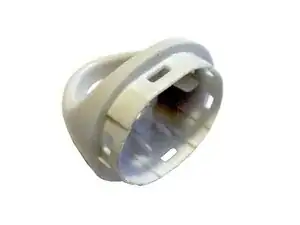
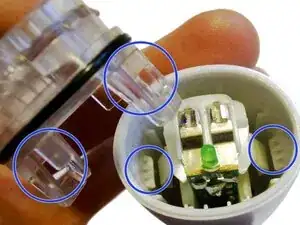
    • There are two hocks on each side, which has hold the outer cap. These may help you to lever up. But stay careful.

    • An image of the two inner locks.

  5. W2HwdZMVRCelUBG2
    W2HwdZMVRCelUBG2
    mXfpaOBN4111ZXQs
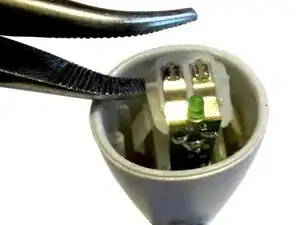
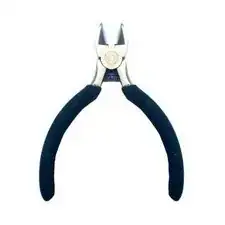
    • use a pliers to pull it out

    • Do not lose this little plastic part.

  6. lpMaV1ZCHsjlVhfP
    lpMaV1ZCHsjlVhfP
    lNFuiC1Ewq3WjJFd
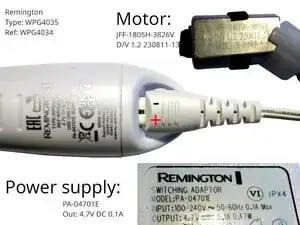
    • just image, and some technical data (incl. power supply polarity).

Conclusão

To reassemble your device, follow these instructions in reverse order.
Joe Musters

Membro desde: 02/07/20

1923 Reputação

0 comentários