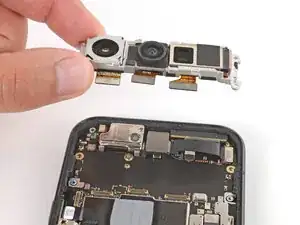
Introdução


-
-
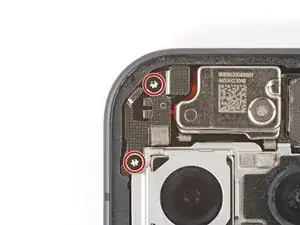
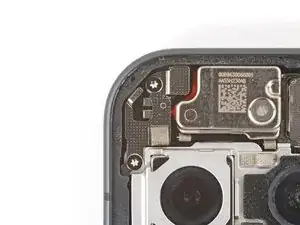
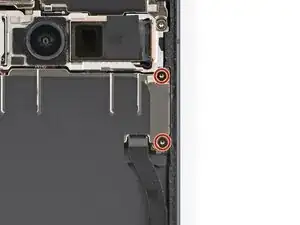
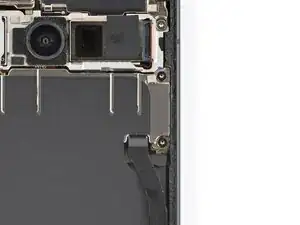
Use a Torx Plus 3IP screwdriver to install the two 5.0 mm‑long screws securing the mic cover.
-
-
-
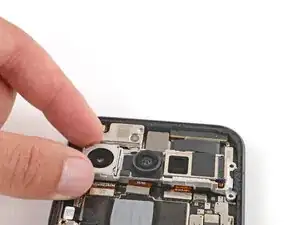
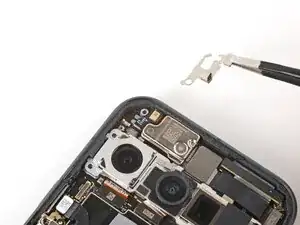
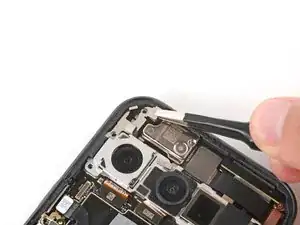
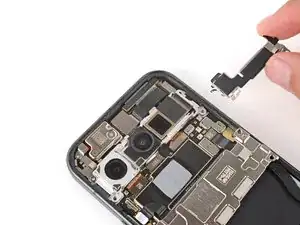
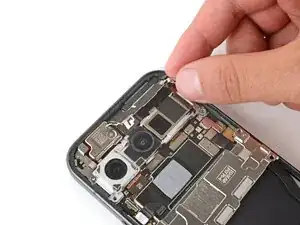
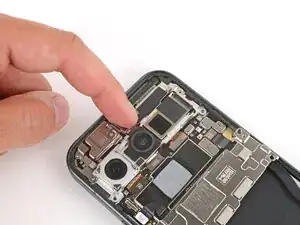
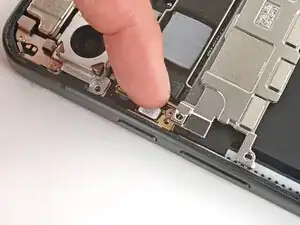
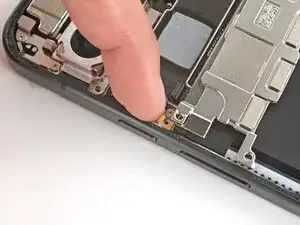
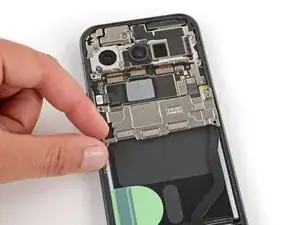
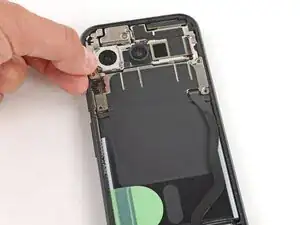
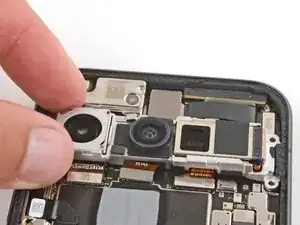
Slide the top corners of the front camera bracket under the lip in the frame and press the clip in to secure it.
-
-
-
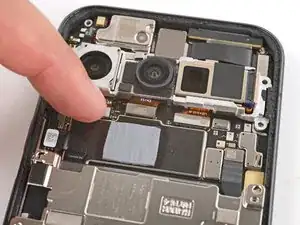
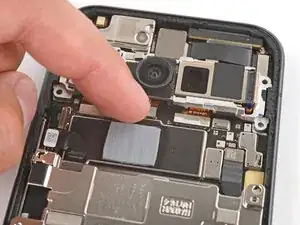
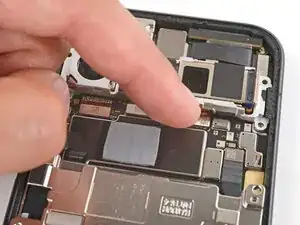
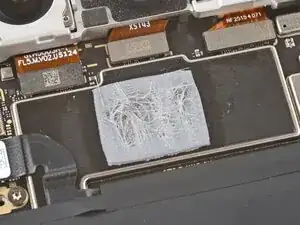
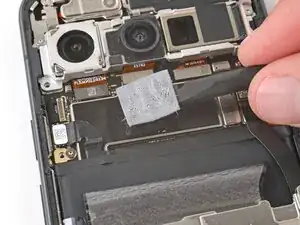
Check the condition of the motherboard thermal pad—it'll either be on the bottom edge of the board or on the underside of the cover.
-
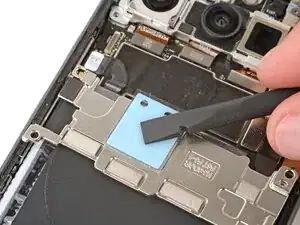
Use the flat end of a spudger to gently scrape up and remove all the old thermal pad from the board and cover.
-
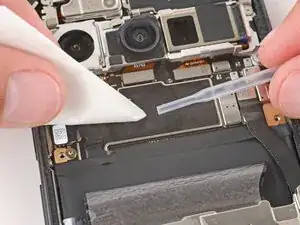
Use high‑concentration (>90%) isopropyl alcohol and a coffee filter (or lint‑free cloth) to clean up any thermal pad residue from the board and cover.
-
Allow the alcohol to dry completely before continuing.
-
-
-
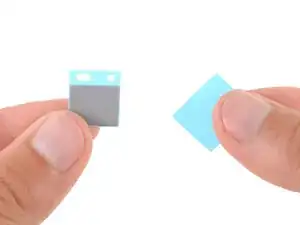
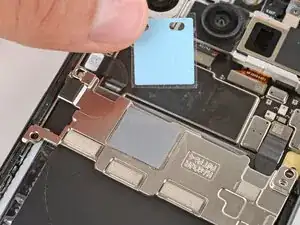
Remove the larger liner (without cutouts) from the thermal pad.
-
Lay the thermal pad in its square cutout on the underside of the motherboard cover.
-
Press down firmly on the entire surface of the pad with your finger or the flat end of a spudger.
-
Slowly peel up the remaining liner.
-
-
-
Use a Torx Plus 3IP screwdriver to install the two 5.0 mm‑long screws securing the motherboard cover.
-