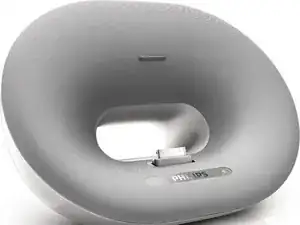
Introdução
If you are experiencing poor or distorted audio from your Philips DS3000, it may be time to replace the speakers.
This guide demonstrates how to replace the speakers on a Philips DS3000/37 Audio Dock. Because this repair requires soldering, the soldering technique page linked here might be helpful. Como soldar e dessoldar contatos
Be careful when soldering as the iron gets very hot and will burn. Before you begin the repair, make sure the speaker is off and unplugged from the charger.


-
-
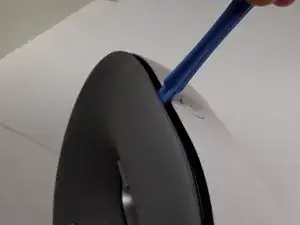
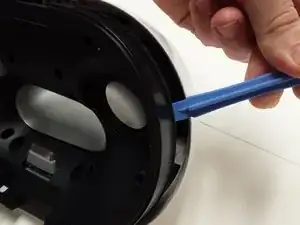
Insert an opening tool between the gray front casing and white back casing.
-
Pry the gray casing away from the white casing.
-
-
-
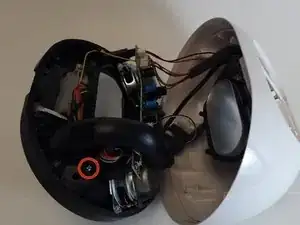
Position the white casing so that the black internal housing is facing upwards.
-
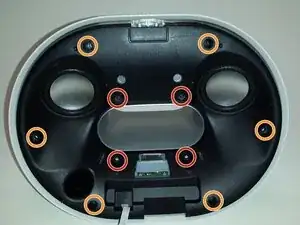
Remove the four 8 mm Phillips #1 screws using a Phillips #1 Screwdriver.
-
Remove the six 10 mm Phillips #1 screws using a Phillips #1 Screwdriver.
-
-
-
Slowly pry around the black internal housing using an opening tool.
-
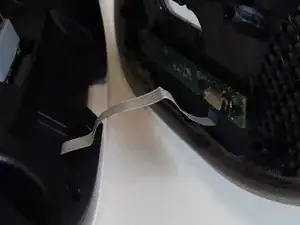
Pull the loosened black lid away from the back housing.
-
-
-
Locate the green circuit board on the back of the black lid.
-
Remove the four 8 mm Phillips #1 screws securing the circuit board using a Phillips #1 Screwdriver. The screws are located at the four corners of the board.
-
-
-
Remove the single 8 mm Phillips #1 screw using a Phillips #1 Screwdriver.
-
Pull the speaker port (the large black tube) off the main black housing.
-
-
-
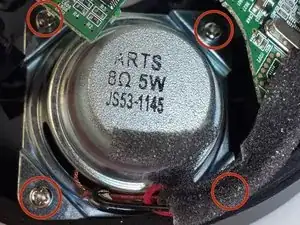
Remove the four 7 mm Phillips #1 screws holding the speaker in place using a Phillips #1 Screwdriver.
-
-
-
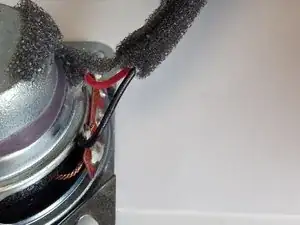
Carefully score an inch of the black sponge insulation with a wire cutter.
-
Gently pull the foam away from the wires.
-
-
-
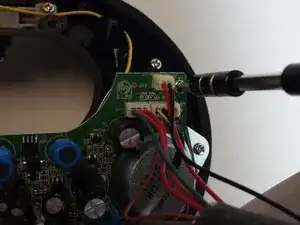
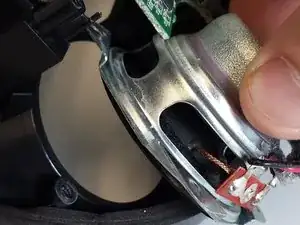
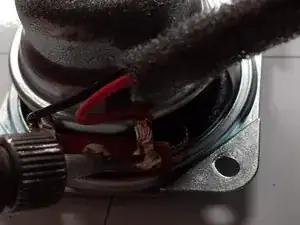
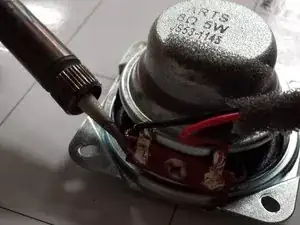
Heat up the solder securing the red wire using a soldering iron.
-
Remove the red wire.
-
Remove the black wire through the same process.
-
-
-
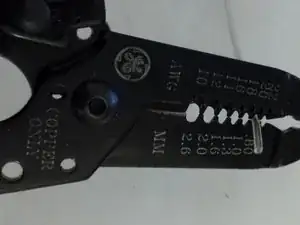
Strip a quarter inch of rubber insulation from each of the speaker wires (red and black) using a wire stripper’s 0.80 mm wire gauge.
-
To reassemble your device, follow these instructions in reverse order. Take your e-waste to an R2 or e-Stewards certified recycler.

Um comentário
i hardly difficult to treat 2 defective speakers. i find the flat cable a little loose on the main plate. thank you!!!