Introdução
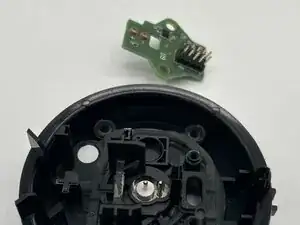
Does your charging port feel a little loose? You've tested your charging cable and that wasn't the issue? This guide will help you replace the faulty charging port on your UE Megablast.
Check the troubleshooting page to confirm if your device will need a replacement charging port.
Before you begin this repair, turn off and unplug the speaker from the charger.
Ferramentas


-
-
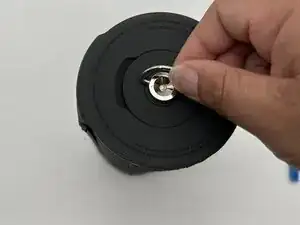
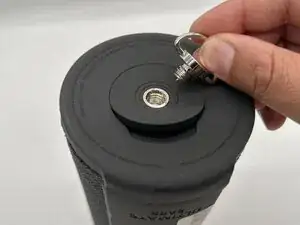
Turn the silver D-ring on one end of the speaker counterclockwise with your fingers to remove it.
-
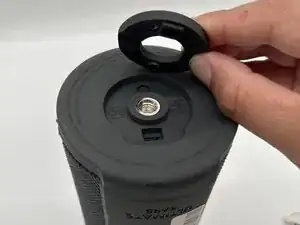
Pull the flap out to remove the rubber ring surrounding the D-ring socket.
-
-
-
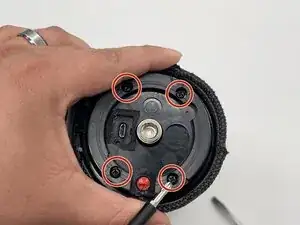
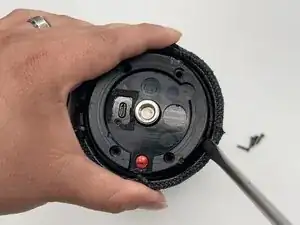
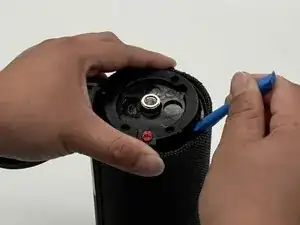
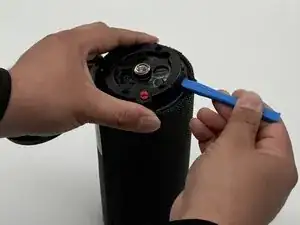
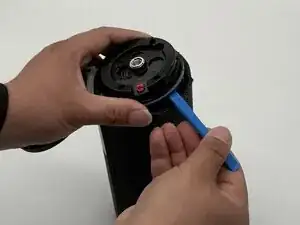
Use an iFixit opening tool to gently pry the black plastic cover out of the end of the speaker.
-
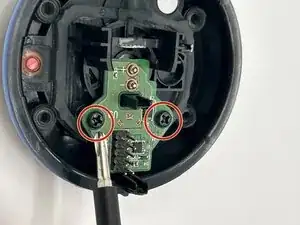
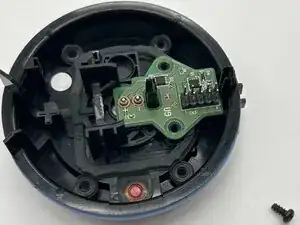
Set the end to the side with the charging port facing up.
-
-
-
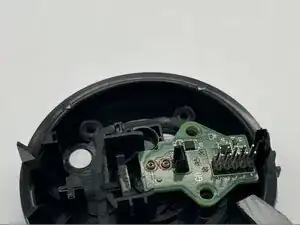
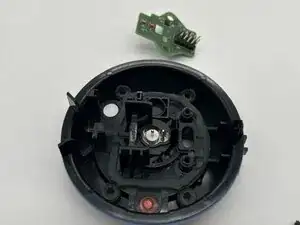
Insert a spudger or opening tool under the charging port board and gently pry it out of the black compartment.
-
To begin reassembly with the final step shown, then proceed backwards to step one. Charging port will be fully functional.
Take your e-waste to an R2 or e-Stewards certified recycler.