Introdução
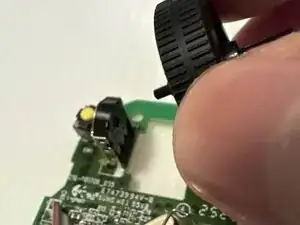
This guide shows how to replace the scroll wheel in a Logitech M330 Wireless Mouse.
Dust, debris, or a worn-out wheel can cause the scroll wheel to stick or lose sensitivity.
Learn how to safely disassemble your mouse and install a new scroll wheel.
Before you begin: Turn off the mouse and remove the battery to avoid damaging the device.


-
-
Turn your mouse over with the scroll wheel facing down.
-
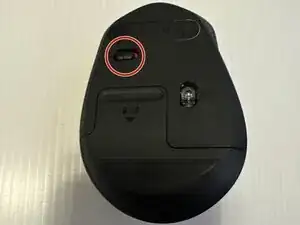
Flip the ON/OFF switch on the bottom of the mouse to turn it off.
-
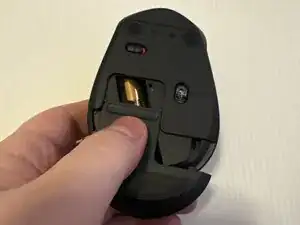
Slide the battery cover off.
-
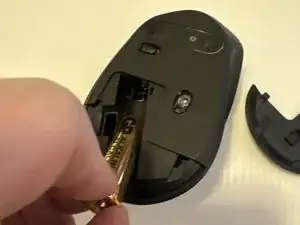
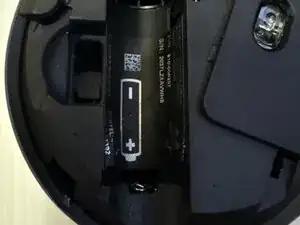
Remove the battery and unplug the USB receiver.
-
-
-
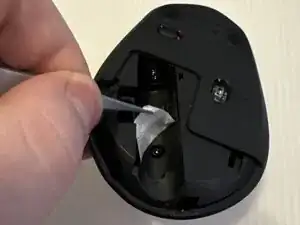
Use tweezers to peel back the battery sticker cover.
-
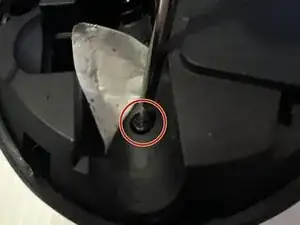
Use a JIS #00 screwdriver to remove the single 3.1 mm screw from the battery well.
-
-
-
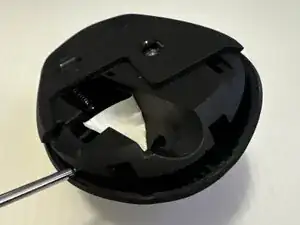
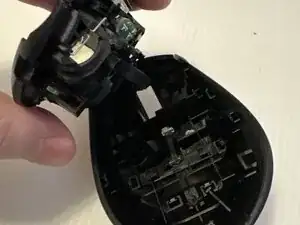
Insert a plastic spudger in the seam between the top and bottom shell, starting at the back edge.
-
Slide a plastic spudger or opening pick around the edge to carefully release the clips.
-
Gently remove the bottom plate from the top cover.
-
-
-
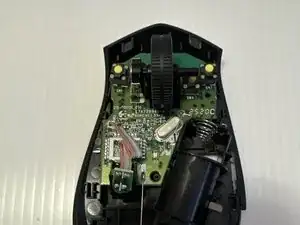
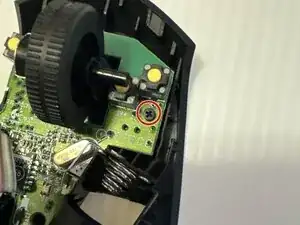
Use a JIS #00 screwdriver to remove the 1.5 mm screw securing the board to the case.
-
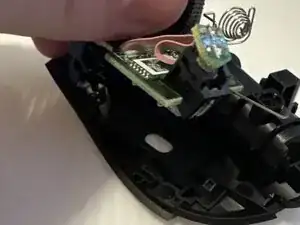
Gently remove board from bottom plate.
-
-
-
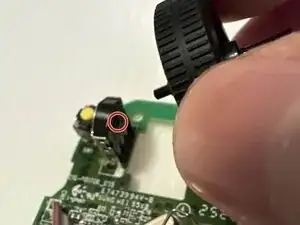
Gently remove the scroll wheel from the shaft, taking note of any spacer or washer arrangement.
-
To reassemble your device, follow these instructions in reverse order. Take your e-waste to an R2 or e-Stewards certified recycler.