Introdução
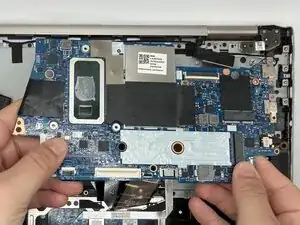
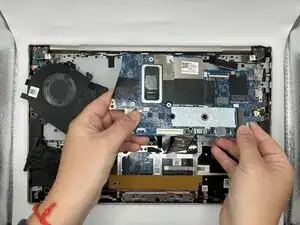
A motherboard is a collection of circuits that act as the main processor for a general computer. Akin to our brains and neurons, the motherboard is responsible for communication between the CPU, RAM, and graphics card, among other units. Motherboard are characterized by their typical green colour (but this may vary), as well as their large size. They are physically connected to a great part of a laptop's inner components; as a result, they require care and a good understanding prior to their disassembly.
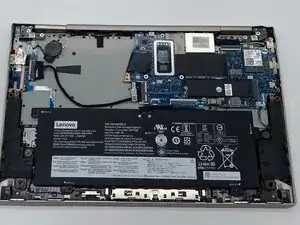
The Lenovo Yoga C740-14IML's motherboard handles 1.6 Gigahertz (GHz) in processing speed and 8 Gigabytes (BG) in RAM. It is compatible with the Intel Core i5 10th Generation processor. As your device ages, you might notice an increase in performance issues that could be attributed to a problem with the motherboard.
Some issues may include:
- Frequent Crashing
- Power Surges
- Burning Smell
- USB Port Failure
If you encounter any of the aforementioned symptoms, a faulty motherboard is the likely perpetrator and may require a replacement. We hope this guide is useful to you in your venture.
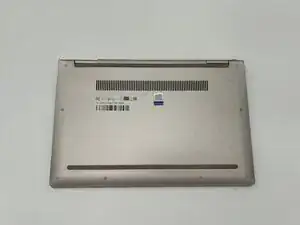
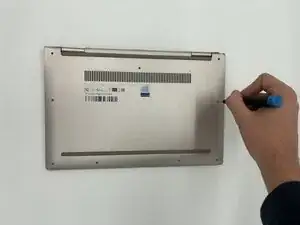
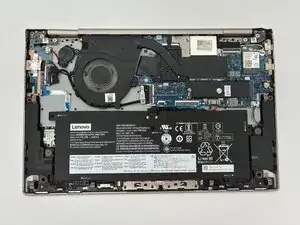
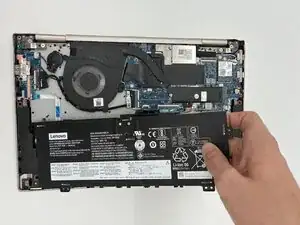
Before you begin, power off your laptop and disconnect the charger.


-
-
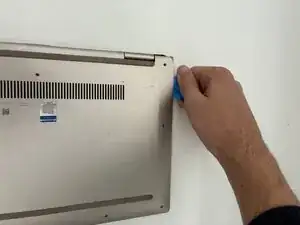
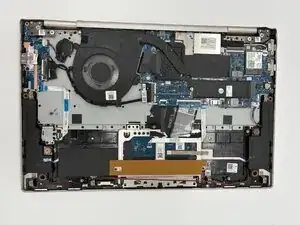
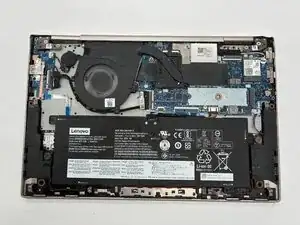
Insert an opening pick or opening tool between the top and bottom covers, then slide it around the perimeter to release the clips.
-
-
-
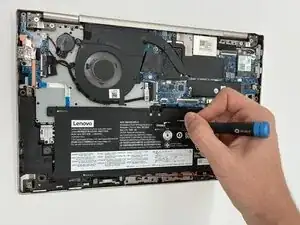
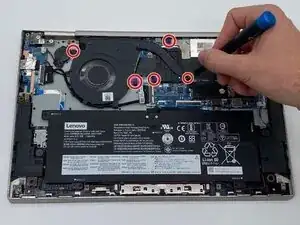
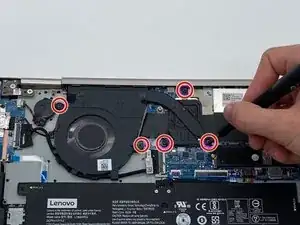
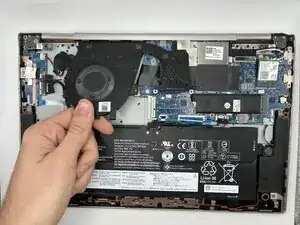
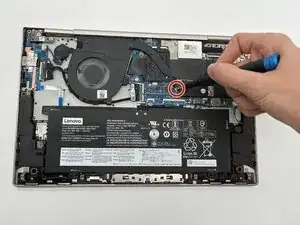
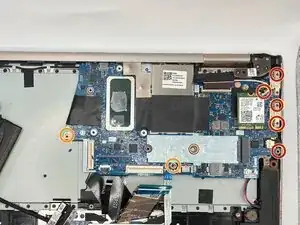
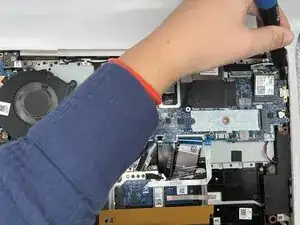
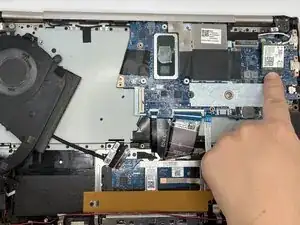
Use the point of a spudger to push on alternating sides of the connector to "walk" it out of its socket.
-
-
-
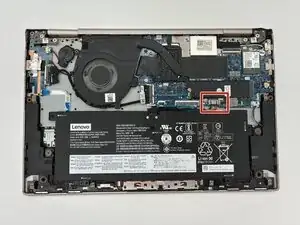
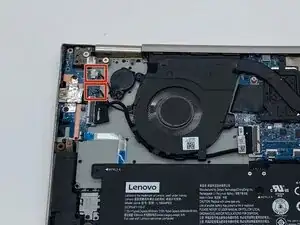
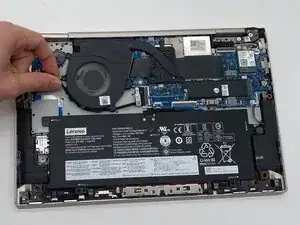
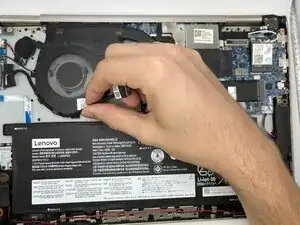
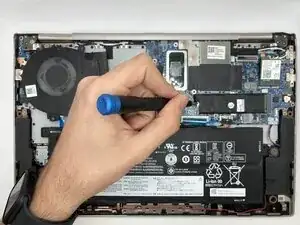
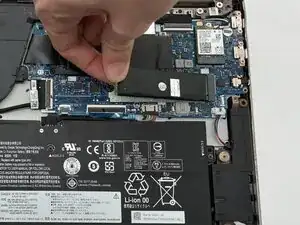
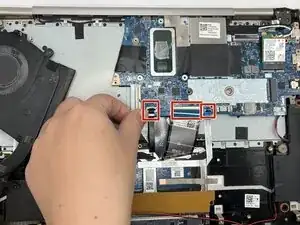
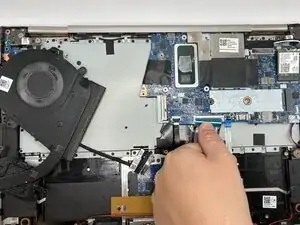
Use a spudger or clean fingernail to flip up the locking flaps on the ZIF connectors—this is the unlocked position.
-
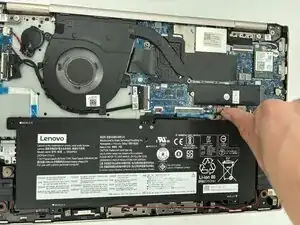
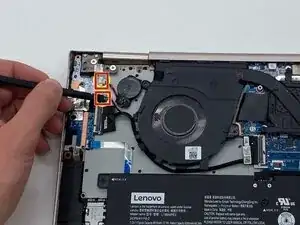
Use tweezers or your fingers to gently pull the cables out of the sockets.
-
To reassemble your device, follow these instructions in reverse order. Take your e-waste to an R2 or e-Stewards certified recycler.