Introdução
If you are experiencing malfunctions, need to upgrade or clean your hardware, or need to troubleshoot internal connections, use this guide to disassemble the trackpad on your Lenovo ThinkPad T14 Gen 3 laptop. This guide provides instructions for successful disassembly. Follow these steps carefully to avoid damage to internal components.
Ferramentas


-
-
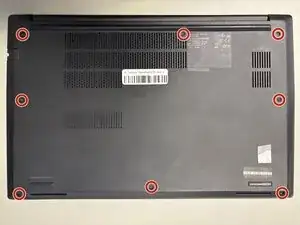
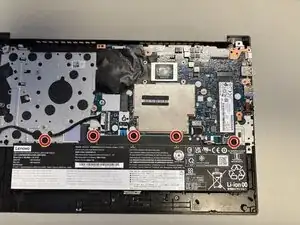
Loosen the eight Phillips #1 captive screws using a Phillips #1 screwdriver.
-
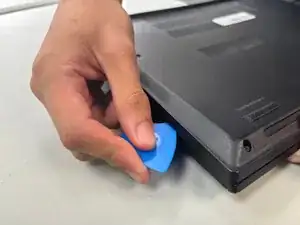
Slide the opening pick between the upper case and the bottom cover.
-
Slide the pick around the perimeter of the case to disconnect the clips while gently pulling upwards with your free hand.
-
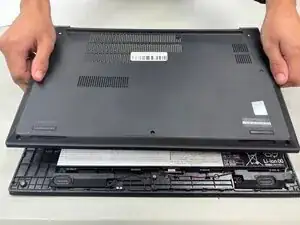
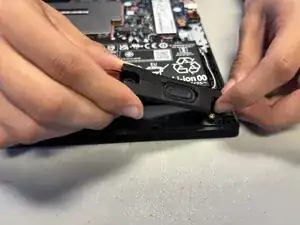
Lift the case upwards.
-
-
-
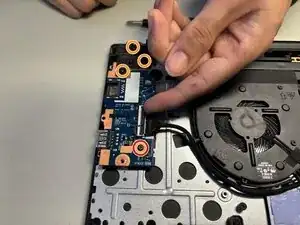
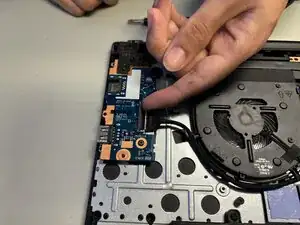
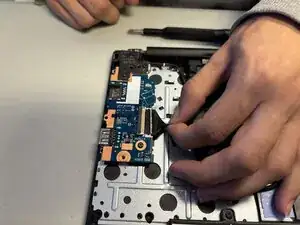
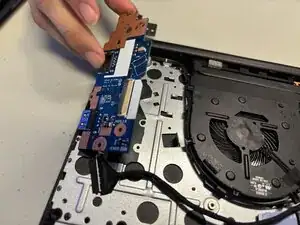
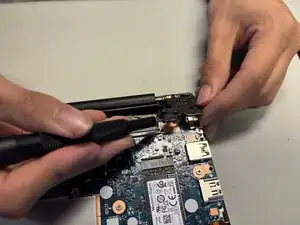
Loosen the 1 5.6mm Phillips #1 screw on the I/O board with a Phillips #1 screwdriver.
-
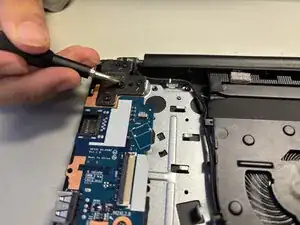
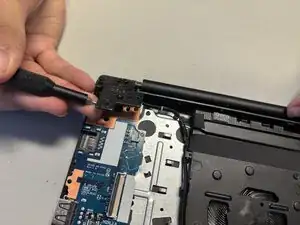
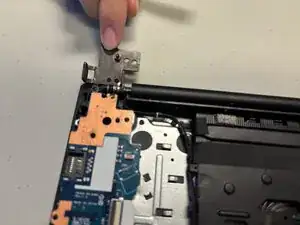
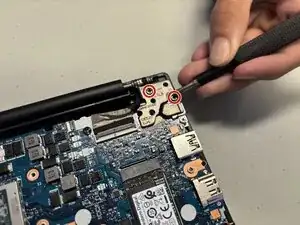
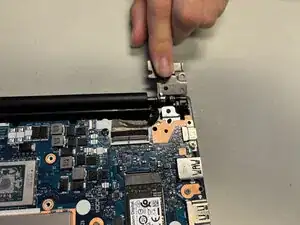
Loosen the three 6.5mm Phillips #1 screws on the hinge with a Phillips #1 screwdriver.
-
-
-
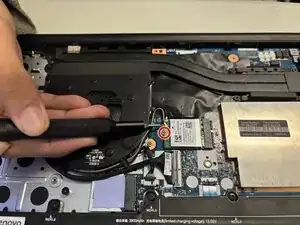
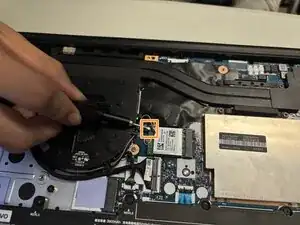
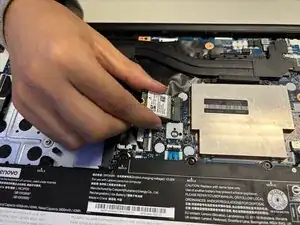
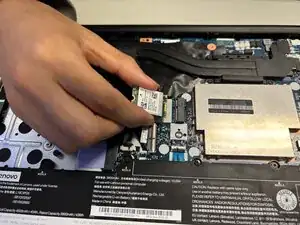
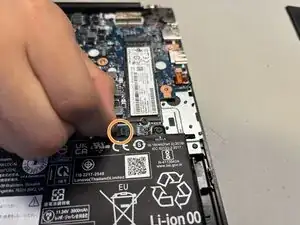
Remove the one 3.5mm screw using a Phillips #1 screwdriver.
-
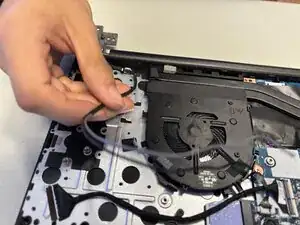
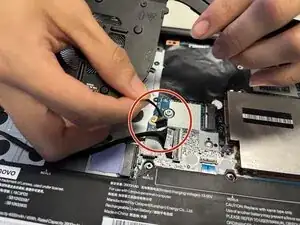
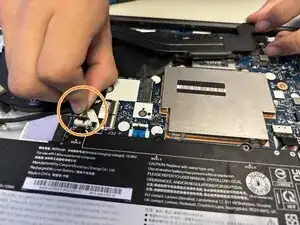
Pry off the two wires that connect to the WiFi card.
-
-
-
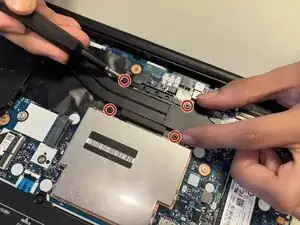
Loosen and remove all screws securing the fan and heatsinks assembly using a Phillips #1 screwdriver.
-
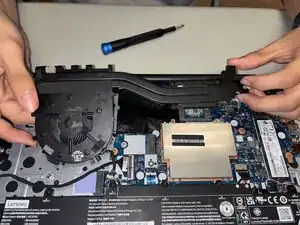
Lift the heatsink and fan assembly directly upwards using both hands.
-
Place the fan assembly aside with the thermal paste facing upwards to avoid catching debris.
-
-
-
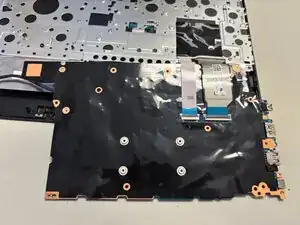
Lift the motherboard.
-
Flip the motherboard so that it is now upside down.
-
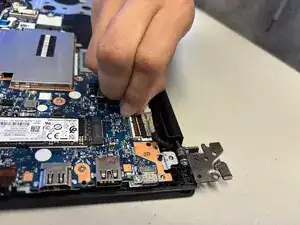
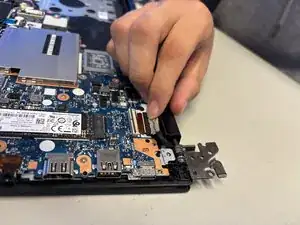
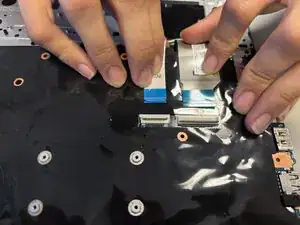
Remove the two ribbon cords by gently sliding them backwards.
-
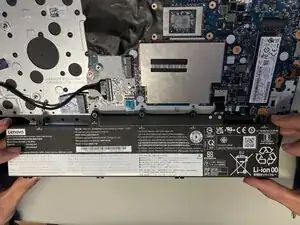
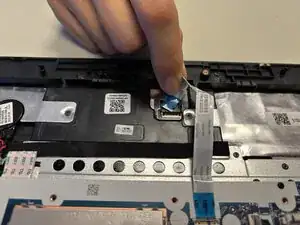
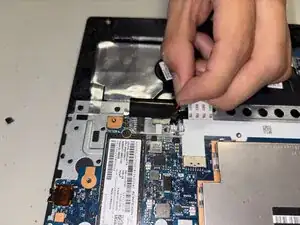
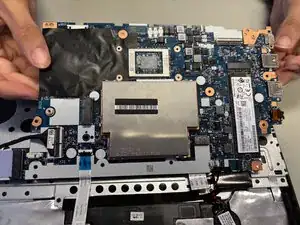
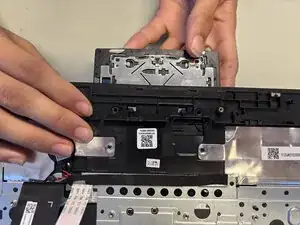
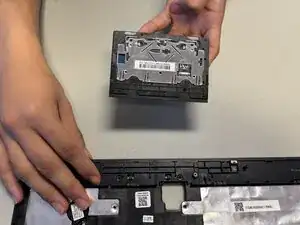
To reassemble your device, follow these instructions in reverse order.
