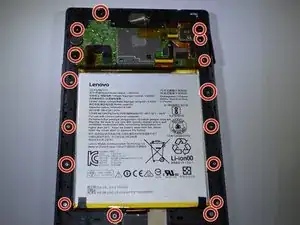
Introdução


-
-
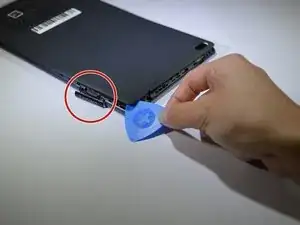
Start at the microSD slot. This is the easiest entry point.
-
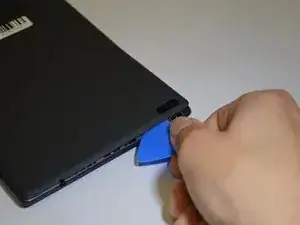
Use the opening pick gently to slide underneath the back cover of the tablet.
-
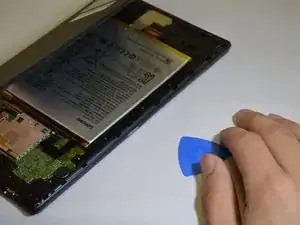
Slide the opening pick around the entire edge of the tablet. Don't force it and work slowly to release all clips.
-
Once all clips are loose, lift and remove the back cover.
-
-
-
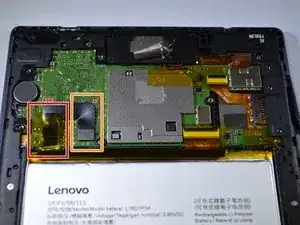
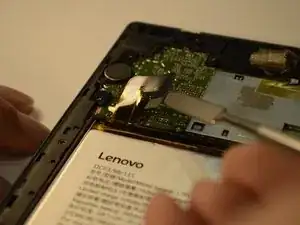
Peel back the yellow protective tape over the battery connector.
-
Use a spudger or plastic opening tool to remove the battery's ribbon cable from the motherboard.
-
-
-
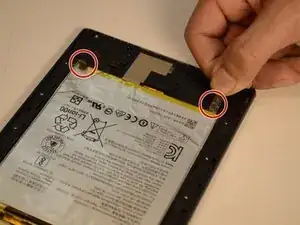
Locate the two stretch-release adhesive strips at the bottom of the battery.
-
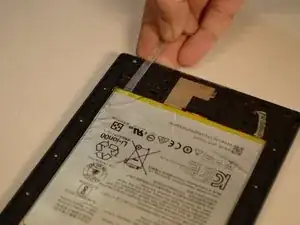
Gently pull each strip slowly and straight out under the battery.
-
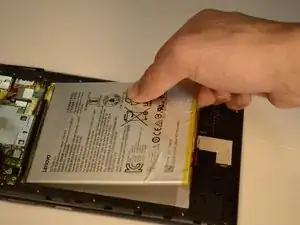
Once both strips are off, lift the battery from the frame.
-
-
-
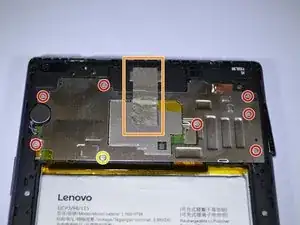
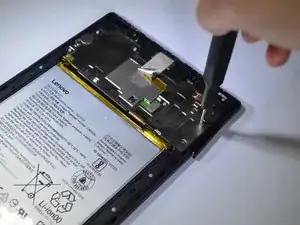
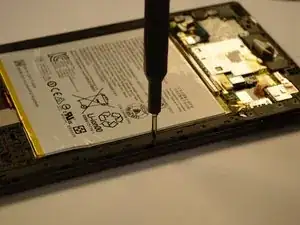
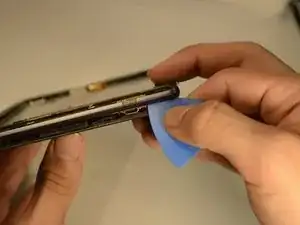
Using an opening pick, find a spot to lift the bracket around the tablet.
-
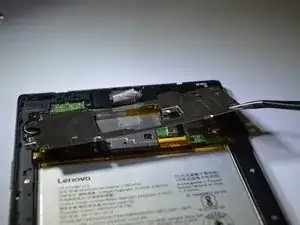
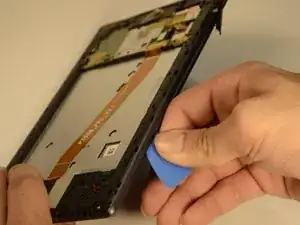
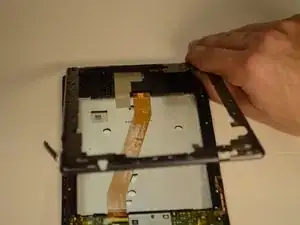
When the opening pick is inserted between the bracket and tablet, move the pick around the whole tablet to completely detach the bracket.
-
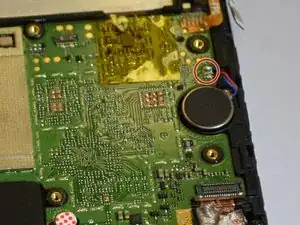
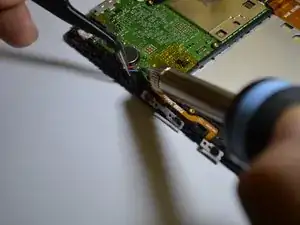
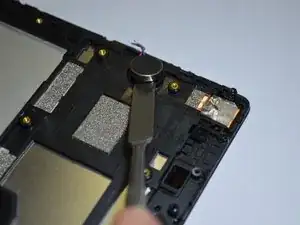
To reassemble your device, follow these instructions in reverse order.