Introdução
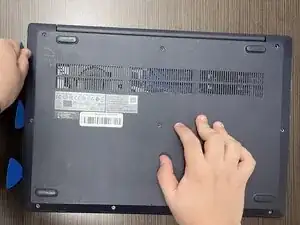
If your Lenovo IdeaPad 3-15IML05 has a damaged bottom cover or you're going to perform repairs on it, use this guide to remove the bottom cover.
The bottom cover protects the internal components of your laptop. It has designated ventilation cutouts and rubber feet to reduce movement. Replacing your bottom cover can improve air flow and protect internal components from debris.
Working with lithium-ion batteries can be hazardous. A connected or swollen battery may catch fire if damaged. Before beginning this repair, discharge the battery below 25%, power off the laptop, and unplug all peripherals.
If you encounter a swollen battery, refer to this guide for disposal.



-
-
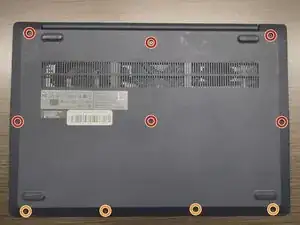
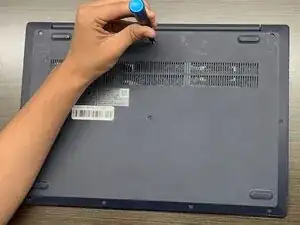
Use a Phillips #1 screwdriver to remove the following screws:
-
Six 7 mm screws
-
Four 4 mm screws
-
-
-
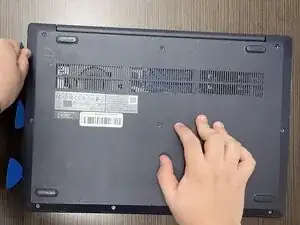
Insert an opening pick into the seam between the lower case and chassis.
-
Slide the pick around the entire perimeter until all of the plastic retaining clips release.
-
Remove the lower case.
-
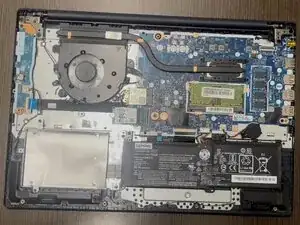
To reassemble your device, follow these instructions in reverse order.