Introdução

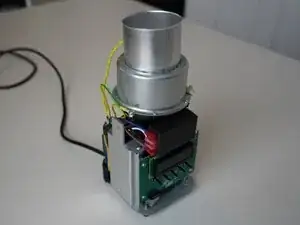
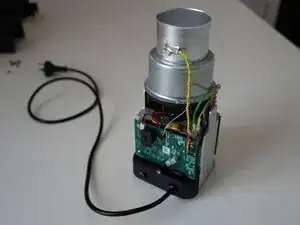
Replacement of the LCD board on any Kaffelogic Nano or Nucleus Link coffee roaster with a D or P prefix serial number.

  1. bEdI12xSfVQDKaCd
    bEdI12xSfVQDKaCd
    keWYfIuvFMvyWLWV
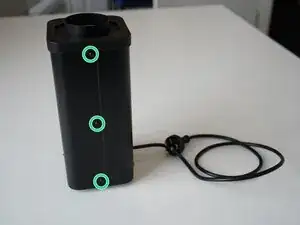
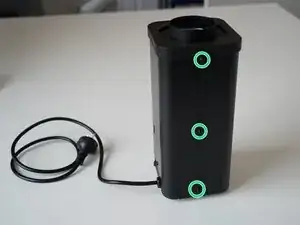
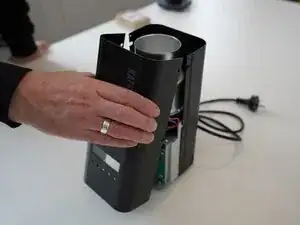
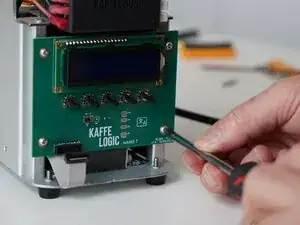
    • Remove the 6x 2.5mm Hex screws on the left and right side of the roaster.

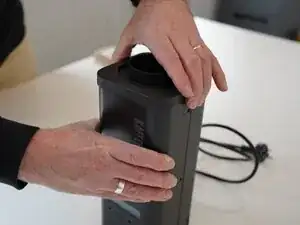
    • Take care not to damage the buttons while maneuvering the front panel, with all six screws removed it may fall away.

  2. MhQ4bjGDjKieVDbY
    MhQ4bjGDjKieVDbY
    Nqrlq6TYIlRCEmPp
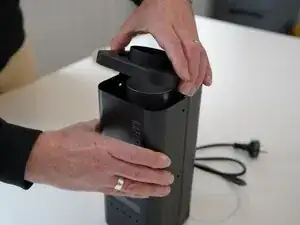
    • Hold the front panel steady while removing the plastic top/closure.

  3. JttMZ1MrHIv3w14y
    • Pull away the front panel carefully.

  4. xlnoDyLNHUxvifcH
    xlnoDyLNHUxvifcH
    BA3QijfXOOId6nAg
    3OUB1gVyYEkIiqKS
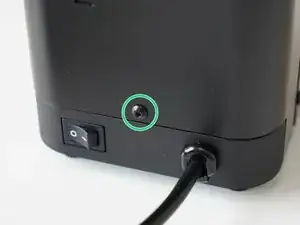
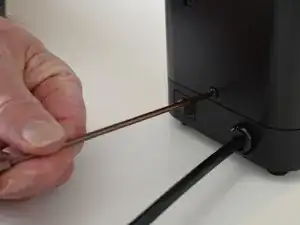
    • Remove the last 2.5mm Hex screw securing the rear panel.

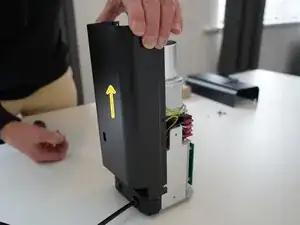
    • Pull up on the rear panel to remove it from the roaster.

  5. id1Iu26FpOZgSFqK
    id1Iu26FpOZgSFqK
    bgPTsWYHJElkbeUh
    • Set the panels aside somewhere safe and bask in the beauty of your naked roaster.

  6. GUOwOLBbKNwE326t
    GUOwOLBbKNwE326t
    P4AGPHhjENKOZZFY
    Gda1DKym1tdeIqCa
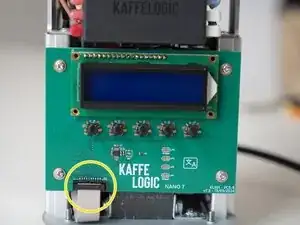
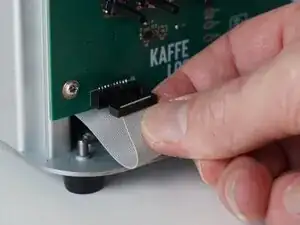
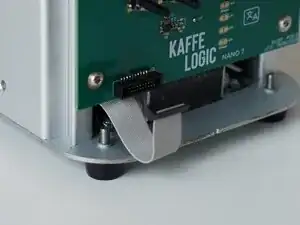
    • Gently remove the ribbon cable from the PCB.

  7. GUkUam1Cpd2RkQBH
    GUkUam1Cpd2RkQBH
    m2Ocg6G5Epfke6vv
    wObhlRlNe4QgyC3x
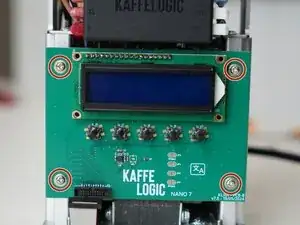
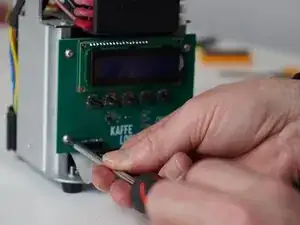
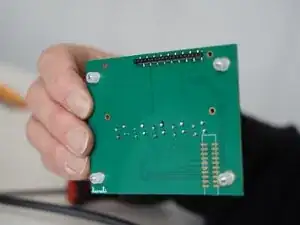
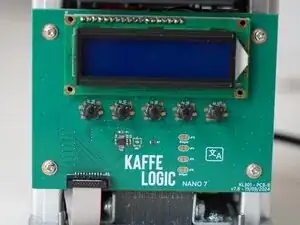
    • Unscrew the 4x PH2 PCB screws.

    • These screws are captive to the PCB.

  8. fSPTIlIC2QQXt1tw
    fSPTIlIC2QQXt1tw
    NZ3VuWqlZn6VpMJI
    cVrp1HKh1dt2neQQ
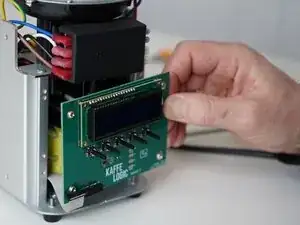
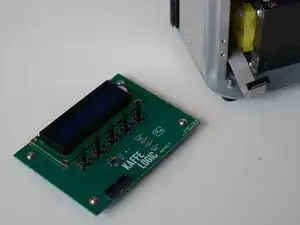
    • Carefully remove the display PCB.

    • You may replace the ribbon cable while you have the panels off.

Conclusão

To reassemble your device, follow these instructions in reverse order.
Kaffelogic

Membro desde: 23/07/25

2356 Reputação

0 comentários