Introdução
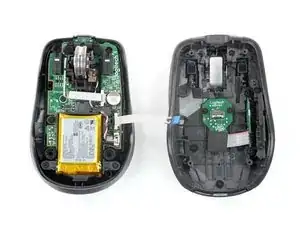
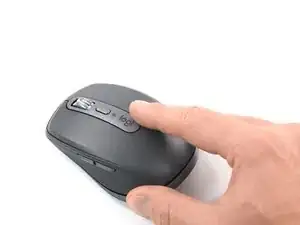
Use this guide to open your Logitech MX Anywhere 3 mouse.
Open your mouse to clean its internals, troubleshoot mechanical problems, or replace a part.


-
-
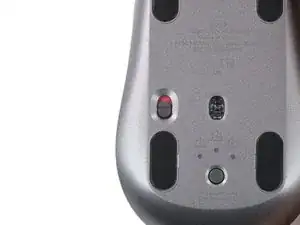
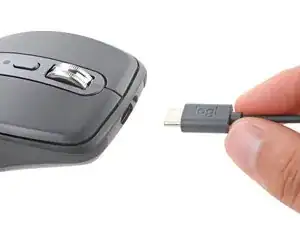
Slide the mouse's power switch to the OFF position and unplug any cables.
-
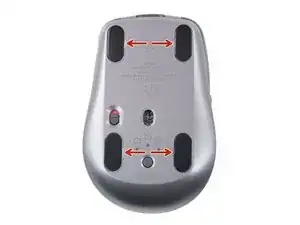
Flip the mouse over so the feet are facing up.
-
-
-
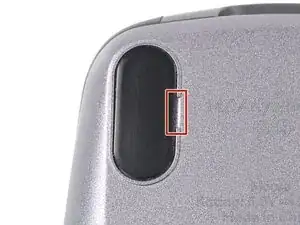
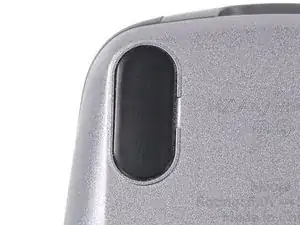
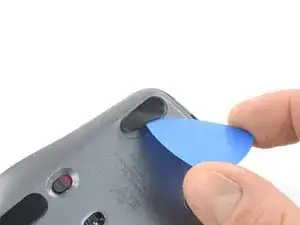
There are small gaps in the rims surrounding each foot. This is where to insert your tool when peeling up the feet.
-
-
-
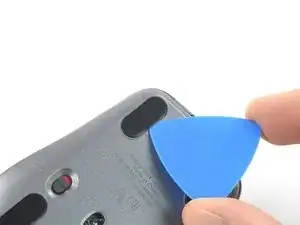
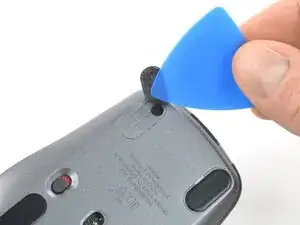
Push the tip of an opening pick (or spudger) underneath the mouse foot, into the gap in the rim.
-
Slide your pick under the foot and lift to remove it.
-
Repeat the process to remove the three remaining mouse feet. If you're having trouble sliding the tool under a foot, reheat it and try again.
-
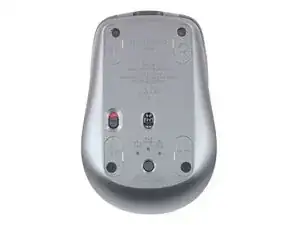
Use a pair of tweezers or a spudger to remove any large chunks of leftover adhesive. Thoroughly clean the bottom of the mouse with isopropyl alcohol and a lint-free of microfiber cloth. Allow the surface to dry completely.
-
Peel your new mouse feet off their adhesive liners and press them firmly into place.
-
-
-
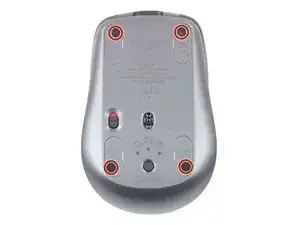
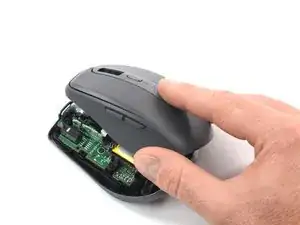
Use a Phillips screwdriver to remove the four 4.3 mm‑long screws securing the two halves of the mouse together.
-
-
-
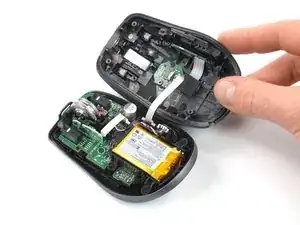
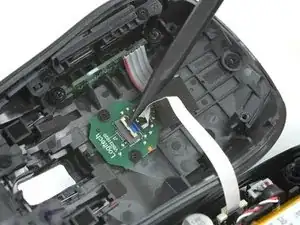
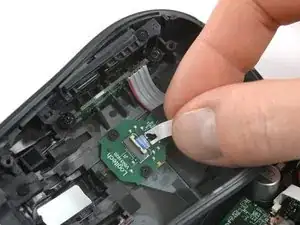
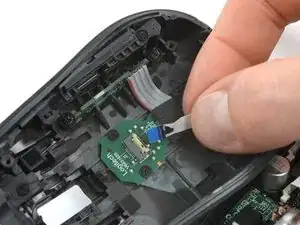
Use the point of a spudger or a clean fingernail to flip up the small, hinged locking flap on the interconnect cable ZIF connector (located on the underside of the top shell).
-
-
-
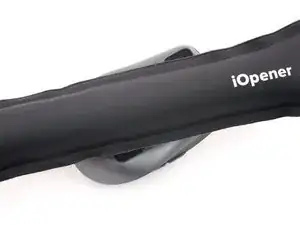
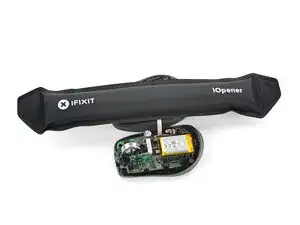
Apply a heated iOpener to the board on the underside of the mouse's top half for two minutes.
-
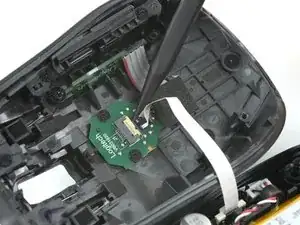
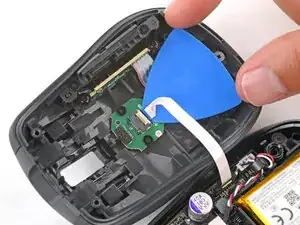
Gently slide the tip of an opening pick under the cable to separate its adhesive.
-
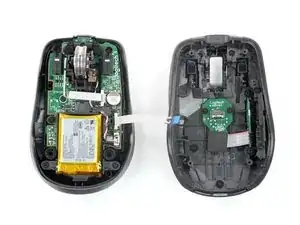
To reassemble your device, follow these instructions in reverse order.
Repair didn’t go as planned? Try some basic troubleshooting, or ask our Answers community for help.

13 comentários
My left click started to have double click issue. Do you have any suggestions how to fix it? If I want to replace it, does ifixt have the part? If not, what is the part number? Thanks
Vim -
You could replace the left switch. See step 9 for the part number. You’d need to desolder the switch.
Sometimes it is enough to open the case of the switch and clean or tweak the small metal plate. But this is a very delicate finger exercise.
Mine had the left click issue. Opening the switch case and cleaning the contact points resolved it.
Meo Tras -
Steps 6 and 7 are not necessary to get access to buttons (the most common malfunction). My model had this interconnect cable glued hard to the top half of the device. You can easily remove it without disconnecting the cable, oil the buttons and assemble mouse back