Introdução
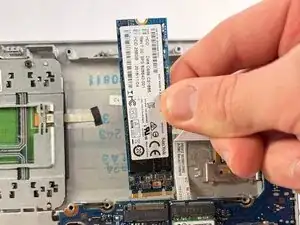
If your HP EliteBook 725 G3 is frequently crashing, your files are becoming inaccessible, or everything has just become significantly slower, you may have a failing solid-state drive. Use this guide to properly remove the current SSD for replacement.
An SSD is the primary storage device of a computer. Its main function is to permanently store and retrieve all of the data inside your device. This allows you to save and access your files and save/launch applications.
To prevent any data loss if you suspect you have a failing SSD make sure to regularly backup your device and attempt to leave at least 20-25% of free space in the drive for an optimal performance. Also ensure your cooling system is working properly. You can use the following troubleshooting page, linked here, for tips on preventing overheating of your HP EliteBook 725 G3. Otherwise, if issues persist with your storage, follow this guide.
Ferramentas


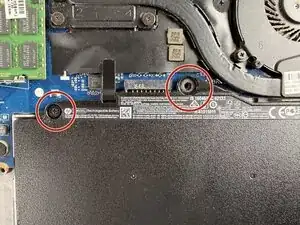
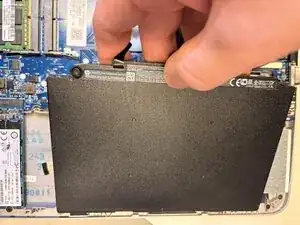
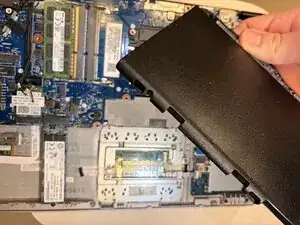
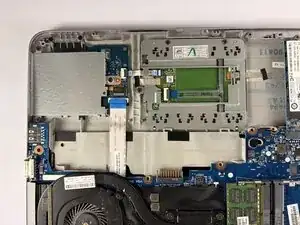
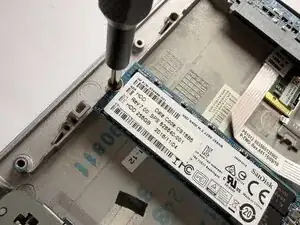
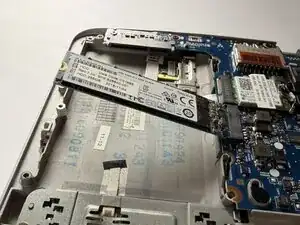
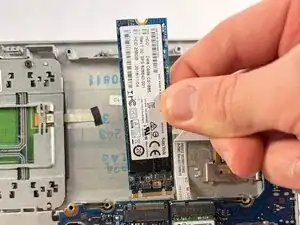
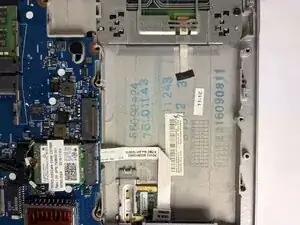
To reassemble your device, follow the above steps in reverse order.
Take your e-waste to an R2 or e-Stewards certified recycler.
Repair didn’t go as planned? Try some basic troubleshooting or ask our Answers community for help.