Introdução

This repair guide was authored by the iFixit staff and hasn’t been endorsed by Google. Learn more about our repair guides here.

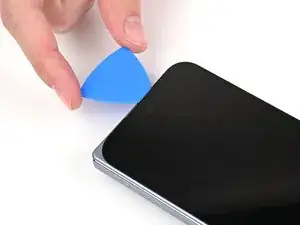
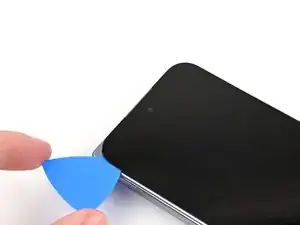
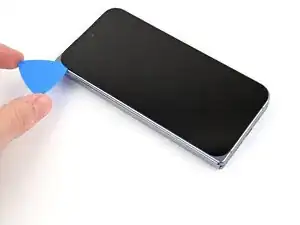
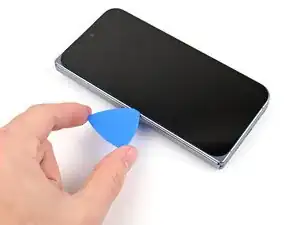
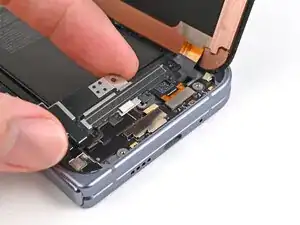
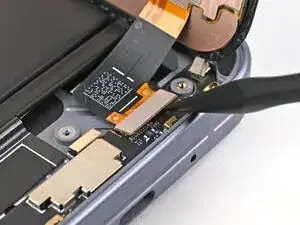
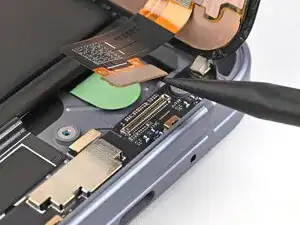
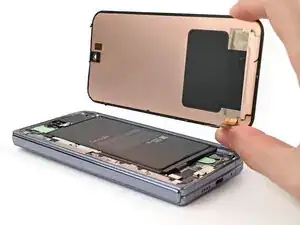
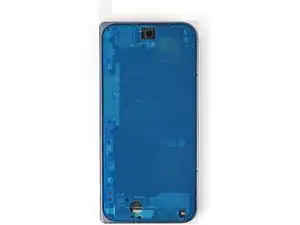
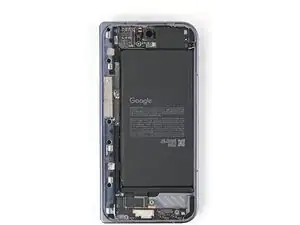
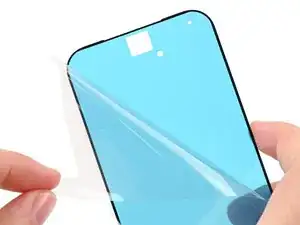
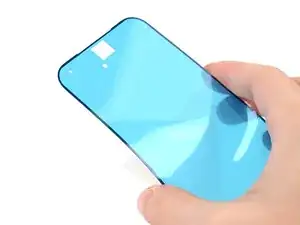
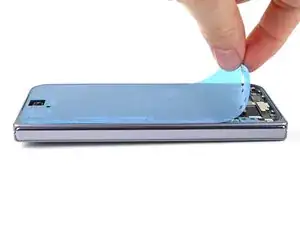
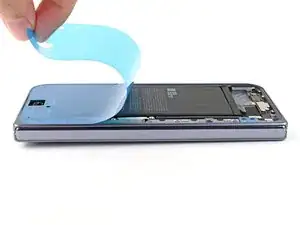
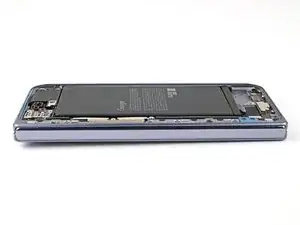
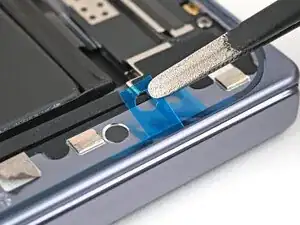
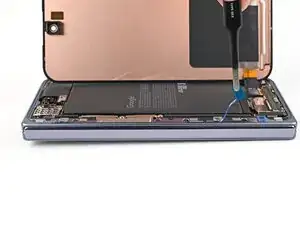
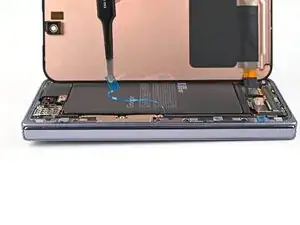
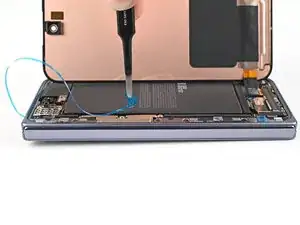
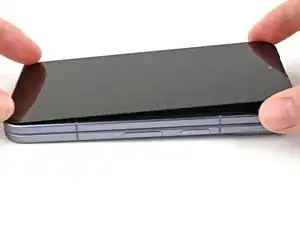
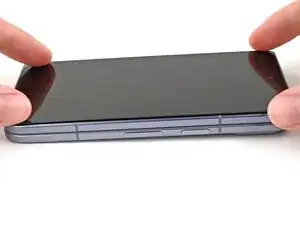
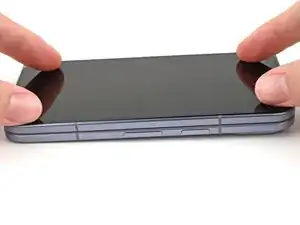
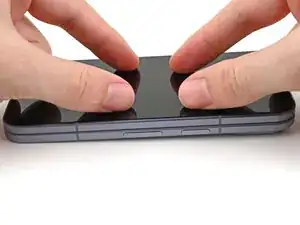
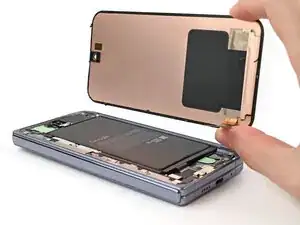
Use this guide to replace the outer screen in your Google Pixel 10 Pro Fold.

  1. QipHvYljYDhPJrkH
    • Let your phone's battery drain below 25% before starting this repair. A charged lithium‑ion battery may catch fire if damaged.

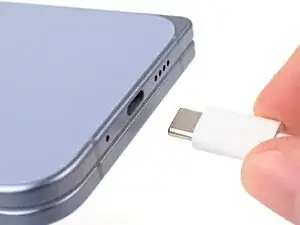
    • Unplug all cables from your phone and completely power it down.

  2. 2hiknXvQ42lLTKSK
    2hiknXvQ42lLTKSK
    IDUaTyK4WxMe6sXG
    U2dKlBLsuFTTAFXI
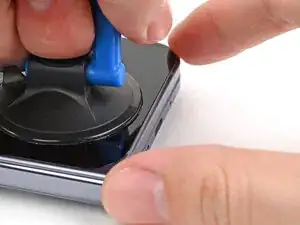
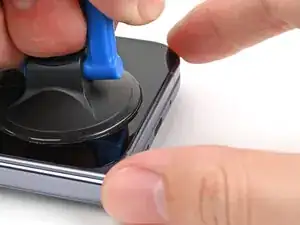
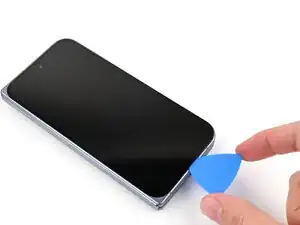
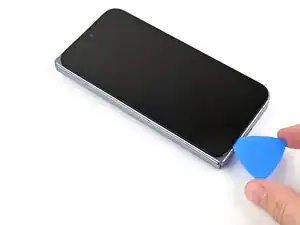
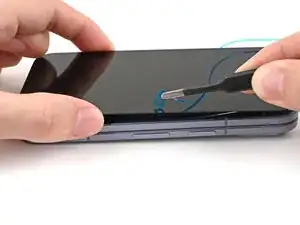
    • Apply a suction cup to the screen, as close to the center of the bottom edge as possible.

    • Pull up on the suction cup with strong, steady force to create a gap between the screen and the frame.

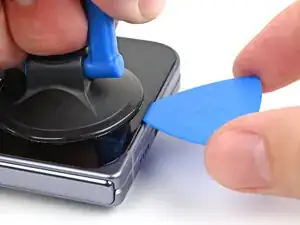
    • Insert an opening pick into the gap.

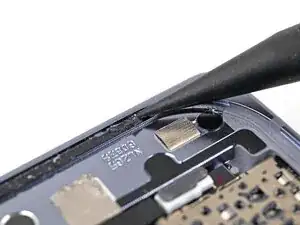
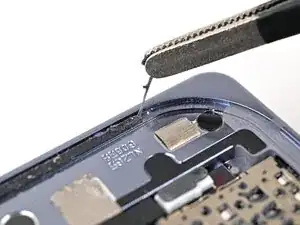
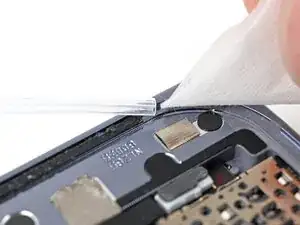
    • If your screen is badly cracked, covering it with a layer of clear packing tape may allow the suction cup to adhere. Alternatively, very strong tape may be used instead of the suction cup. If all else fails, you can superglue the suction cup to the screen.

  3. XL5Pcuil6vjRPXZl
    XL5Pcuil6vjRPXZl
    aMalsjFMQAQycqog
    hTrHhGBIHaPOsgDx
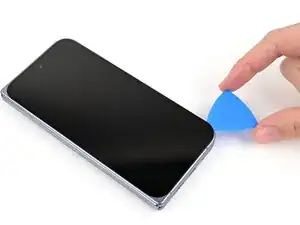
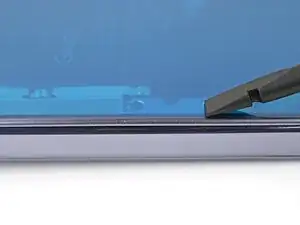
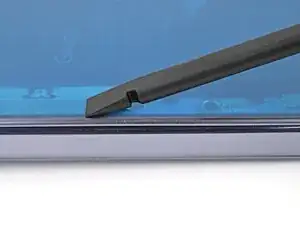
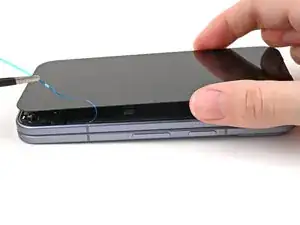
    • During the next three steps, don't insert your opening pick deeper than 3 mm to prevent damaging internal components.

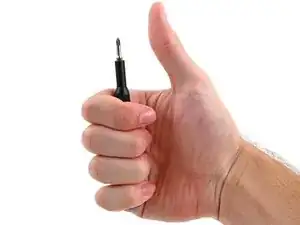
    • Optionally, you can measure and mark your opening pick at 3 mm to help you visualize the length.

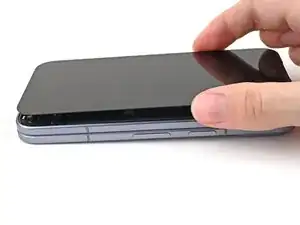
    • Slide the opening pick around the bottom right corner and up the right edge of the screen to separate the adhesive.

  4. O5DpViKqqEhRWf5B
    O5DpViKqqEhRWf5B
    ZKsc4fIsbHTWNfkl
    CAVfClF2Rdsrg4w5
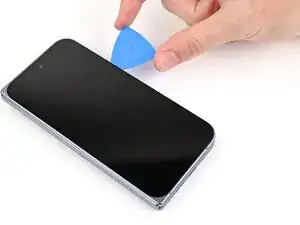
    • Slide the pick around the top right corner and along the top edge of the screen.

  5. C2bSqSB6WocfxCnP
    C2bSqSB6WocfxCnP
    HWEpRJXA3aZCUhwD
    AWOHp2gB4WXckISg
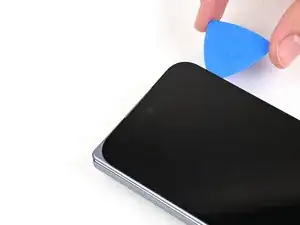
    • Slide your pick down the left edge and around the bottom left corner to separate the remaining adhesive.

  6. Ud5PVipjmJJaZqLc
    Ud5PVipjmJJaZqLc
    UTC3bFB1YvgaQgDo
    ZPKLUYIHQv2rWfjy
    • Don't fully remove the screen yet, as it's still connected to the phone by a cable.

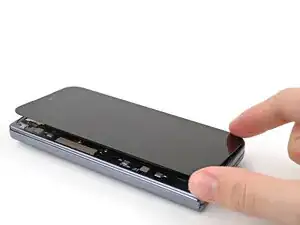
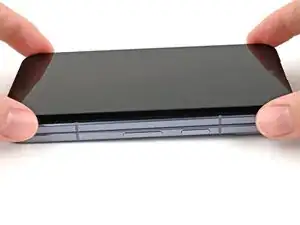
    • At this point, the screen should be free from the frame. If there's still resistance around the edges, use an opening pick to separate any remaining adhesive.

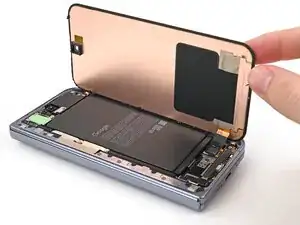
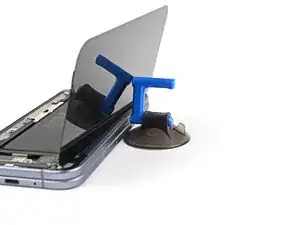
    • Lift the left edge of the screen and swing it over the right edge of the phone, like opening a book.

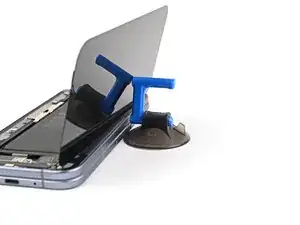
    • Prop up the screen with your suction handle or a clean, sturdy object.

  7. PNcbWHUiymBGt3VL
    PNcbWHUiymBGt3VL
    wTPedB5KZ1KisBQO
    • Throughout this repair, keep track of each screw and make sure it goes back exactly where it came from.

    • While the Pixel 10 Pro Fold uses Torx Plus screws, standard Torx bits also work. Use the same size or one size larger (T3 or T4 Torx bits with 3IP Torx Plus screws) and apply constant, downward force to prevent stripping.

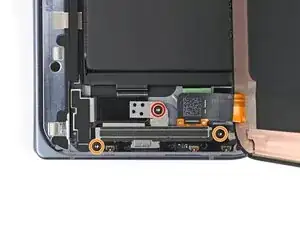
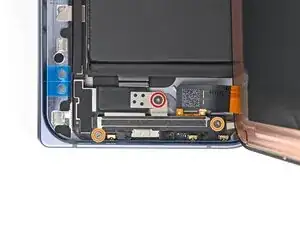
    • Use a Torx Plus 3IP driver to remove the three screws securing the display cable bracket:

    • One 1.8 mm‑long screw

    • Two 2.5 mm‑long screws

  8. GEIIR3AU4MjtORRE
    GEIIR3AU4MjtORRE
    D3SmiKFFsJAD4eSK
    S3ByIDlNv3TIY3Iq
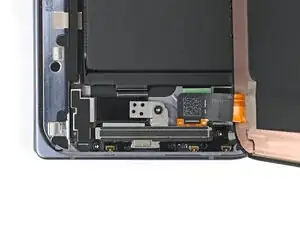
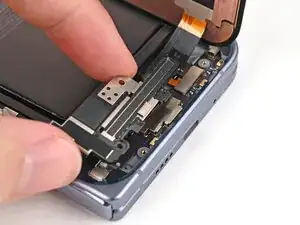
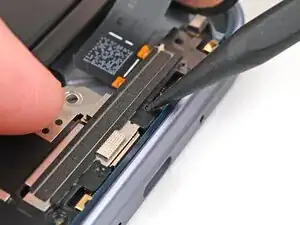
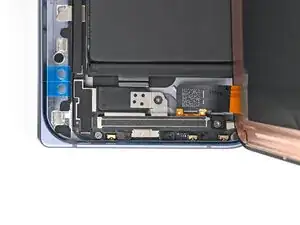
    • Use the point of a spudger to pry up the display bracket and release its clip from the bottom edge of the frame.

    • Remove the display bracket.

  9. GD1HdHASxRKmtFdW
    GD1HdHASxRKmtFdW
    3XwAnp2m4ewucaMH
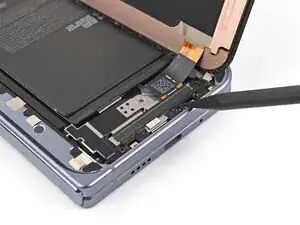
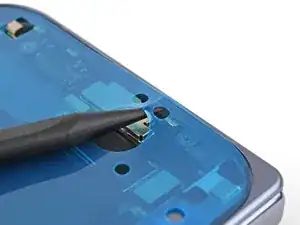
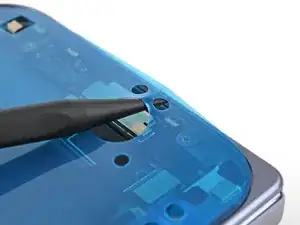
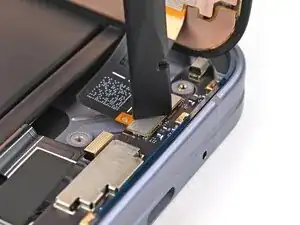
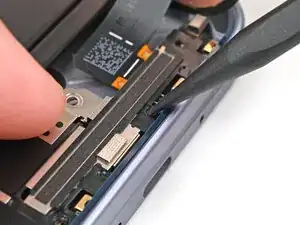
    • When disconnecting press connectors, pry only at the gold outlines on the logic board.

    • Don't insert your spudger anywhere else, as you risk dislodging surface‑mounted components.

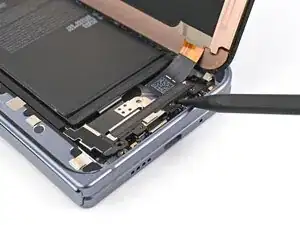
    • Use the point of a spudger to pry up the display cable press connector.

  10. 5wpQVBEmrItbMNwL
    • Lift the screen off the frame and remove it.

  11. TKLTSglmcxPPQNaW
    • Congratulations on completing disassembly! The remaining steps will show you how to reassemble your device.

  12. 4SbvdXxd2bNOAemF
    4SbvdXxd2bNOAemF
    umicB3qGBEBtjLiO
    oM1CnfFJoJIZp1EF
    • Use a spudger, or your fingers, to remove the old outer screen adhesive on the frame.

    • Use isopropyl alcohol (>90%) and a coffee filter or a microfiber cloth to remove any adhesive residue.

    • If your new outer screen has a liner covering the front camera cutout, remove it now.

    • If your new outer screen comes with pre-installed adhesive, skip here. Otherwise, follow the guide normally to install new adhesive.

  13. WXAhIwKtCAQMhZDN
    WXAhIwKtCAQMhZDN
    mnI23eQmoFfSVQwd
    • Before removing any liners, check if the outer screen adhesive matches the frame.

    • The clear liner should face the frame.

  14. ktySinPfoakCo6a4
    ktySinPfoakCo6a4
    wXbAfefLvjti4cfW
    • Peel away the top half of the new adhesive strip from its clear liner and keep the liner folded before continuing.

  15. m2w1WBvQAeGO1XYR
    m2w1WBvQAeGO1XYR
    inQ2LrjAHYssXDBG
    • Be careful during this step, as it's easy to stick the adhesive in the wrong spot. Take your time and work slowly.

    • Align the top half of the adhesive over the frame, using the corners as reference points.

    • Place the adhesive on the frame.

  16. POM4BtFb4V2nniV1
    POM4BtFb4V2nniV1
    gKTJwpJxl5YsuMA5
    BDykDHOb4w2IdyI3
    • Use the flat end of a spudger, or your fingers, to press down the top edge of the adhesive and adhere it to the frame.

  17. YWCnpjkXUmHDlMLj
    YWCnpjkXUmHDlMLj
    fAhgvXK35aLDNRDy
    HAbZLwZVR2FyBbPu
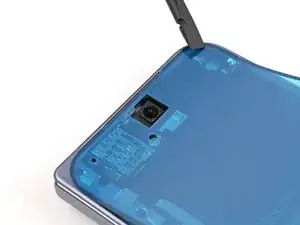
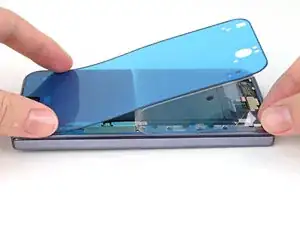
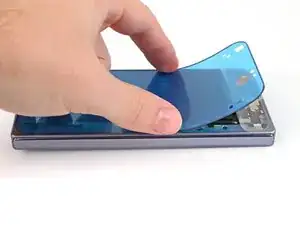
    • While peeling away the rest of the clear liner, slowly lay the adhesive over the perimeter of the phone.

  18. ejiUYVvM4AAFOEYX
    ejiUYVvM4AAFOEYX
    KHe4IfvbSS5HIHtP
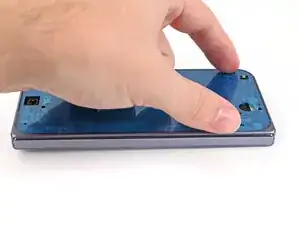
    • Use the flat end of a spudger, or your fingers, to press down the rest of the adhesive and adhere it to the frame.

  19. qkacRNTYwp3rWaKD
    qkacRNTYwp3rWaKD
    XQnlQThokhndQQOx
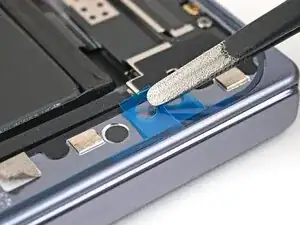
    • Use the point of a spudger to pry up the segmented tab on the bottom edge of the large blue liner.

  20. iUp3WDTYStPRL3i5
    iUp3WDTYStPRL3i5
    RTO5WYPMKUpoUV3h
    Owofpp1NvPyvkwJ4
    • Lift the tab and peel off the large blue liner to expose the secondary liner.

    • If any of the adhesive starts to peel up with the liner, gently lay it back on the frame and use the flat end of a spudger to secure it to the frame.

  21. mNqXCTagBVOvFtUA
    mNqXCTagBVOvFtUA
    WHE6AVwLCQTiP5Mk
    • Support the screen with your hand or prop it up on something sturdy.

    • Reconnect the outer screen cable press connector.

  22. qUn4KK42BJMQPsY5
    qUn4KK42BJMQPsY5
    uhGEX6RSBiFFILPV
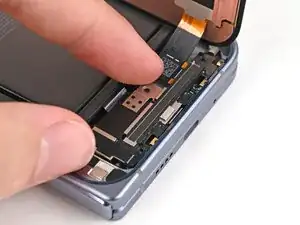
    • Place the display bracket over its spot on the frame.

  23. Wi5FR6XhJROndfWv
    Wi5FR6XhJROndfWv
    CjDwSRlFu6DPBCU2
    • Use the point of a spudger to press down the display bracket and slide its clip under the bottom edge of the frame.

  24. BtqvGUiPJ5Gi2Brd
    BtqvGUiPJ5Gi2Brd
    iJ3KxFDqjRaNMHlq
    • Use a Torx Plus 3IP driver to install the three screws securing the display cable bracket:

    • One 1.8 mm‑long screw

    • Two 2.5 mm‑long screws

    • If your new outer screen comes with pre-installed adhesive, remove the liner to expose its adhesive and skip here.

  25. eIxPV24BaEONAN1G
    eIxPV24BaEONAN1G
    CAscmRBUsYISWvvZ
    • Use tweezers to grip the pull tab of the secondary liner at the bottom left corner of the phone.

  26. L2XbdUslFPBEfwly
    L2XbdUslFPBEfwly
    FtiCHJRTpwCCqfqm
    4XwZerVTTV61fSjT
    • Peel the liner from the left and top edge of the phone.

  27. j2vpIjXOnWoHOsJP
    j2vpIjXOnWoHOsJP
    JJjZErESbvaZIopF
    IwuKDIuHf1bfUL2A
    • While holding the screen over the frame, peel the liner from the right and bottom edge of the frame and expose the adhesive.

  28. mYfJoJpgPIX5njXC
    mYfJoJpgPIX5njXC
    ovVB5UgWjKEw5ELo
    N2pRPa1HCtBRv2LO
    • Align the outer screen over the frame and press it into place.

  29. YvhHtZ3TQ1EhvHSf
    YvhHtZ3TQ1EhvHSf
    hArwpdBRFcVZMsrA
    • Press along the perimeter of the outer screen to adhere it to the frame.

    • Optionally, you can use a hair dryer or heat gun to lightly heat the edges of the back cover and create a stronger bond.

    • Let the phone sit a few hours for the adhesive to cure.

Conclusão

Congratulations on completing your repair!

Take your e-waste to an R2 or e-Stewards certified recycler.

Repair didn’t go as planned? Try some basic troubleshooting, or ask our Google Pixel 10 Pro Fold Answers Community for help.

Alex Diaz-Kokaisl

Membro desde: 16/01/22

227430 Reputação

0 comentários