Introdução

  1. 4SbvdXxd2bNOAemF
    4SbvdXxd2bNOAemF
    umicB3qGBEBtjLiO
    oM1CnfFJoJIZp1EF
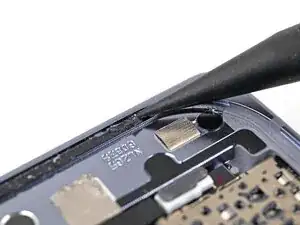
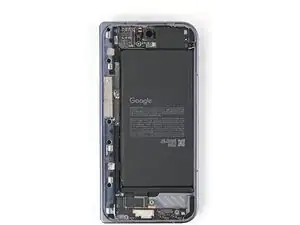
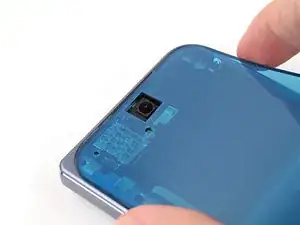
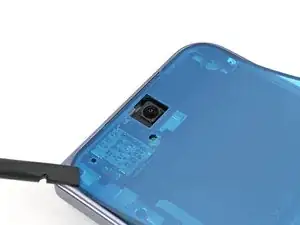
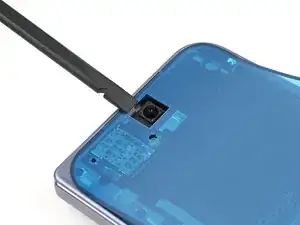
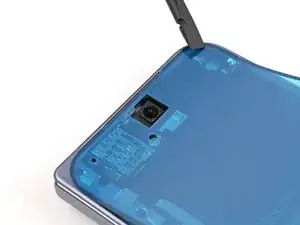
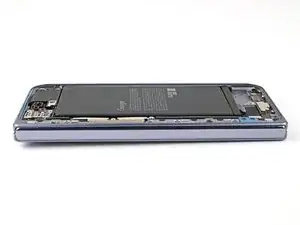
    • Use a spudger, or your fingers, to remove the old outer screen adhesive on the frame.

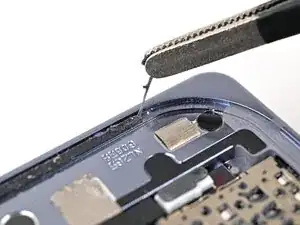
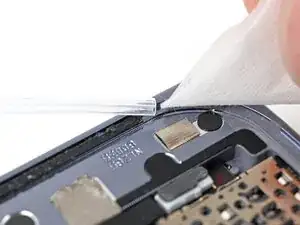
    • Use isopropyl alcohol (>90%) and a coffee filter or a microfiber cloth to remove any adhesive residue.

    • If your new outer screen has a liner covering the front camera cutout, remove it now.

    • If your new outer screen comes with pre-installed adhesive, skip here. Otherwise, follow the guide normally to install new adhesive.

  2. WXAhIwKtCAQMhZDN
    WXAhIwKtCAQMhZDN
    mnI23eQmoFfSVQwd
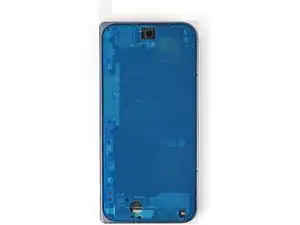
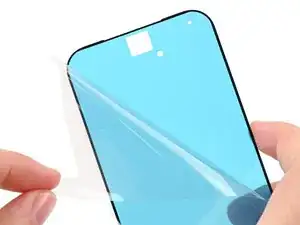
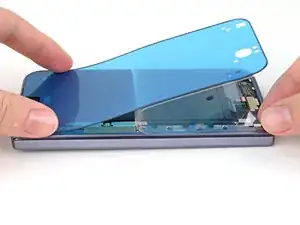
    • Before removing any liners, check if the outer screen adhesive matches the frame.

    • The clear liner should face the frame.

  3. ktySinPfoakCo6a4
    ktySinPfoakCo6a4
    wXbAfefLvjti4cfW
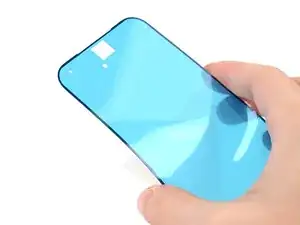
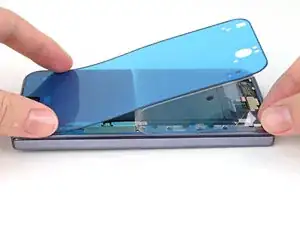
    • Peel away the top half of the new adhesive strip from its clear liner and keep the liner folded before continuing.

  4. m2w1WBvQAeGO1XYR
    m2w1WBvQAeGO1XYR
    inQ2LrjAHYssXDBG
    • Be careful during this step, as it's easy to stick the adhesive in the wrong spot. Take your time and work slowly.

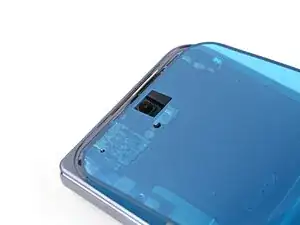
    • Align the top half of the adhesive over the frame, using the corners as reference points.

    • Place the adhesive on the frame.

  5. POM4BtFb4V2nniV1
    POM4BtFb4V2nniV1
    gKTJwpJxl5YsuMA5
    BDykDHOb4w2IdyI3
    • Use the flat end of a spudger, or your fingers, to press down the top edge of the adhesive and adhere it to the frame.

  6. YWCnpjkXUmHDlMLj
    YWCnpjkXUmHDlMLj
    fAhgvXK35aLDNRDy
    HAbZLwZVR2FyBbPu
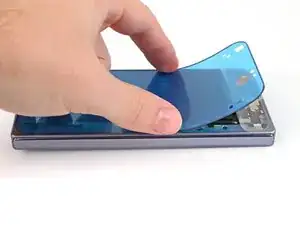
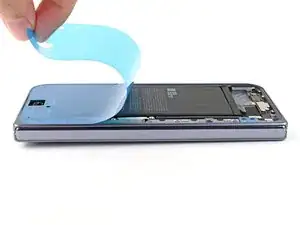
    • While peeling away the rest of the clear liner, slowly lay the adhesive over the perimeter of the phone.

  7. ejiUYVvM4AAFOEYX
    ejiUYVvM4AAFOEYX
    KHe4IfvbSS5HIHtP
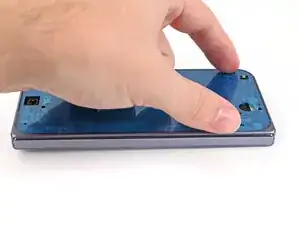
    • Use the flat end of a spudger, or your fingers, to press down the rest of the adhesive and adhere it to the frame.

  8. qkacRNTYwp3rWaKD
    qkacRNTYwp3rWaKD
    XQnlQThokhndQQOx
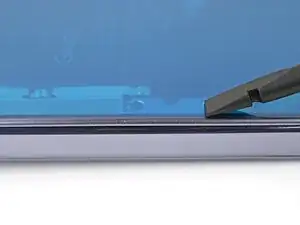
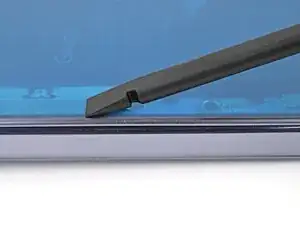
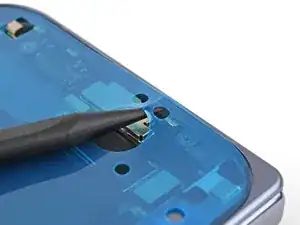
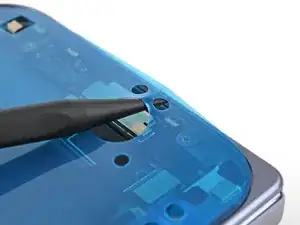
    • Use the point of a spudger to pry up the segmented tab on the bottom edge of the large blue liner.

  9. iUp3WDTYStPRL3i5
    iUp3WDTYStPRL3i5
    RTO5WYPMKUpoUV3h
    Owofpp1NvPyvkwJ4
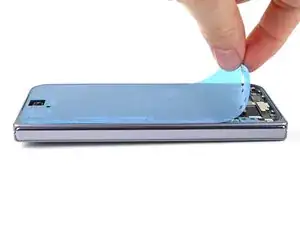
    • Lift the tab and peel off the large blue liner to expose the secondary liner.

    • If any of the adhesive starts to peel up with the liner, gently lay it back on the frame and use the flat end of a spudger to secure it to the frame.

Conclusão

To reassemble your device, follow these instructions in reverse order.

Alex Diaz-Kokaisl

Membro desde: 16/01/22

227430 Reputação

0 comentários