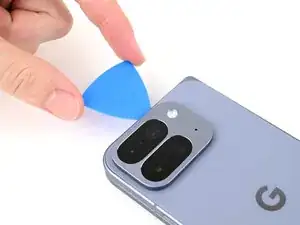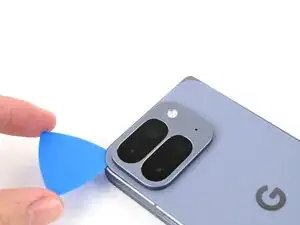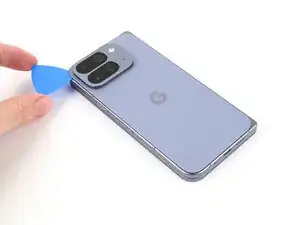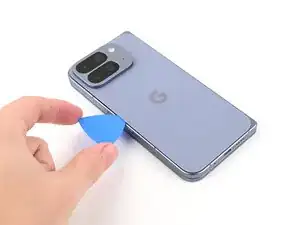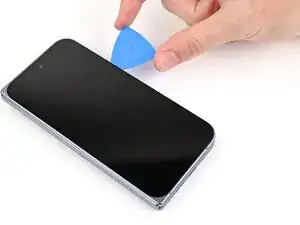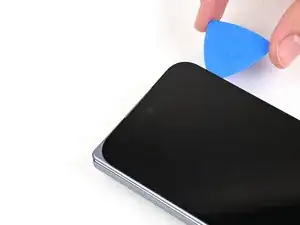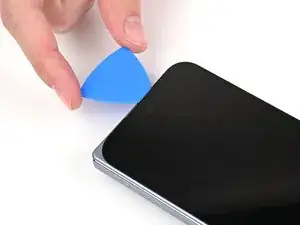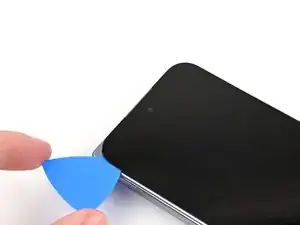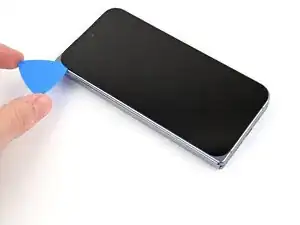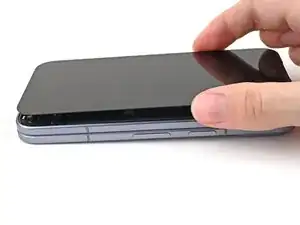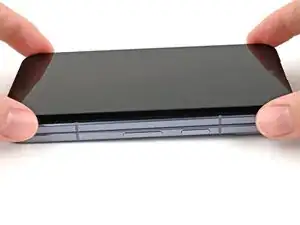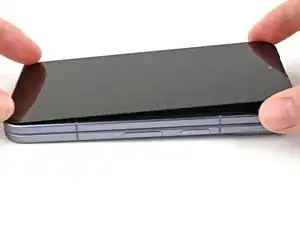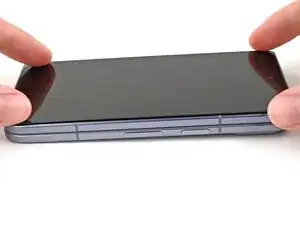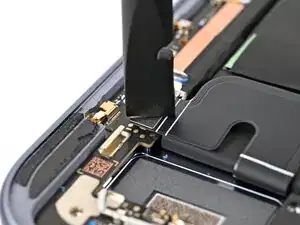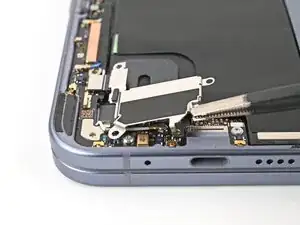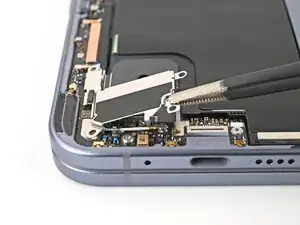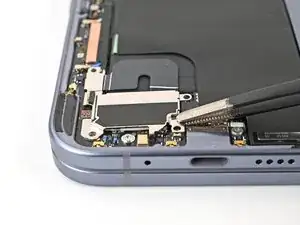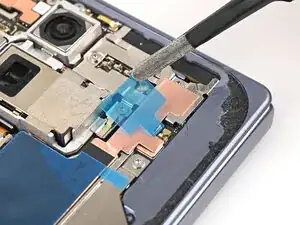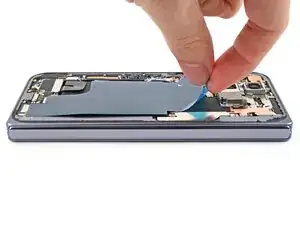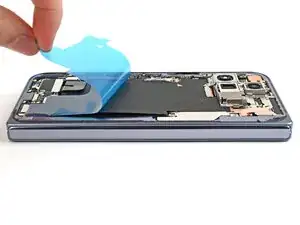
Introdução

This repair guide was authored by the iFixit staff and hasn’t been endorsed by Google. Learn more about our repair guides here.

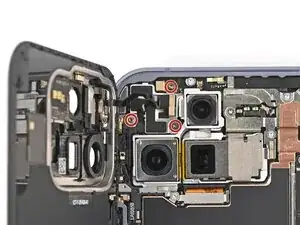
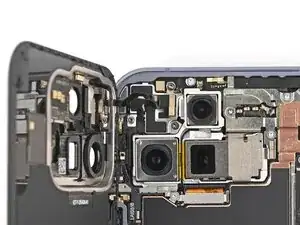
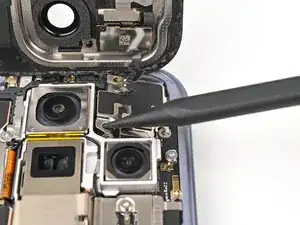
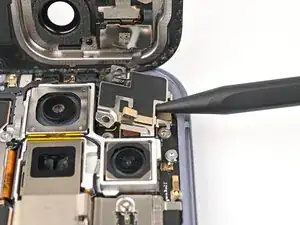
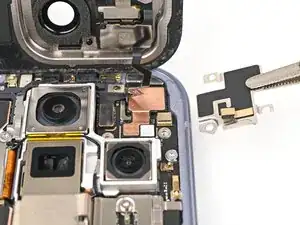
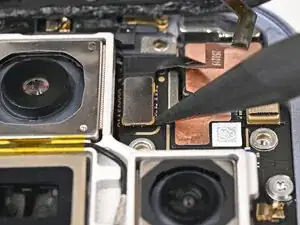
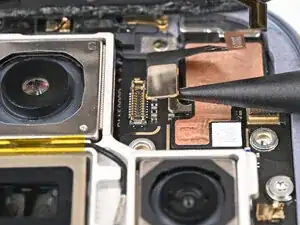
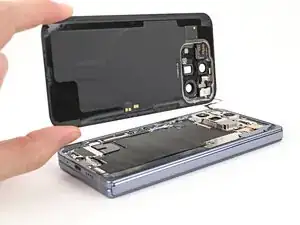
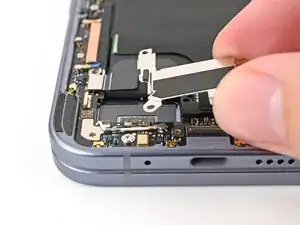
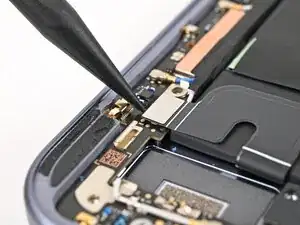
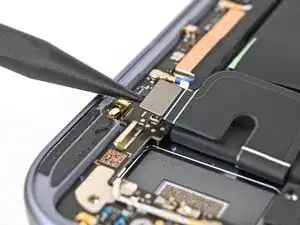
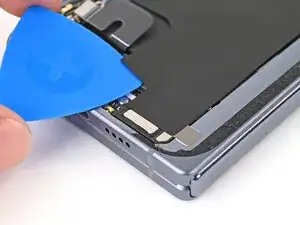
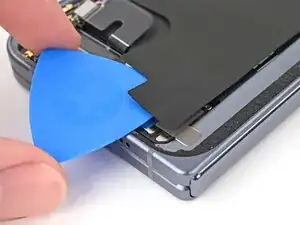
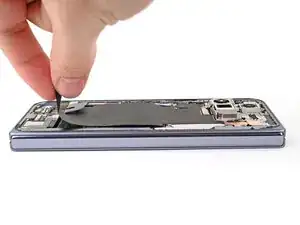
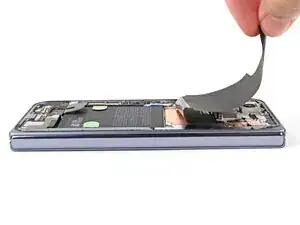
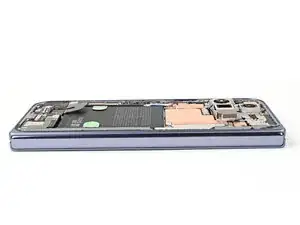
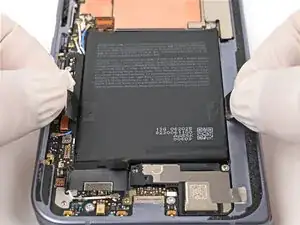
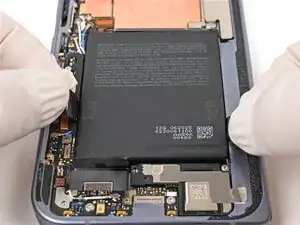
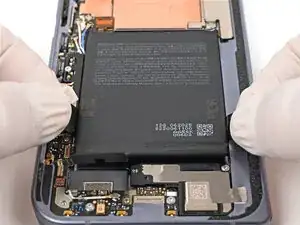
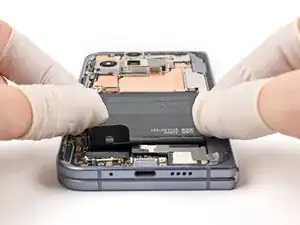
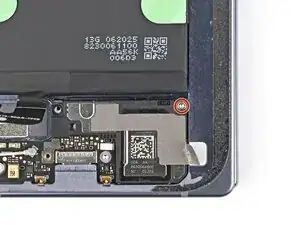
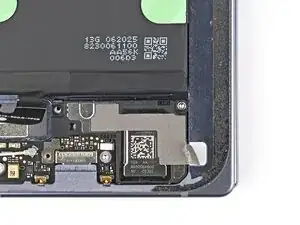
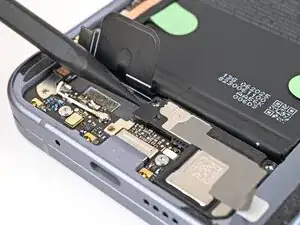
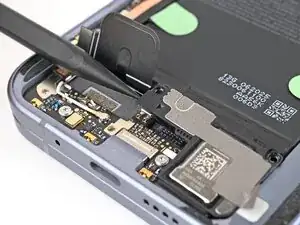
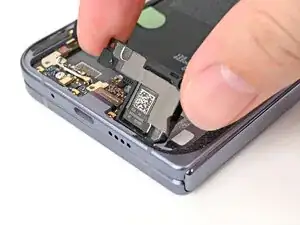
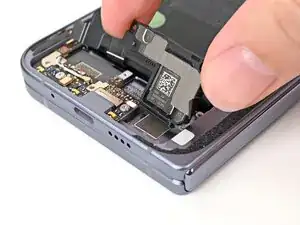
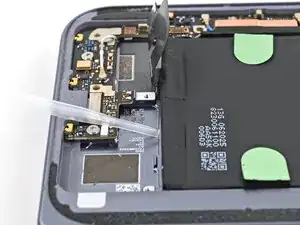
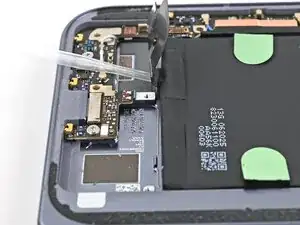
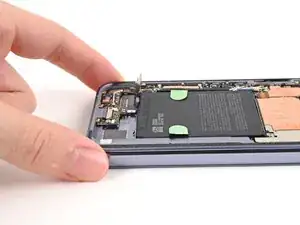
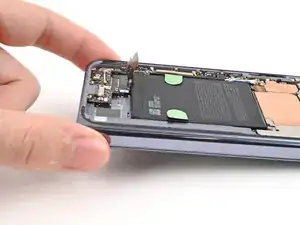
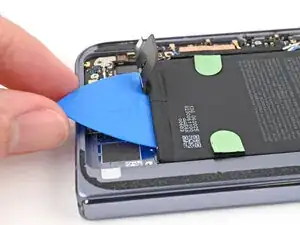
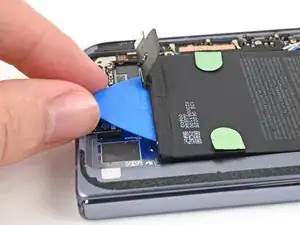
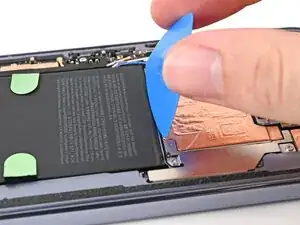
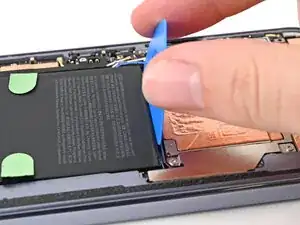
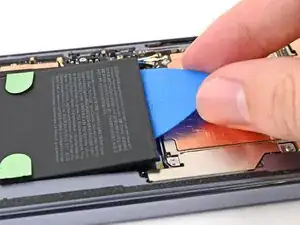
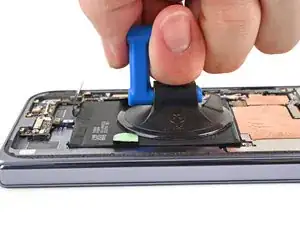
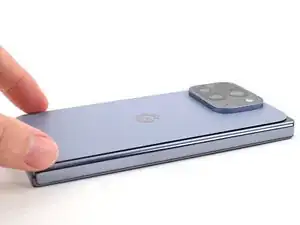
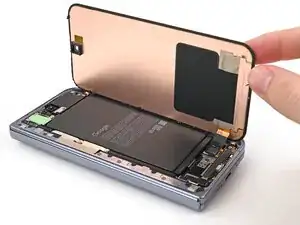
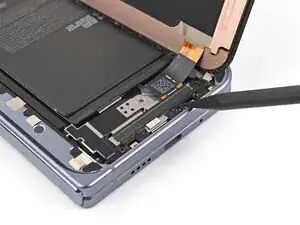
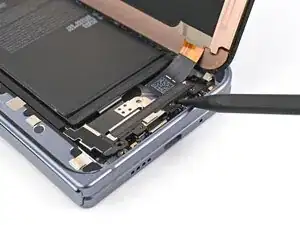
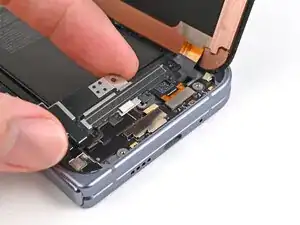
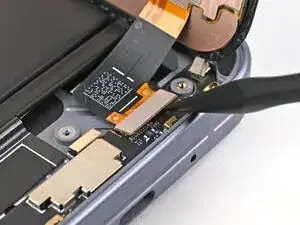
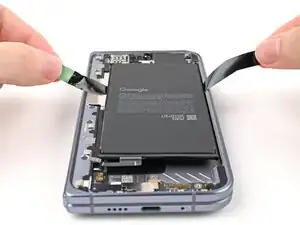
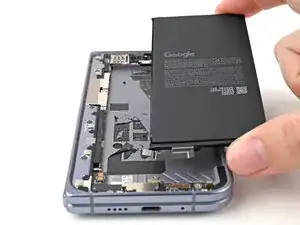
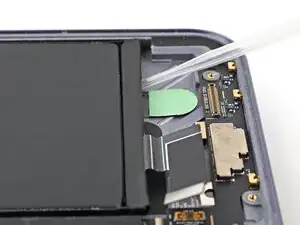
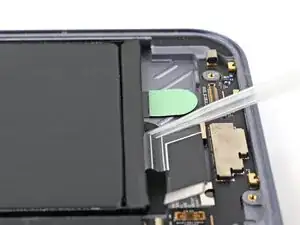
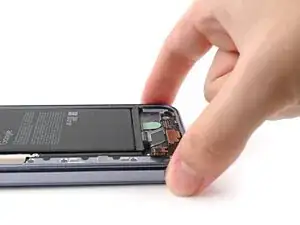
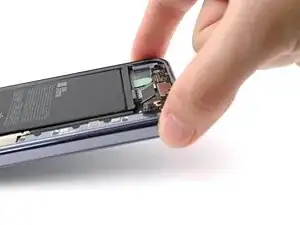
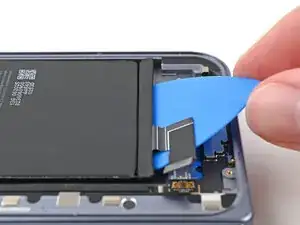
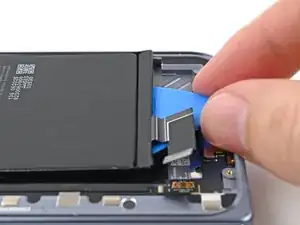
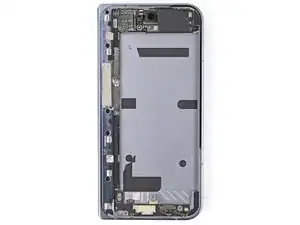
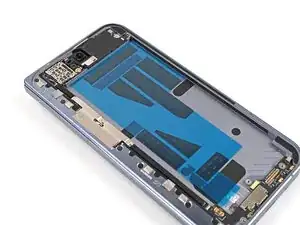
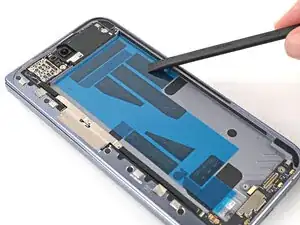
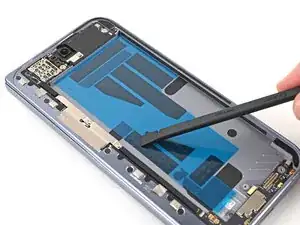
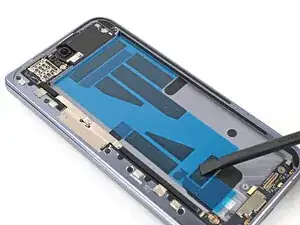
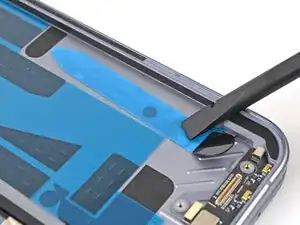
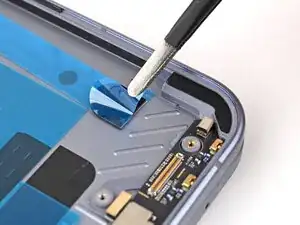
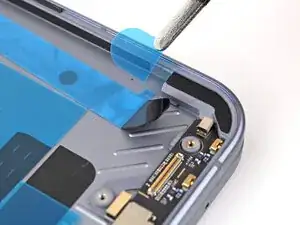
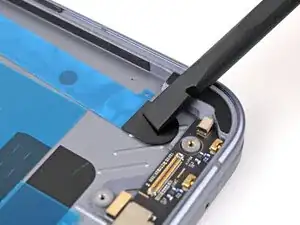
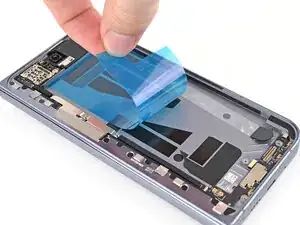
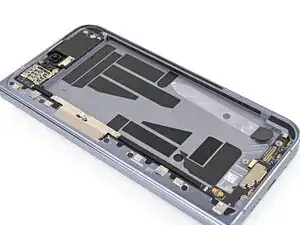
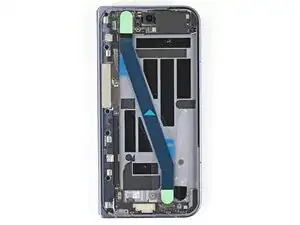
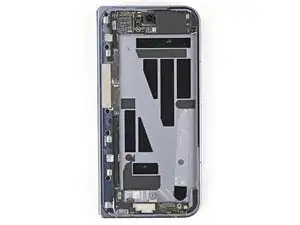
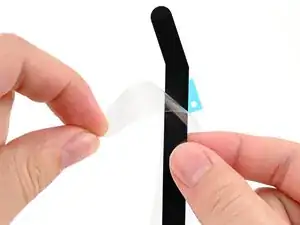
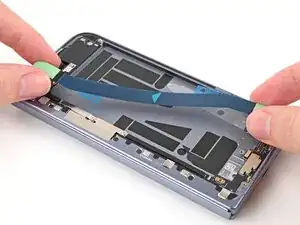
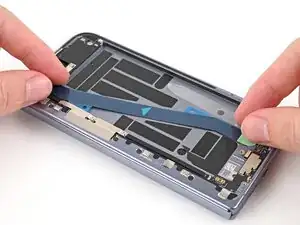
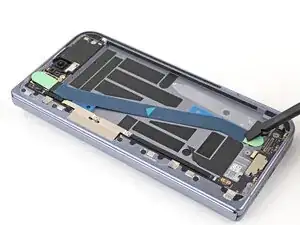
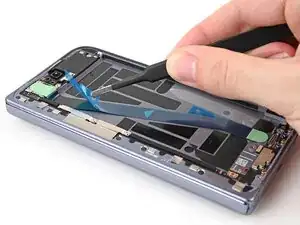
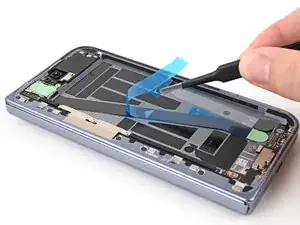
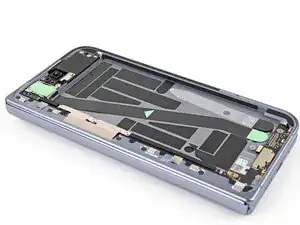
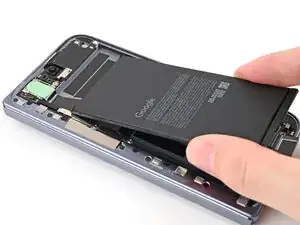
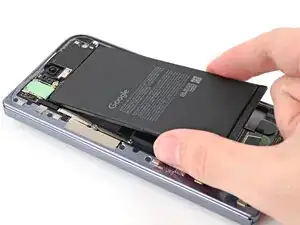
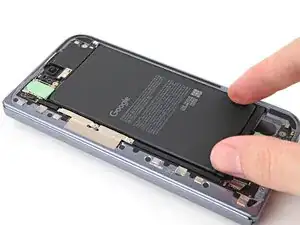
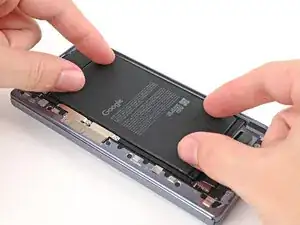
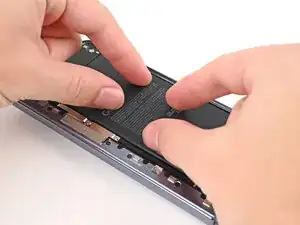
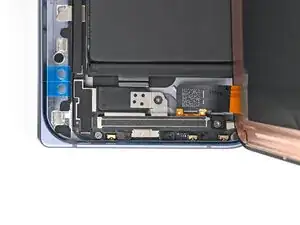
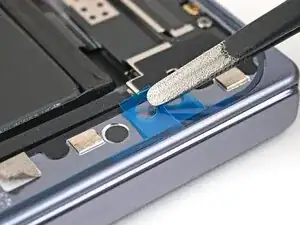
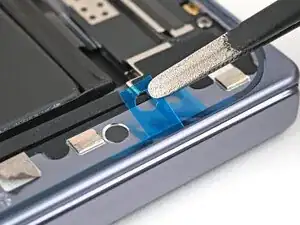
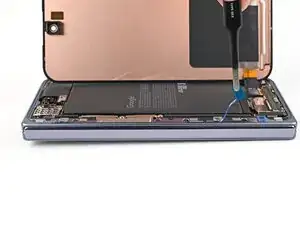
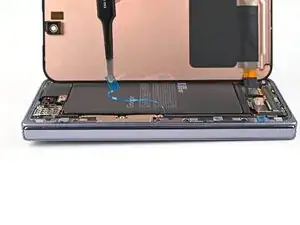
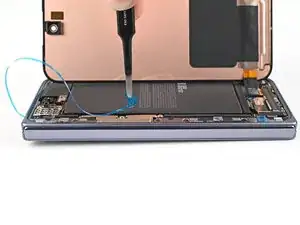
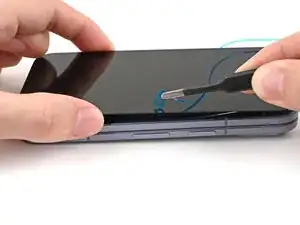
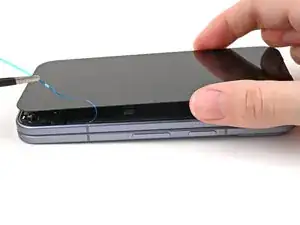
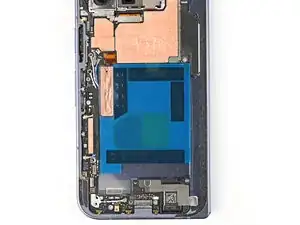
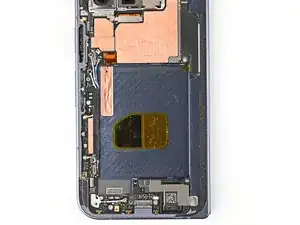
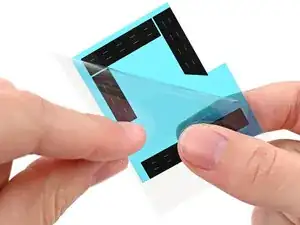
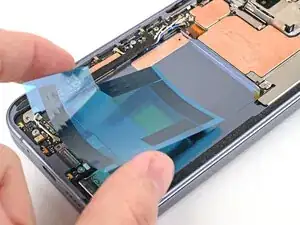
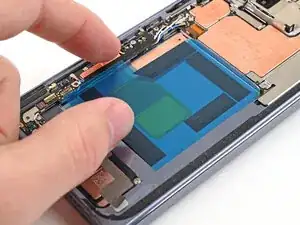
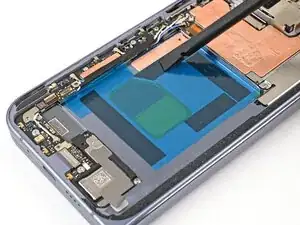
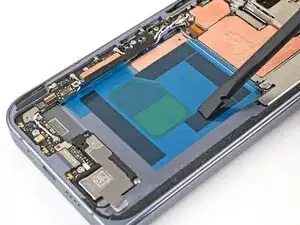
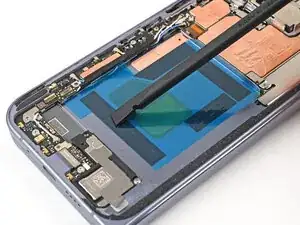
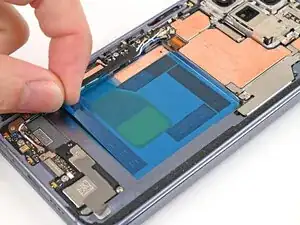
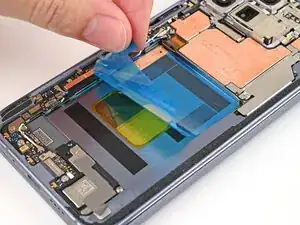
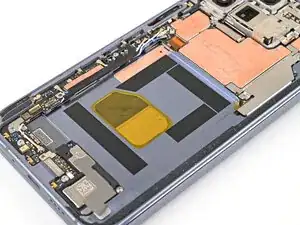
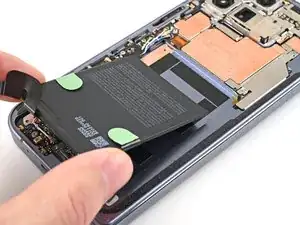
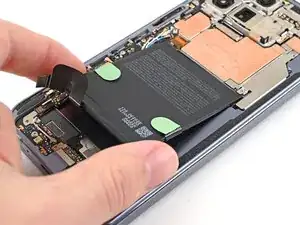
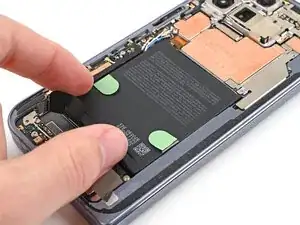
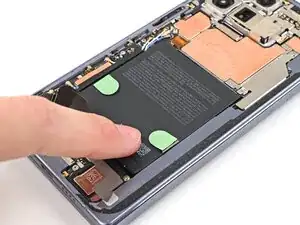
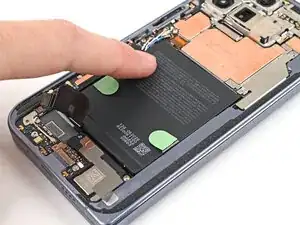
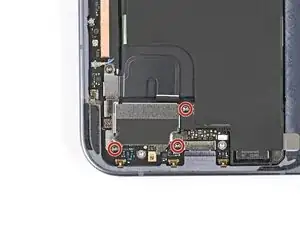
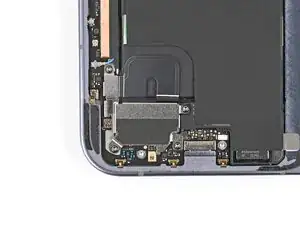
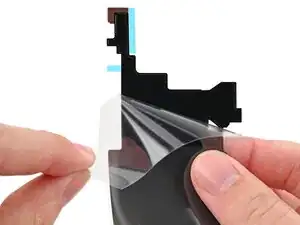
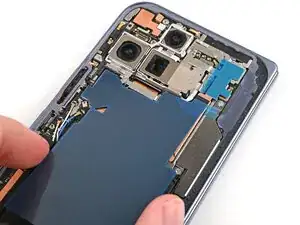
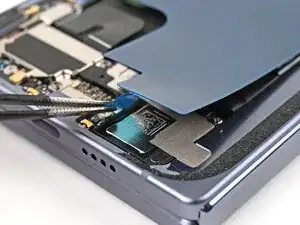
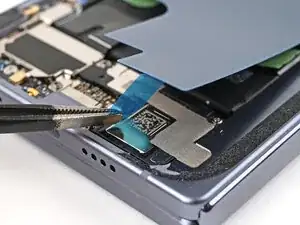
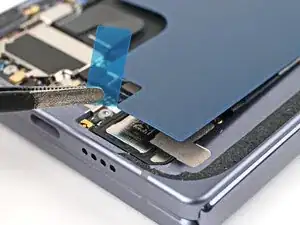
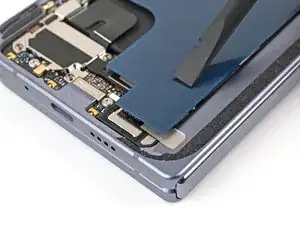
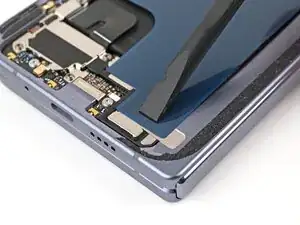
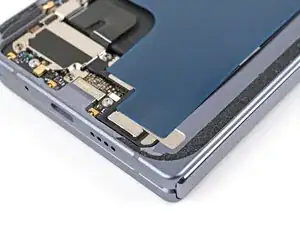
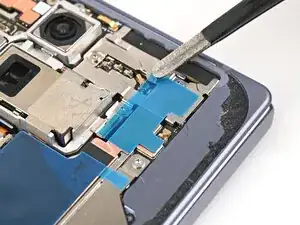
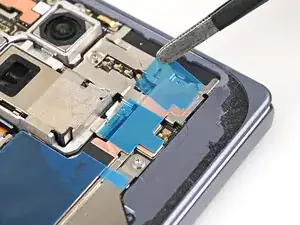
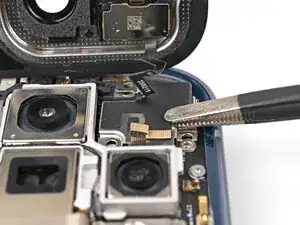
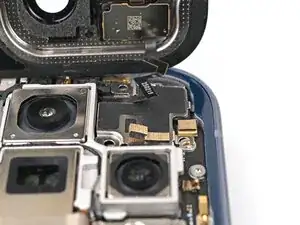
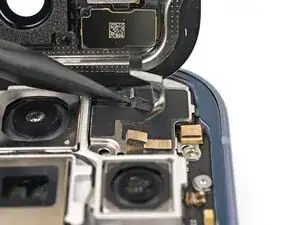
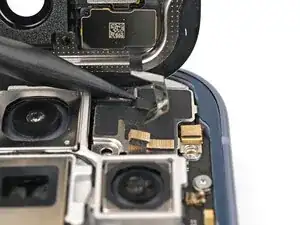
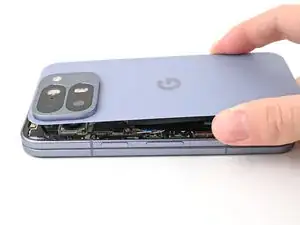
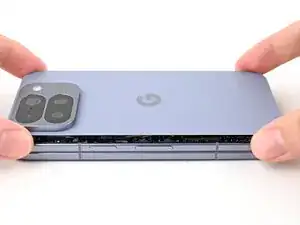
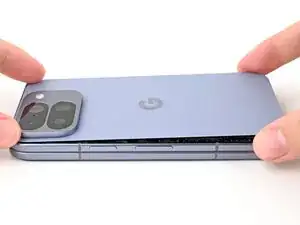
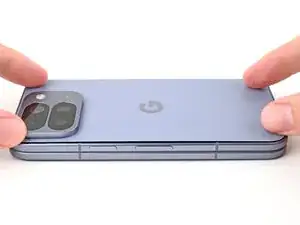
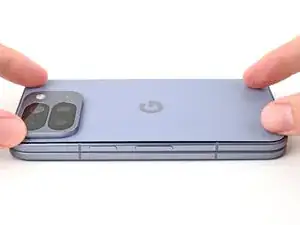
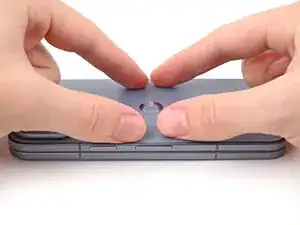
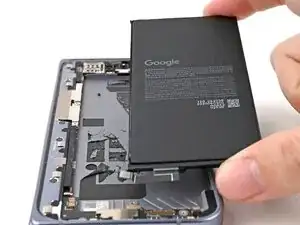
Use this guide to replace the flip and base battery in your Google Pixel 10 Pro Fold.

Both batteries need to be replaced at the same time, requiring you to disassemble and reassemble both sides of your phone.

  1. QipHvYljYDhPJrkH
    • Let your phone's battery drain below 25% before starting this repair. A charged lithium‑ion battery may catch fire if damaged.

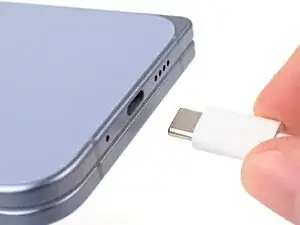
    • Unplug all cables from your phone and completely power it down.

  2. oLQaIT4WVlTeFgkw
    oLQaIT4WVlTeFgkw
    XaHKwLwvrq2GsXmI
    w1WcPR14G3FMxxiS
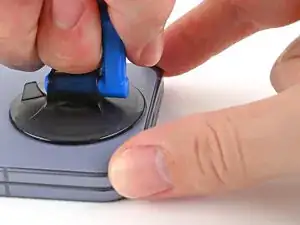
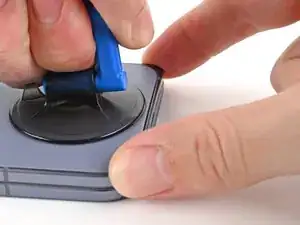
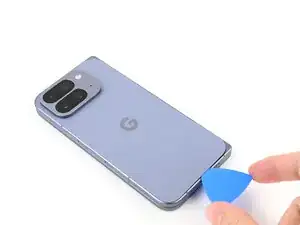
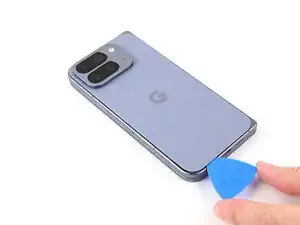
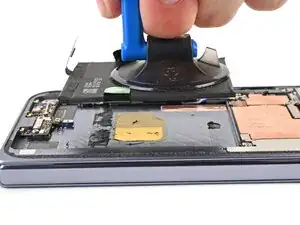
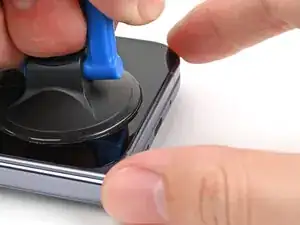
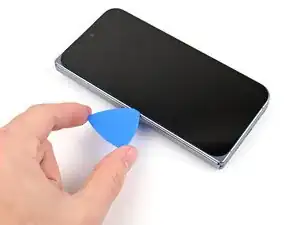
    • Apply a suction cup to the back cover, as close to the center of the bottom edge as possible.

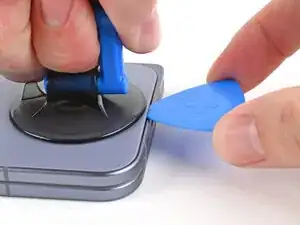
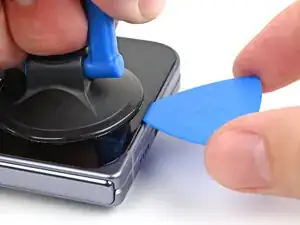
    • While securing the phone with one hand, pull up on the suction cup with strong, steady force to create a gap between the back cover and the frame.

    • Insert an opening pick into the gap.

    • If your back cover is badly cracked, covering it with a layer of clear packing tape may allow the suction cup to adhere. Alternatively, very strong tape may be used instead of the suction cup. If all else fails, you can superglue the suction cup to the broken back cover.

  3. parBUNVugVMe1D5r
    parBUNVugVMe1D5r
    oKb34OxbhDpBhAkZ
    Gnnane2VwKHtbVlv
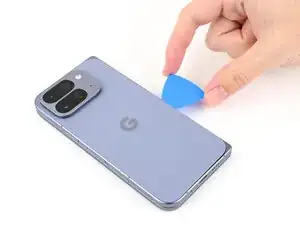
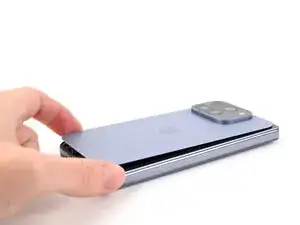
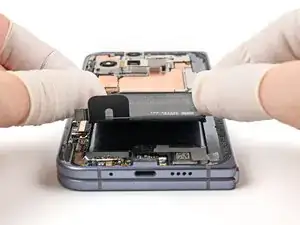
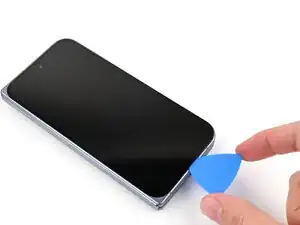
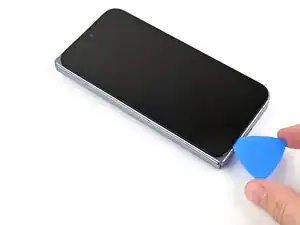
    • The adhesive along the right edge of the back cover is thicker than the rest. You'll need to insert your opening pick at a minimum of 4 mm to separate the adhesive.

    • Remove the suction handle from the back cover.

    • Slide the opening pick around the bottom right corner and up the right edge of the back cover to separate the adhesive.

  4. WZaK2yNa2jygLGDt
    WZaK2yNa2jygLGDt
    4T1vNHsVYDwhu6av
    rnqMipJS4WsmMDRh
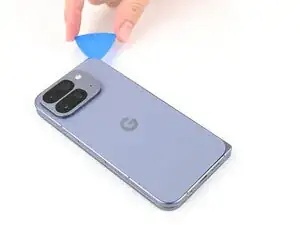
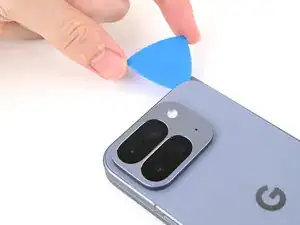
    • During the next two steps, don't insert your opening pick deeper than 3 mm to prevent damaging the metal springs around the frame.

    • Optionally, you can measure and mark your opening pick at 3 mm to help you visualize the length.

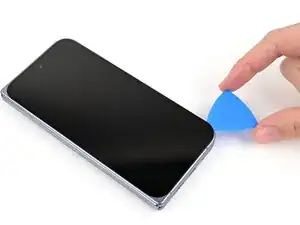
    • Continue sliding the pick around the top right corner and across the top edge of the back cover.

  5. 3onM4LUiQPUgSSmK
    3onM4LUiQPUgSSmK
    gItqLExkfOhqbCCC
    XVSMgm4uEfDKs336
    • Slide your pick down the left edge and around the bottom left corner to separate the remaining adhesive.

  6. gXhkZFEgEQHkBKGw
    gXhkZFEgEQHkBKGw
    VvcYaS5OBKXqesUZ
    nG4OYpYelyOYGIFF
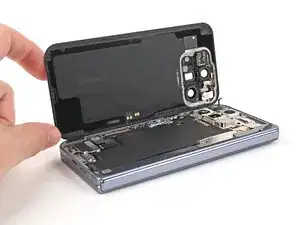
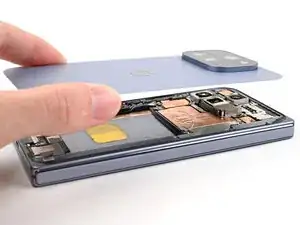
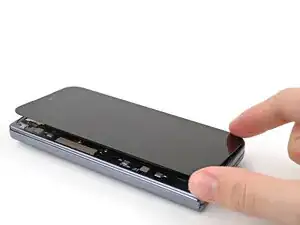
    • Don't fully remove the back cover yet, as it's still connected to the phone by a cable.

    • At this point, the back cover should be free from the frame. If there's still resistance around the edges, use an opening pick to separate any remaining adhesive.

    • Lift the right edge of the back cover and swing it over the left edge of the phone.

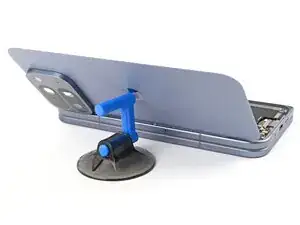
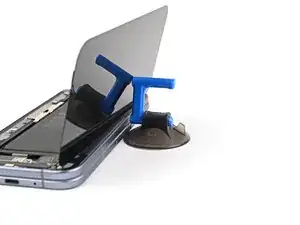
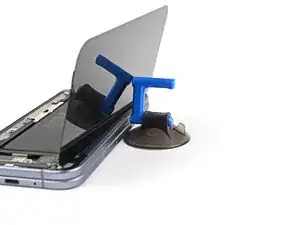
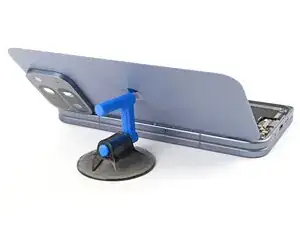
    • Prop up the back cover with your suction handle or a clean, sturdy object, making sure that the cable isn't strained.

  7. asjTT4EiM1NVNOPk
    asjTT4EiM1NVNOPk
    EIZoYBpcNYBKAh3a
    • Throughout this repair, keep track of each screw and make sure it goes back exactly where it came from.

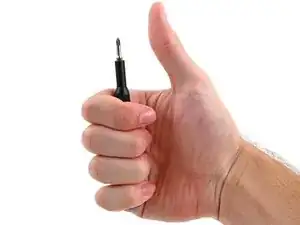
    • While the Pixel 10 Pro Fold uses Torx Plus screws, standard Torx bits also work. Use the same size or one size larger (T3 or T4 Torx bits with 3IP Torx Plus screws) and apply constant, downward force to prevent stripping.

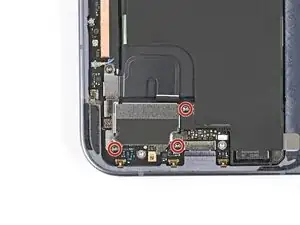
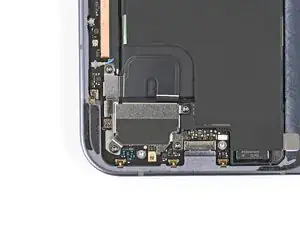
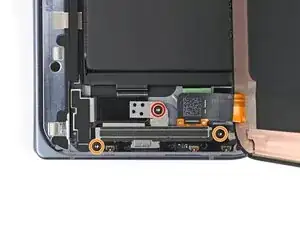
    • Use a Torx Plus 3IP driver to remove the three 3.0 mm‑long screws securing the top bracket.

  8. hXLoqHcqIyuiQwnQ
    hXLoqHcqIyuiQwnQ
    nmixLhNhqyPWZjrk
    sx32S4oR2CnRd4aZ
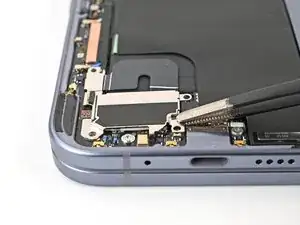
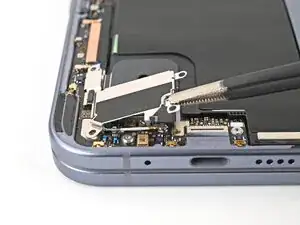
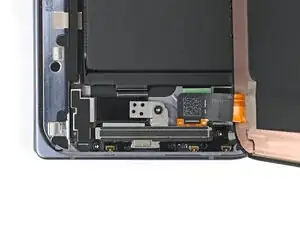
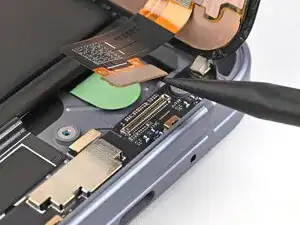
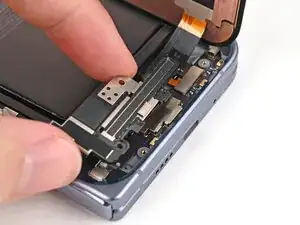
    • Use the point of a spudger to pry up the top bracket and release its clip from the top edge of the frame.

    • Remove the top bracket.

  9. Z5HWORueTJoUsr4a
    Z5HWORueTJoUsr4a
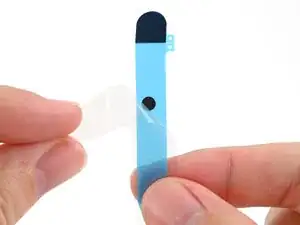
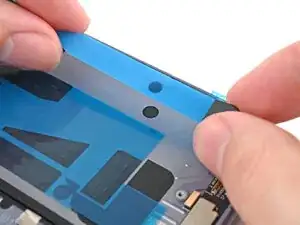
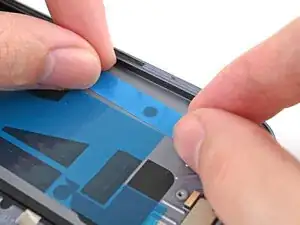
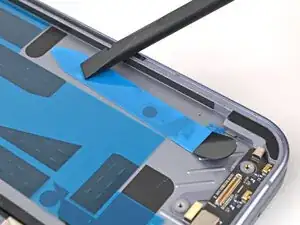
    ysGIiQXFUO16jxUQ
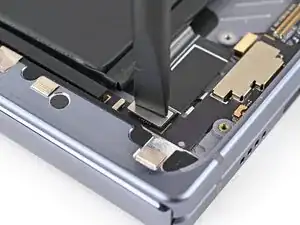
    • When disconnecting press connectors, pry only at the gold outlines on the logic board.

    • Don't insert your spudger anywhere else, as you risk dislodging surface‑mounted components.

    • Use the point of a spudger to pry up and disconnect the back cover cable.

  10. CmIoREmGyQ2rtPQQ
    • Lift the back cover off the frame and remove it.

  11. nAAIgeRQgbYNpEtl
    nAAIgeRQgbYNpEtl
    FAkfmNitxQIZKTOV
    • Use a Torx Plus 3IP driver to remove the three 3.2 mm‑long screw securing the vibrator.

  12. yjPDOuo1mKn2CaUx
    yjPDOuo1mKn2CaUx
    2WsS2NXbcnrVGseN
    rtYSoklQisyiVbJi
    • Use tweezers, or your fingers, to lift the right edge of the vibrator and pull it towards the right edge of the phone to release its clip.

    • Remove the vibrator.

  13. jWJYwWvMlB4NL5NC
    jWJYwWvMlB4NL5NC
    cBMe5K1MjwvfmLjG
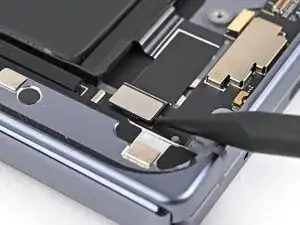
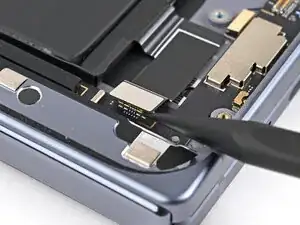
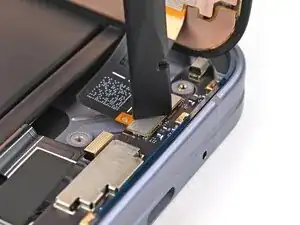
    • Use the point of a spudger to pry up and disconnect the base battery press connector.

  14. OGpcoqwqDW4QjRL1
    OGpcoqwqDW4QjRL1
    GRKmTWogof2owAb1
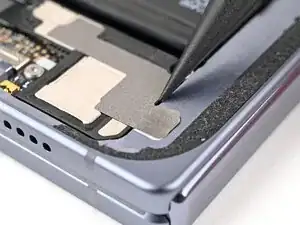
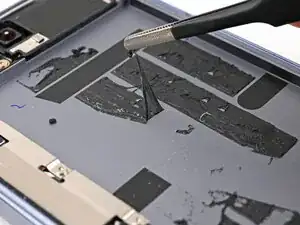
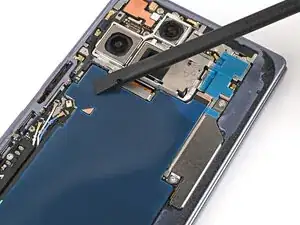
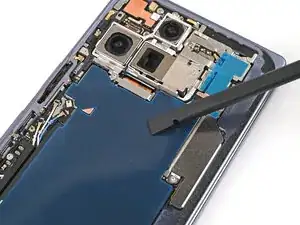
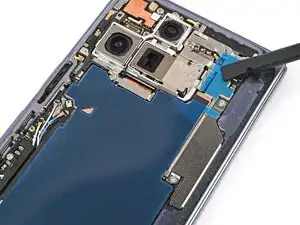
    • Slide an opening pick between the graphite sheet and the bottom speaker to separate the adhesive.

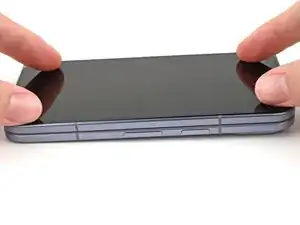
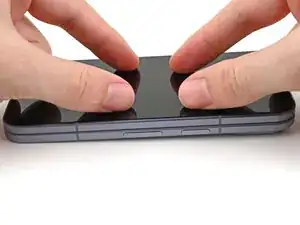
  15. tgTJWrTA4tkuwwQB
    tgTJWrTA4tkuwwQB
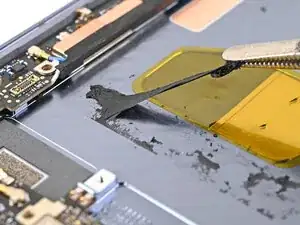
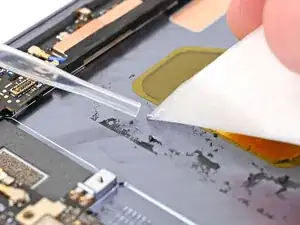
    qNY2kopabsa3f4E2
    hlTPhiEfBwTSvLLQ
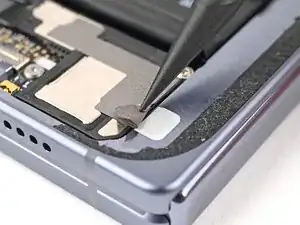
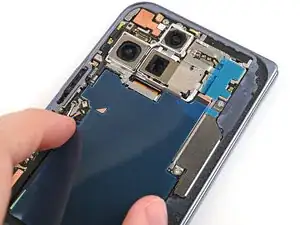
    • Peel the graphite sheet off the logic board to separate the remaining adhesive.

  16. HBCYQjYsMENhyTPO
    HBCYQjYsMENhyTPO
    5j6k4DIUcjBSgDso
    Qv1EcY5xKWFOLBjx
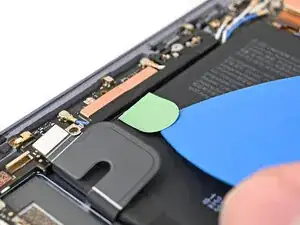
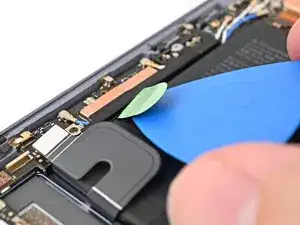
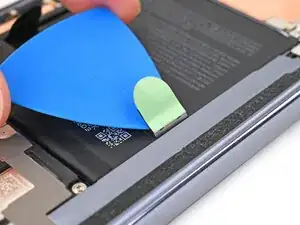
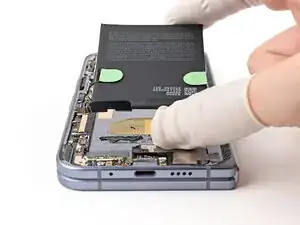
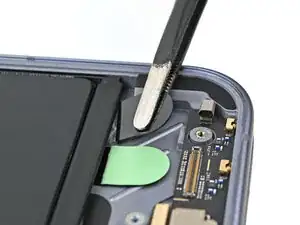
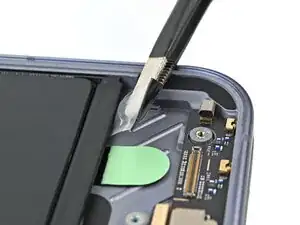
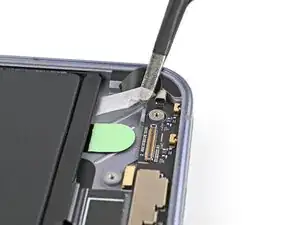
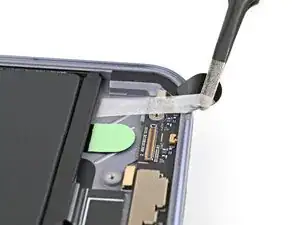
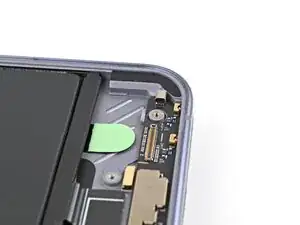
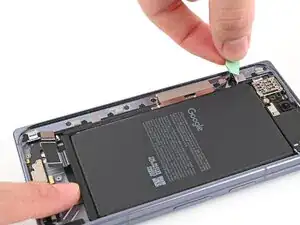
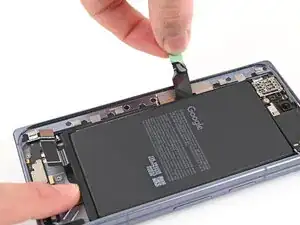
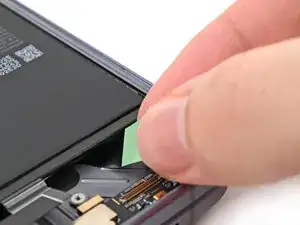
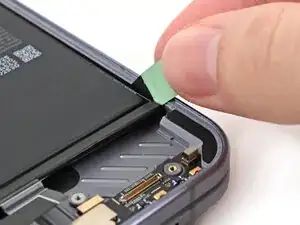
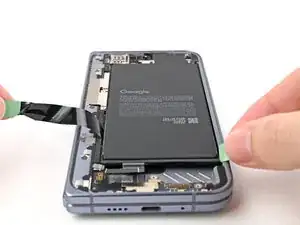
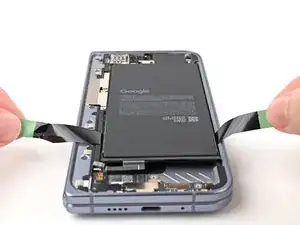
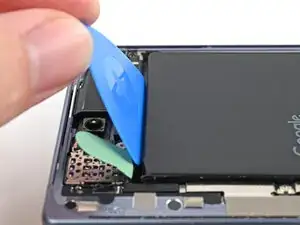
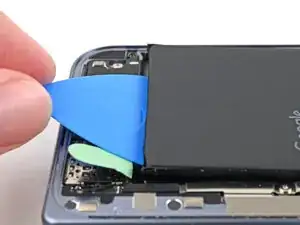
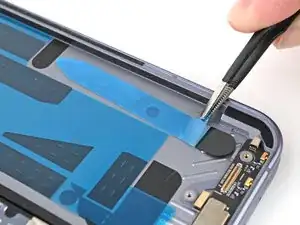
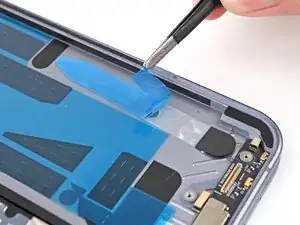
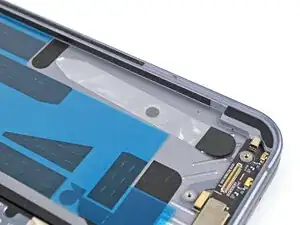
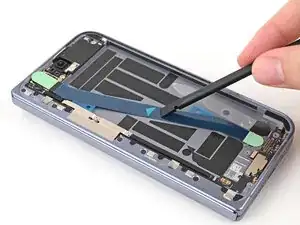
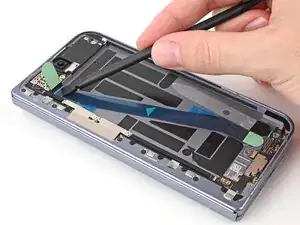
    • Use an opening pick to peel up the two green ends of the pull tab on the base battery.

  17. dx5rRiXF2IDTIwuR
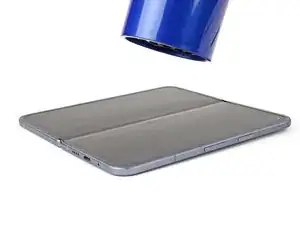
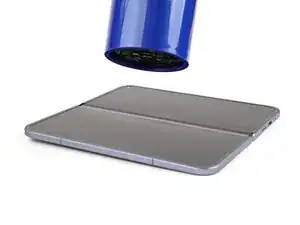
    • Unfold your phone and flip it so the inner screen is facing upward.

    • Use a hair dryer to heat the section of inner screen behind the base battery until it's barely too hot to touch.

    • Don't heat the screen longer than 30 seconds, as it's susceptible to heat damage.

  18. VqT2p6l2LcMfnOyX
    VqT2p6l2LcMfnOyX
    vTOtKeJCXufUE5Tl
    QTBGK3vYJKfnSAlx
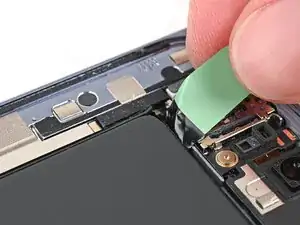
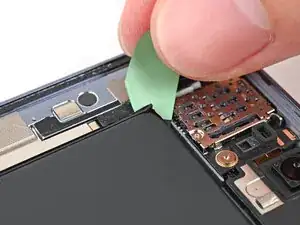
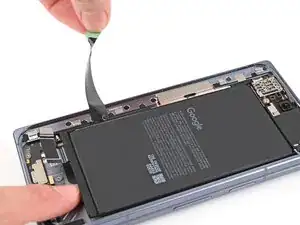
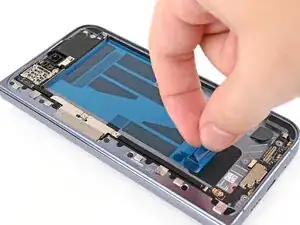
    • If you're having trouble gripping the pull tabs, use finger stalls to get a better grip.

    • Fold your phone and turn it so the base battery is facing up.

    • Slide the pull tab back and forth toward the bottom edge of the battery to separate the bottom section of adhesive.

  19. RXs4kWQWBERcK2YC
    RXs4kWQWBERcK2YC
    TETKTSaGkVj6kxyv
    npNWYRVUfZcbLCCp
    • The battery adhesive is strong. Be careful when pulling on the battery and reapply heat if necessary to avoid bending it.

    • Pull straight up with constant, steady force to separate the adhesive under the battery. Work slowly and let time do the work for you until the adhesive separates.

    • Remove the base battery.

    • If you're having trouble separating the adhesive, apply more heat and try again.

    • If you're having a lot of trouble separating the adhesive, or if you feel like you might damage the battery, follow the next nine steps for an alternate method. Otherwise, skip here.

  20. MGNtmXfxcmeRpYZh
    MGNtmXfxcmeRpYZh
    yifGTuFGK6FDSLtA
    • Use the point of a spudger to peel the section of conductive fabric connecting the loudspeaker to the frame.

  21. fQRD5EnsPnEXMGVA
    fQRD5EnsPnEXMGVA
    NRQ6tRFYQRcUaI1q
    • Use a Torx Plus 3IP driver to remove the 2.4 mm‑long screw securing the loudspeaker.

  22. Kr34tUWfrPTunjGZ
    Kr34tUWfrPTunjGZ
    a2UKfRgH3fKaPfXN
    • Use the point of a spudger to pry up the left edge of the loudspeaker to separate the adhesive securing it to the frame.

  23. MsNhGSoyrr3V1eAa
    MsNhGSoyrr3V1eAa
    RHyVPvO2NnImnqCF
    • Use your fingers to lift the top edge of the loudspeaker and pull it out of its recess in the frame.

    • Remove the loudspeaker.

  24. ugg5PZXFXFVZCmtm
    ugg5PZXFXFVZCmtm
    VWAuZAscEEfbLgYN
    • Apply a few drops of high concentration (>90%) isopropyl alcohol under the bottom edge of the base battery.

  25. 11pVUlRSATMtWEVY
    11pVUlRSATMtWEVY
    M42usvxMuldaZHPo
    • Lift the bottom edge of the phone to let the isopropyl alcohol flow under the battery.

    • Wait one minute for the alcohol to soften the adhesive.

  26. RPA1ESRRSYohdjcV
    RPA1ESRRSYohdjcV
    GtpOQGCfAI2M1Vkx
    • Slide an opening pick—long edge first—under the bottom edge of the battery to separate the bottom section of adhesive.

  27. odxH6WLwO3KkJgAK
    odxH6WLwO3KkJgAK
    ZmuL5r2QTDlSJQS4
    kPVGiXIBaBOoMMji
    • Insert an opening pick—long edge first—between the top edge of the battery and the logic board.

    • Rotate the pick so it lies flat under the battery and slide it downward to separate the top portion of adhesive.

  28. Jg5RpvDbv41JfksT
    Jg5RpvDbv41JfksT
    P1FPQEH61VLRaCmV
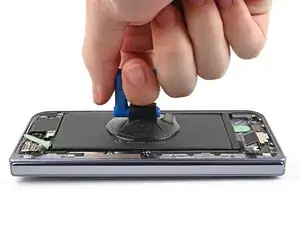
    • Apply a suction cup to the center of the base battery.

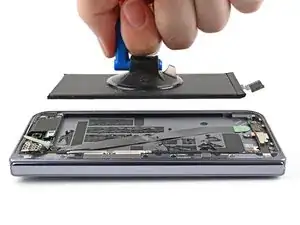
    • While securing the phone with one hand, pull up on the suction cup with strong, steady force to separate the base battery from the frame.

    • Remove the base battery.

  29. SSZBEMxptWRfQBW5
    SSZBEMxptWRfQBW5
    w4fqC21HHrxfKcYd
    • Place the back cover on the frame to protect the internals while working on the flipside of the phone.

  30. 2hiknXvQ42lLTKSK
    2hiknXvQ42lLTKSK
    IDUaTyK4WxMe6sXG
    U2dKlBLsuFTTAFXI
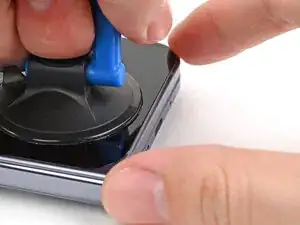
    • Apply a suction cup to the screen, as close to the center of the bottom edge as possible.

    • Pull up on the suction cup with strong, steady force to create a gap between the screen and the frame.

    • Insert an opening pick into the gap.

    • If your screen is badly cracked, covering it with a layer of clear packing tape may allow the suction cup to adhere. Alternatively, very strong tape may be used instead of the suction cup. If all else fails, you can superglue the suction cup to the screen.

  31. XL5Pcuil6vjRPXZl
    XL5Pcuil6vjRPXZl
    aMalsjFMQAQycqog
    hTrHhGBIHaPOsgDx
    • During the next three steps, don't insert your opening pick deeper than 3 mm to prevent damaging internal components.

    • Optionally, you can measure and mark your opening pick at 3 mm to help you visualize the length.

    • Slide the opening pick around the bottom right corner and up the right edge of the screen to separate the adhesive.

  32. O5DpViKqqEhRWf5B
    O5DpViKqqEhRWf5B
    ZKsc4fIsbHTWNfkl
    CAVfClF2Rdsrg4w5
    • Slide the pick around the top right corner and along the top edge of the screen.

  33. C2bSqSB6WocfxCnP
    C2bSqSB6WocfxCnP
    HWEpRJXA3aZCUhwD
    AWOHp2gB4WXckISg
    • Slide your pick down the left edge and around the bottom left corner to separate the remaining adhesive.

  34. Ud5PVipjmJJaZqLc
    Ud5PVipjmJJaZqLc
    UTC3bFB1YvgaQgDo
    ZPKLUYIHQv2rWfjy
    • Don't fully remove the screen yet, as it's still connected to the phone by a cable.

    • At this point, the screen should be free from the frame. If there's still resistance around the edges, use an opening pick to separate any remaining adhesive.

    • Lift the left edge of the screen and swing it over the right edge of the phone, like opening a book.

    • Prop up the screen with your suction handle or a clean, sturdy object.

  35. PNcbWHUiymBGt3VL
    PNcbWHUiymBGt3VL
    wTPedB5KZ1KisBQO
    • Throughout this repair, keep track of each screw and make sure it goes back exactly where it came from.

    • While the Pixel 10 Pro Fold uses Torx Plus screws, standard Torx bits also work. Use the same size or one size larger (T3 or T4 Torx bits with 3IP Torx Plus screws) and apply constant, downward force to prevent stripping.

    • Use a Torx Plus 3IP driver to remove the three screws securing the display cable bracket:

    • One 1.8 mm‑long screw

    • Two 2.5 mm‑long screws

  36. GEIIR3AU4MjtORRE
    GEIIR3AU4MjtORRE
    D3SmiKFFsJAD4eSK
    S3ByIDlNv3TIY3Iq
    • Use the point of a spudger to pry up the display bracket and release its clip from the bottom edge of the frame.

    • Remove the display bracket.

  37. GD1HdHASxRKmtFdW
    GD1HdHASxRKmtFdW
    3XwAnp2m4ewucaMH
    • When disconnecting press connectors, pry only at the gold outlines on the logic board.

    • Don't insert your spudger anywhere else, as you risk dislodging surface‑mounted components.

    • Use the point of a spudger to pry up the display cable press connector.

  38. 5wpQVBEmrItbMNwL
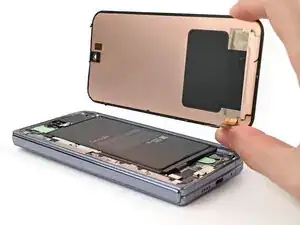
    • Lift the screen off the frame and remove it.

  39. PkeXqTLQA1FcpBPi
    PkeXqTLQA1FcpBPi
    aieSEcInyYSCZnPu
    • Use the point of a spudger to pry up and disconnect the flip battery press connector.

  40. yVsT6WOMJsy2N1D3
    yVsT6WOMJsy2N1D3
    AXktjYRCqdZAYVty
    • Use tweezers to grip the black pull tab on the stretch release adhesive and wrap it around the ends of your tweezers.

  41. juLUTfBaeUpTCueA
    juLUTfBaeUpTCueA
    ZgIM43FAAQl6u5oH
    KHNIfkUBBQmTByEH
    • Hold the phone steady using the edges of the frame—don't press down on the battery.

    • Pull the strip slowly, evenly, and at a low angle without dragging on other components. Give it plenty of time to stretch and un-stick from under the battery.

    • If the strip breaks off, try to retrieve it using your fingers or tweezers, and continue pulling—but don’t pry under the battery.

    • If you can't retrieve a strip, don't worry! Remove as much adhesive as possible and move to this step for an alternate method.

  42. kYCLLt5bU65USnNE
    • Unfold your phone and flip it so the inner screen is facing upward.

    • Use a hair dryer to heat the section of inner screen behind the flip battery (the side with the SIM card cutout) until it's barely too hot to touch.

    • Don't heat the screen longer than 30 seconds, as it's susceptible to heat damage.

  43. 4Z5R6OmLdyLcIPkU
    4Z5R6OmLdyLcIPkU
    VZSrJhR6pwLiIgV4
    • If you're having trouble gripping the pull tabs, use finger stalls to get a better grip.

    • Fold your phone and turn it so the flip battery is facing up.

    • Grip the green pull tab at the top left corner of the flip battery and rotate it around the battery so it rests along the left edge.

  44. vdtIlkt246x2tjBD
    vdtIlkt246x2tjBD
    RPKVpNIMscSSPZxU
    vf2CYc5InmMKTZDd
    • While holding the bottom right pull tab in place, slide the other tab down the left edge of the battery and separate its adhesive.

  45. TMMQRGckpeFAaXI5
    TMMQRGckpeFAaXI5
    FLh6IuWZCZATn25x
    • Grip the pull tab section at the bottom right corner of the flip battery and rotate it around the battery so it rests along the right edge.

  46. dbgvhPZ2HAXYWEsK
    dbgvhPZ2HAXYWEsK
    MuLwGpK3CoBjtLrM
    • Reposition the jacket so it sits evenly under the bottom edge of the battery.

  47. VQTqgiuwgZnAXsOE
    VQTqgiuwgZnAXsOE
    qtDxiaEWsOupsVvU
    sin4uQRFAl2Xxp5O
    • Slide the jacket towards the top edge of the battery to separate the remaining adhesive.

    • Remove the flip battery.

    • If you're having trouble separating the adhesive, apply more heat and try again.

    • If you're having a lot of trouble separating the adhesive, or if you feel like you might damage the battery, follow the next five steps for an alternate method. Otherwise, skip here.

  48. MseUs3SqQLmkiPuq
    MseUs3SqQLmkiPuq
    iscMQtEPREnjAaGn
    • Apply a few drops of isopropyl alcohol (>90%) under the bottom edge of the flip battery.

  49. wkAZyMmd5qKRGGSa
    wkAZyMmd5qKRGGSa
    N2g5tfgFGKwAXePF
    • Lift the bottom edge of the phone to let the isopropyl alcohol flow under the battery.

    • Wait one minute for the alcohol to soften the adhesive.

  50. MaSQUhBeqQQgcZJe
    MaSQUhBeqQQgcZJe
    gDCfjldOGKLHwlwm
    • Slide an opening pick—long edge first—under the bottom edge of the battery to separate the bottom section of adhesive.

  51. uvRfPnm44FRxge3d
    uvRfPnm44FRxge3d
    NmjiwFFvZDS6c6LB
    • Insert an opening pick—long edge first—between the top edge of the battery and the upper board.

    • Rotate the pick so it lies flat under the battery and slide it downward to separate the top portion of adhesive.

  52. KPChiGYTbJVKXeFo
    KPChiGYTbJVKXeFo
    eTYDYuZmoXH3IKZw
    • Apply a suction cup to the center of the flip battery.

    • While securing the phone with one hand, pull up on the suction cup with strong, steady force to separate the flip battery from the frame.

    • Remove the flip battery.

  53. TKLTSglmcxPPQNaW
    • Congratulations on completing disassembly! The remaining steps will show you how to reassemble your device.

  54. FkMaqjlYGc1S3iFO
    FkMaqjlYGc1S3iFO
    JrZBVfVmiEmPTOOd
    • Use tweezers, or your fingers, to remove the old flip battery adhesive from the frame.

    • Apply isopropyl alcohol (>90%) and use a coffee filter or microfiber cloth to clean any adhesive residue.

  55. gX16MXUJJQUYOaJZ
    gX16MXUJJQUYOaJZ
    eCMQJS3P4ckM2LIw
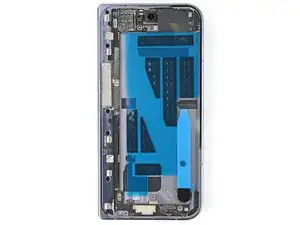
    • Before removing any liners, check that both of your flip battery adhesives match the size and shape of the cutout in the frame.

    • The clear liner should face the frame.

  56. cToDbenVERB31fNK
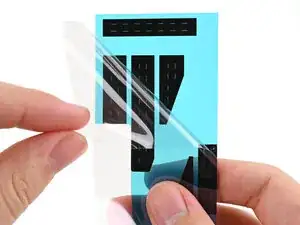
    • Peel off the main flip battery adhesive sheet from its clear liner.

  57. 6UrCgRKHw6gfdp3U
    6UrCgRKHw6gfdp3U
    u2VlXCTSANmLMXUT
    JlJZGQbucUQ5eZVB
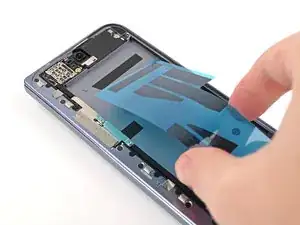
    • Be careful during this step, as it's easy to stick the adhesive in the wrong spot. Take your time and work slowly.

    • Align the top edge of the adhesive sheet with the top right corner of the battery recess.

    • Lay the adhesive sheet on the frame.

  58. H5uBDPlDYrAQ4UbH
    H5uBDPlDYrAQ4UbH
    rmS6NvrpMjlG3oDM
    fiXOStU5YwGrZERS
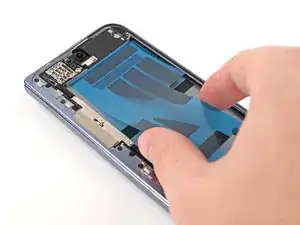
    • Use the flat end of a spudger, or your fingers, to press down the individual adhesive strips and adhere them to the frame.

  59. RJMJEUZaZBmq2eY6
    RJMJEUZaZBmq2eY6
    mSkUKbvLH4BKOmD4
    a2AGUecMTFhypC2U
    • Be careful during this step, as it's easy to stick the adhesive in the wrong spot. Take your time and work slowly.

    • Peel off the secondary flip battery adhesive strip from its clear liner.

    • Align the circle on the adhesive with the circular cutout on the frame and press it onto the frame.

    • The strip doesn't have to be perfectly straight. The black pull tab just has to be far enough down so the battery sits flat.

  60. twnTXOcwn6I4EeZA
    twnTXOcwn6I4EeZA
    iIqloLwtMoHwEi5M
    • Use the flat end of a spudger, or your fingers, to press down the adhesive strip and adhere it to the frame.

  61. W2oyNBGrGOxaMVIr
    W2oyNBGrGOxaMVIr
    hEfSXihm4OJtnlXL
    l2lTqtXMWXMGPPDB
    • Use tweezers to remove the blue liner from the underside of the black pull tab.

    • Press down the pull tab to adhere it to the frame.

  62. IRmyLbMS1qppfeok
    IRmyLbMS1qppfeok
    ClYTEimGEn3F4aN2
    4PehRQA2RZdqyqLt
    • Use tweezers to remove the blue liner from the secondary flip battery adhesive strip.

  63. HEPmCddoFqipYCWy
    HEPmCddoFqipYCWy
    MUxyXYT1nRN1h5kU
    2DsHyBPQxFKdBNPs
    • Use your fingers, or tweezers, to remove the large blue liner from the main flip battery adhesive strip.

  64. nM4aPgimFRfkGGqX
    nM4aPgimFRfkGGqX
    OdcNemPKIsLIJZbZ
    • Before removing any liners, check that your flip battery jacket matches the size and shape of the cutout in the frame.

    • The clear liner should face the frame.

  65. udyKcGIODgdyUrSO
    udyKcGIODgdyUrSO
    wStfIdgapwuHoFs2
    j2wiwtJORTED3lnW
    • Peel off the flip battery jacket from its clear liner.

    • Align the jacket so it doesn't overlap with the flip battery adhesive.

    • Lay the jacket on the frame.

  66. KALLVUD4RZeAZWwA
    KALLVUD4RZeAZWwA
    L1gXGgUm6tAqFibq
    TCiZ3ECWtf6DTx6A
    • Use the flat end of a spudger, or your fingers, to press down the jacket and adhere it to the frame.

  67. XhmJ2HfImLX6rTSx
    XhmJ2HfImLX6rTSx
    1wmrqoSWBFg3grDs
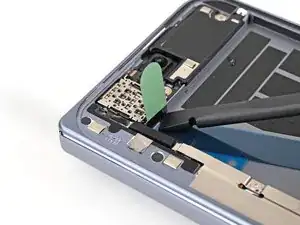
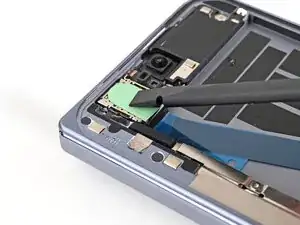
    • Use a spudger to press the green tab near the SIM card tray against the edge of the flip battery well.

    • Slide the spudger across the green tab to smooth out and adhere it against the SIM card tray.

  68. WKCDX5jhNbQXmAXA
    WKCDX5jhNbQXmAXA
    TaajAZthrOujwpHa
    xVR3xsLlN3JDVCuO
    • Use your fingers, or tweezers, to remove the blue liner from the flip battery jacket.

  69. YPnO12TjsOMVL3Ye
    YPnO12TjsOMVL3Ye
    KUlDGKnZhRyPnjhB
    KtqsLYPKFqc1sXBR
    • Be careful during this step, as it's easy to stick the adhesive in the wrong spot. Take your time and work slowly.

    • Align the top edge of the flip battery with the top edge of the battery well.

    • Lay the battery over the frame.

  70. eFTFEqE2XbNaBlLB
    eFTFEqE2XbNaBlLB
    6EGxggKklpMpRJuK
    • Press down along the perimeter of the flip battery to adhere it to the frame.

    • Let the phone sit for an hour for the adhesive to cure.

  71. ldChOwSff4hlDQt4
    • Reconnect the flip battery press connector.

  72. mNqXCTagBVOvFtUA
    mNqXCTagBVOvFtUA
    WHE6AVwLCQTiP5Mk
    • Support the screen with your hand or prop it up on something sturdy.

    • Reconnect the outer screen cable press connector.

  73. qUn4KK42BJMQPsY5
    qUn4KK42BJMQPsY5
    uhGEX6RSBiFFILPV
    • Place the display bracket over its spot on the frame.

  74. Wi5FR6XhJROndfWv
    Wi5FR6XhJROndfWv
    CjDwSRlFu6DPBCU2
    • Use the point of a spudger to press down the display bracket and slide its clip under the bottom edge of the frame.

  75. BtqvGUiPJ5Gi2Brd
    BtqvGUiPJ5Gi2Brd
    iJ3KxFDqjRaNMHlq
    • Use a Torx Plus 3IP driver to install the three screws securing the display cable bracket:

    • One 1.8 mm‑long screw

    • Two 2.5 mm‑long screws

  76. eIxPV24BaEONAN1G
    eIxPV24BaEONAN1G
    CAscmRBUsYISWvvZ
    • Use tweezers to grip the pull tab of the secondary liner at the bottom left corner of the phone.

  77. L2XbdUslFPBEfwly
    L2XbdUslFPBEfwly
    FtiCHJRTpwCCqfqm
    4XwZerVTTV61fSjT
    • Peel the liner from the left and top edge of the phone.

  78. j2vpIjXOnWoHOsJP
    j2vpIjXOnWoHOsJP
    JJjZErESbvaZIopF
    IwuKDIuHf1bfUL2A
    • While holding the screen over the frame, peel the liner from the right and bottom edge of the frame and expose the adhesive.

  79. mYfJoJpgPIX5njXC
    mYfJoJpgPIX5njXC
    ovVB5UgWjKEw5ELo
    N2pRPa1HCtBRv2LO
    • Align the outer screen over the frame and press it into place.

  80. YvhHtZ3TQ1EhvHSf
    YvhHtZ3TQ1EhvHSf
    hArwpdBRFcVZMsrA
    • Press along the perimeter of the outer screen to adhere it to the frame.

    • Optionally, you can use a hair dryer or heat gun to lightly heat the edges of the back cover and create a stronger bond.

    • Let the phone sit a few hours for the adhesive to cure.

  81. w4fqC21HHrxfKcYd
    w4fqC21HHrxfKcYd
    SSZBEMxptWRfQBW5
    • Lift the back cover off the frame and remove it.

  82. geLbWkwkC6ScawtW
    geLbWkwkC6ScawtW
    xcCVmKvayQYm2Exy
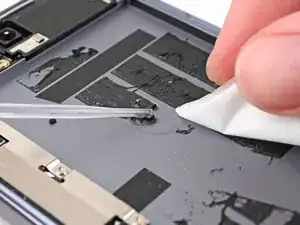
    • Use tweezers, or your fingers, to remove the old base battery adhesive from the frame.

    • Apply isopropyl alcohol (>90%) and use a coffee filter or microfiber cloth to clean any adhesive residue.

  83. TPWyRoarMYAOH1Aj
    TPWyRoarMYAOH1Aj
    api53JSe1ERP4GS4
    • Before removing any liners, check that your base battery adhesive matches the size and shape of the cutout in the frame.

    • The clear liner should face the frame.

  84. AAMxPbvIUgwvjpLh
    AAMxPbvIUgwvjpLh
    JISUqQPiWPIaHaBg
    uVEZM2oMhswBFqwV
    • Be careful during this step, as it's easy to stick the adhesive in the wrong spot. Take your time and work slowly.

    • Peel off the adhesive strip from its clear liner.

    • Align the adhesive strip with the top right corner of the base battery recess and press it onto the frame.

  85. s3mMA13MkNviUQOd
    s3mMA13MkNviUQOd
    sVfWYL2Xqk2UvWN5
    JFkendjbSAxZTND2
    • Use the flat end of a spudger, or your fingers, to press down the adhesive strips and adhere them to the frame.

  86. CYYHPgwMsh4BgXHb
    CYYHPgwMsh4BgXHb
    iHbBKYlaJQaAjiiC
    JUEE2XTc4kRrB6U5
    • Peel off the colored liner to expose the base battery adhesive strips.

  87. W6Zi5n1oHi5UNNqx
    W6Zi5n1oHi5UNNqx
    AJAC6cut4QPcLvaX
    2jIBGUSPkcPGw6qK
    • Align the new base battery with the top edge of the battery recess and press it to the frame.

  88. gIEXDkEXCEFgXdKK
    gIEXDkEXCEFgXdKK
    ICswVYKki46tP3b1
    • Use your fingers to press along the battery to adhere it to the frame.

    • Let the phone sit for an hour for the adhesive to cure.

  89. teXEwQRGAcXEc5la
    • Reconnect the base battery press connector.

  90. jINlWMSv3Ex3sUtL
    jINlWMSv3Ex3sUtL
    1IMXxroUt3n26XhS
    C3YemfFQqoKU4Ss6
    • Use tweezers to slide the left edge of the vibrator into its clip and rest it in its cutout in the frame.

  91. uAJKNaXWCY1OfCWH
    uAJKNaXWCY1OfCWH
    qmPjjSM3H5DMDeAW
    • Use a Torx Plus 3IP driver to install the three 3.2 mm‑long screw securing the vibrator.

  92. I4ckswGRpY3rxaYm
    I4ckswGRpY3rxaYm
    i2tlrLKZZOJxUwv5
    CUX5dEfoUKcrajkd
    • Peel the clear liner off your replacement graphite sheet to expose the adhesive on the upper half.

    • Align the upper half of the graphite sheet over the logic board and lay it down.

  93. YWcYAWvGVhjMlEQd
    YWcYAWvGVhjMlEQd
    YPNRqEbnwlZtsPAp
    FFVdNeJ2GYUW3clK
    • Use the flat end of your spudger or your finger to press down the upper half of the graphite sheet and secure it to the logic board.

  94. AtXjktAeHb6VTWfj
    AtXjktAeHb6VTWfj
    vgFk1gQeyNFmhgnS
    44ULTqGJYXcFAoZl
    • Remove the blue liner on the underside of the graphite sheet to expose the adhesive.

  95. sXoG54AfW5yuZcHA
    sXoG54AfW5yuZcHA
    hlTgchfDjMuCoDce
    IuyWcHDgVtZXeAxx
    • Drag a spudger or your finger from the middle section of the graphite sheet to the adhesive section over the loudspeaker to flatten the graphite sheet and adhere it.

  96. QEnOuqU5Vi5nVMi3
    QEnOuqU5Vi5nVMi3
    BEdixrVllobobfwO
    iD16yxSsJicusVHh
    • Remove the two small blue liners from the top of the graphite sheet to expose the copper.

  97. VJXL5Gh42ECX46fL
    VJXL5Gh42ECX46fL
    C6qUrRHuRVpjs6o5
    cCjFo3DkCo4WMsFs
    • Grip the pull tab at the top of the graphite sheet and peel off the remaining liner.

  98. CeAMDLcjZoZchaVi
    CeAMDLcjZoZchaVi
    DL5PGRnKvMuOMXLK
    4dwRvFSwXMZf6HGx
  99. qO1LyRtT44KAnUNy
    qO1LyRtT44KAnUNy
    UO2TVpMbxofKCII5
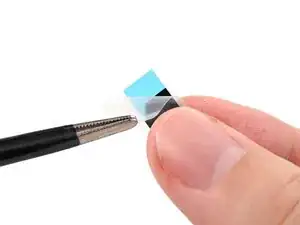
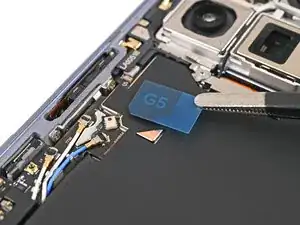
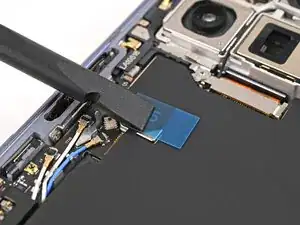
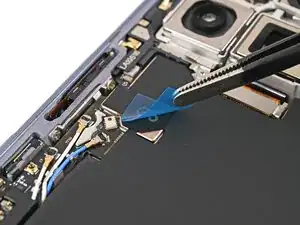
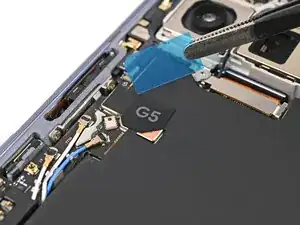
    • Remove the blue liner from the G5 sticker.

  100. rm56uGxol5liwR1a
    rm56uGxol5liwR1a
    iCySXwZO14QbXCDm
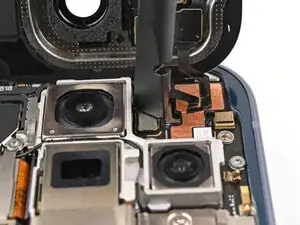
    • While holding the back cover or propping it up, reconnect the back cover cable.

  101. 1pBXyksXOLuWvgsq
    1pBXyksXOLuWvgsq
    UohfgMD6qmZWmFJD
    yQAJBymuGOMmJ2ah
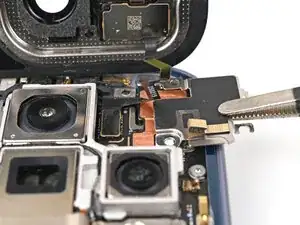
    • Place the top bracket into its spot in the frame.

  102. ANl1gHKSwOWNEYma
    ANl1gHKSwOWNEYma
    gFkMpDkJ6exMGUwN
    • Use a spudger or your finger to push the bracket upwards and slide its clip under the top edge of the frame.

  103. HEEXlP6vv2VaA4Lp
    HEEXlP6vv2VaA4Lp
    TPIyDTUqNb1UAwje
    • Use a Torx Plus 3IP driver to install the three 3.0 mm‑long screws securing the top bracket.

  104. eeaHXQiAlIkLupyQ
    eeaHXQiAlIkLupyQ
    3WxWs5KE3AUQMjWY
    • Separate one of the secondary liner's pull tabs at the top right corner.

  105. f4HtbpCItATGZmLK
    f4HtbpCItATGZmLK
    I5sHlssegDcUnwfx
    • Peel the liner from the right and bottom edge of the frame.

  106. AM3dGajPFZp1m1tQ
    AM3dGajPFZp1m1tQ
    1LpMISCenEnKMARE
    K3MlWTSYvZNFTEr2
    • While holding the back cover over the frame, peel the liner from the left and top edge of the frame and expose the adhesive.

  107. QumQo4fvNw41pskC
    QumQo4fvNw41pskC
    NWxJjOGecftZEIyM
    JrmDEUZcfM5xHXXQ
    • Align the back cover over the frame and press it into place.

  108. 1rlsPJsVRGG63VmK
    1rlsPJsVRGG63VmK
    MwZUWWSmZsxBPsNd
    • Press along the perimeter of the back cover to adhere it to the frame.

    • Optionally, you can use a hair dryer or heat gun to lightly heat the edges of the back cover and create a stronger bond.

    • Let the phone sit a few hours for the adhesive to cure.

Conclusão

Congratulations on completing your repair!

Calibrate your newly installed batteries after completing this guide.

Take your e-waste to an R2 or e-Stewards certified recycler.

Repair didn’t go as planned? Try some basic troubleshooting, or ask our Google Pixel 10 Pro Fold Answers Community for help.

Alex Diaz-Kokaisl

Membro desde: 16/01/22

227430 Reputação

0 comentários