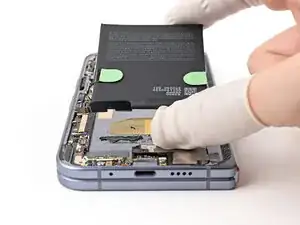
Introdução
-
-
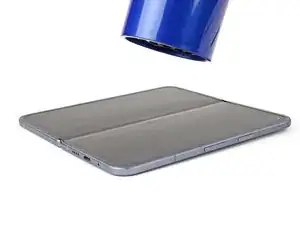
Unfold your phone and flip it so the inner screen is facing upward.
-
Use a hair dryer to heat the section of inner screen behind the base battery until it's barely too hot to touch.
-
-
-
Fold your phone and turn it so the base battery is facing up.
-
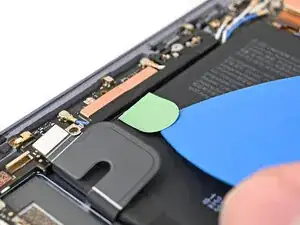
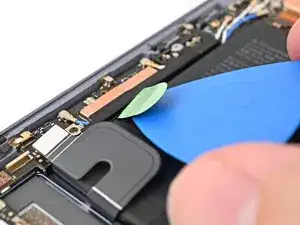
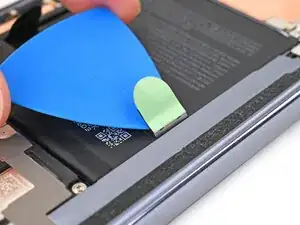
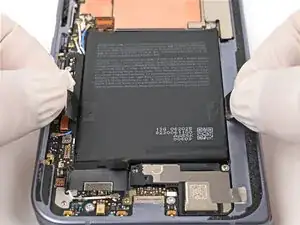
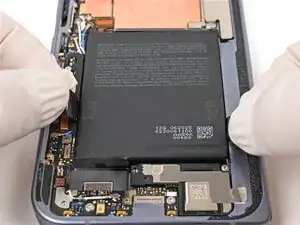
Slide the pull tab back and forth toward the bottom edge of the battery to separate the bottom section of adhesive.
-
-
-
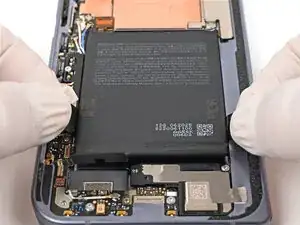
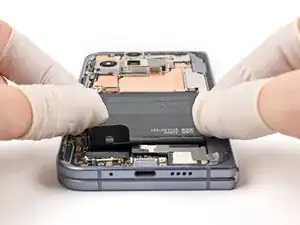
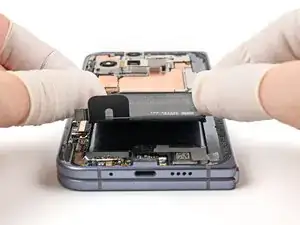
Pull straight up with constant, steady force to separate the adhesive under the battery. Work slowly and let time do the work for you until the adhesive separates.
-
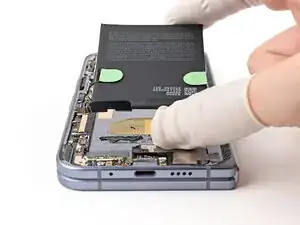
Remove the base battery.
-
-
-
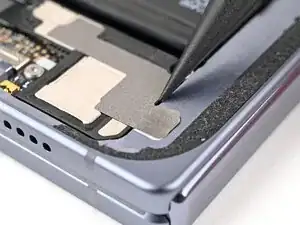
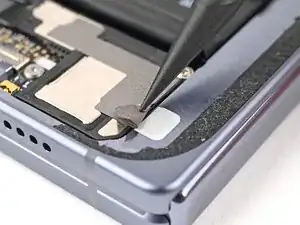
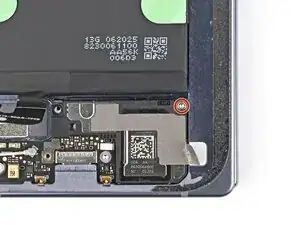
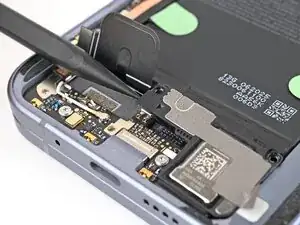
Use the point of a spudger to peel the section of conductive fabric connecting the loudspeaker to the frame.
-
-
-
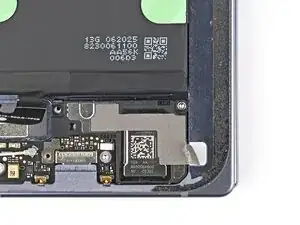
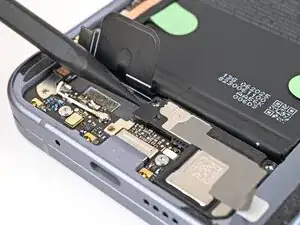
Use the point of a spudger to pry up the left edge of the loudspeaker to separate the adhesive securing it to the frame.
-
-
-
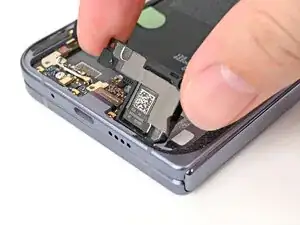
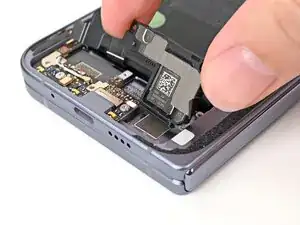
Use your fingers to lift the top edge of the loudspeaker and pull it out of its recess in the frame.
-
Remove the loudspeaker.
-
-
-
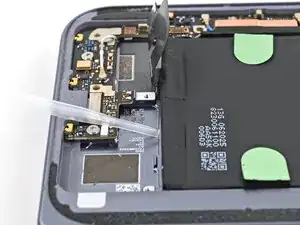
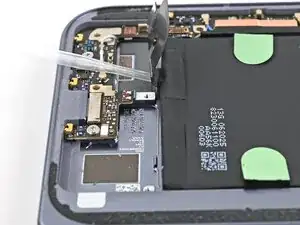
Apply a few drops of high concentration (>90%) isopropyl alcohol under the bottom edge of the base battery.
-
-
-
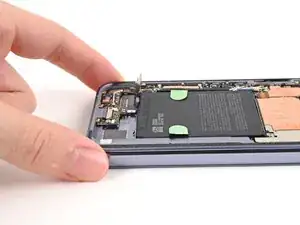
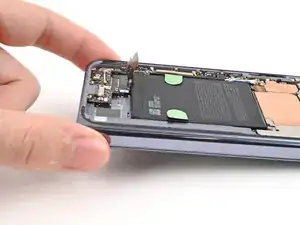
Lift the bottom edge of the phone to let the isopropyl alcohol flow under the battery.
-
Wait one minute for the alcohol to soften the adhesive.
-
-
-
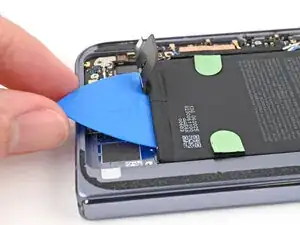
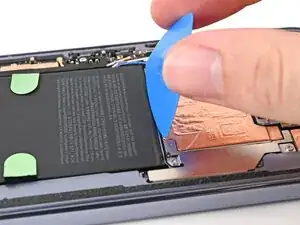
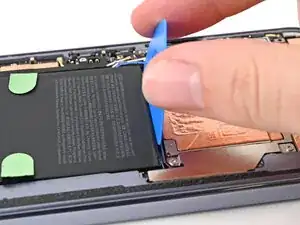
Slide an opening pick—long edge first—under the bottom edge of the battery to separate the bottom section of adhesive.
-
-
-
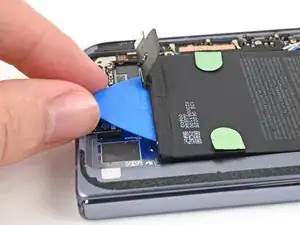
Insert an opening pick—long edge first—between the top edge of the battery and the logic board.
-
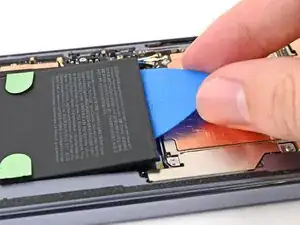
Rotate the pick so it lies flat under the battery and slide it downward to separate the top portion of adhesive.
-
-
-
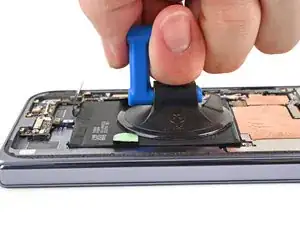
Apply a suction cup to the center of the base battery.
-
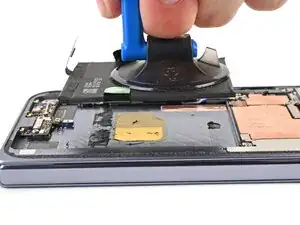
While securing the phone with one hand, pull up on the suction cup with strong, steady force to separate the base battery from the frame.
-
Remove the base battery.
-
To reassemble your device, follow these instructions in reverse order.
