Introdução
Use this guide to replace the top case of your Gateway 600YG2 laptop. The top case surrounds the keyboard and the mousepad. Removing it allows you to access components on the system board underneath the keyboard. It also allows you to replace the system board altogether.
This guide does not require any specialized skills.
Before beginning, make sure to shut down your laptop and disconnect it from any external power source.
Ferramentas


-
-
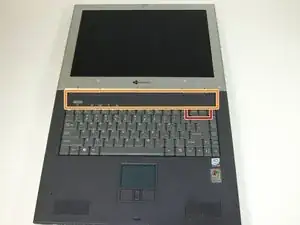
Insert the spudger between the "sysrq" and "ins" keys.
-
Gently pry free the power button panel above the keyboard, from the right and moving to the left.
-
-
-
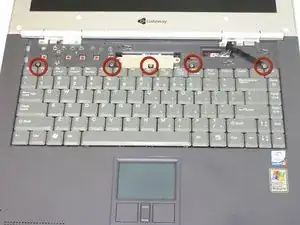
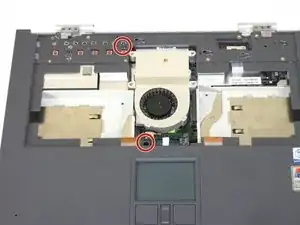
Remove the five screws with a Phillips #0 screwdriver.
-
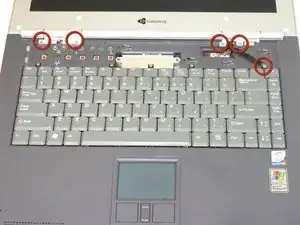
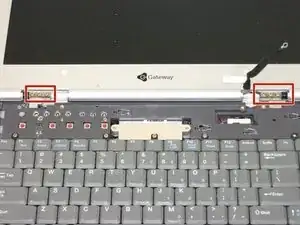
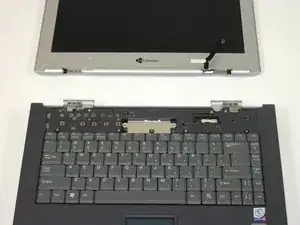
Lift the hinge covers along the outer edges with the spudger until they are released.
-
-
-
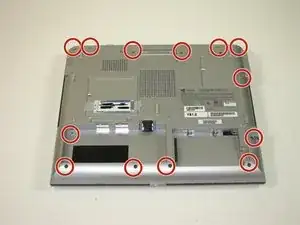
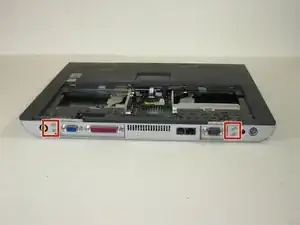
Use a Phillips #0 screwdriver to remove the thirteen screws from the bottom of the computer.
-
-
-
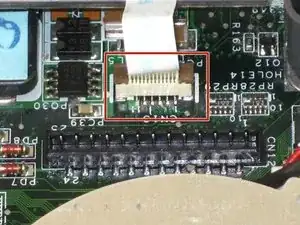
Lift the plug holding the mouse ribbon about 1/16 inch or until it stops
-
Remove the ribbon.
-
-
-
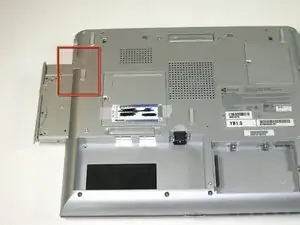
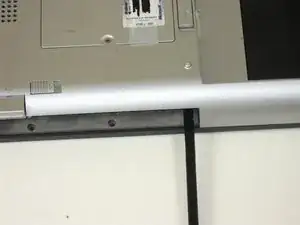
Insert your spudger between the upper and lower case at the drive bay closest to the battery.
-
Carefully go around the entire case, unseating all plastic clips holding the upper and lower cases together.
-
-
-
Lift the upper case about 1/4 inch.
-
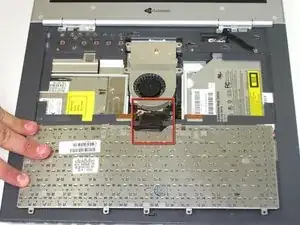
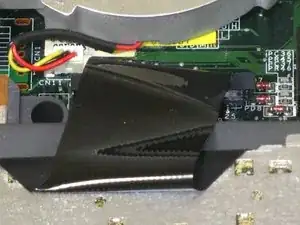
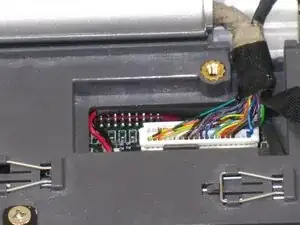
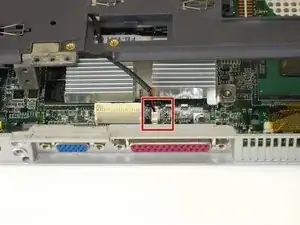
Unplug the last connecting wire and remove the upper case.
-
To reassemble your device, follow these instructions in reverse order.
