Introdução
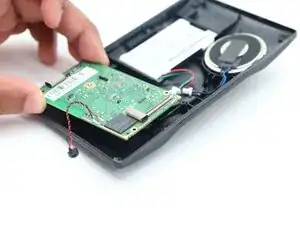
If you need to replace the motherboard in the Garmin DriveSmart 50 LMTHD, this guide will provide step by step instructions on how to remove and replace it. Before beginning the repair, make sure to power off and unplug the device to avoid electrical hazards. If the front screen is cracked, wear safety glasses and gloves to prevent splinters or any type of injury.
Check out our troubleshooting page to confirm that the circuit board is the reason that the device isn't functional.
Ferramentas


-
-
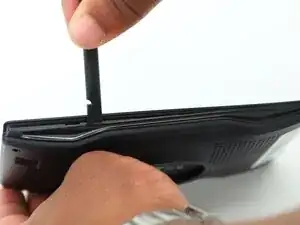
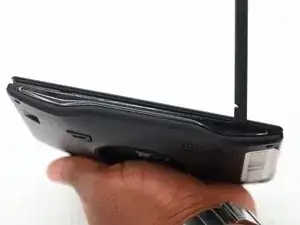
Use a spudger to gently pry the locks around the screen, applying even pressure along the edges.
-
-
-
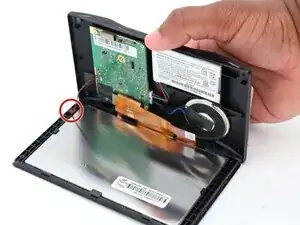
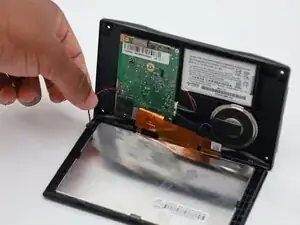
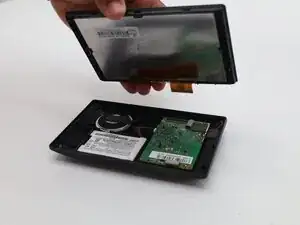
Carefully open the casing to avoid damaging any fragile components, and gently disconnect the black and red wire plug attached to it.
-
Since the plug is on a hook, unlock it with the spudger tool.
-
-
-
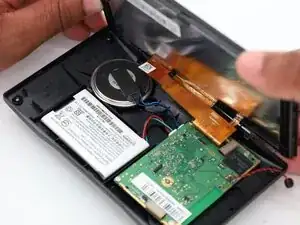
Flip the Garmin over to the other side in the previous step, and slide the screen backwards to undo the orange connector.
-
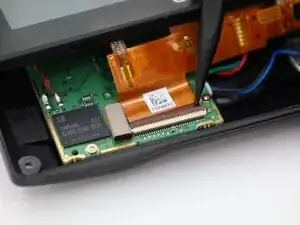
Use the pointed end of the spudger tool to lift the clasps and detach the orange connector.
-
-
-
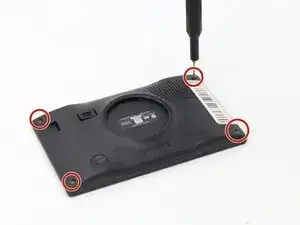
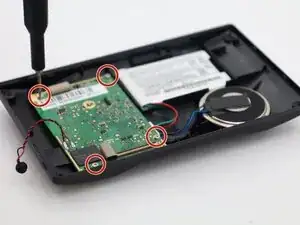
Remove the four 5 mm screws from the motherboard using a T4 Torx screwdriver.
-
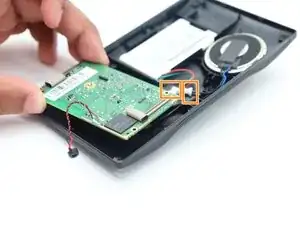
Detach the two connectors that are connected to the battery and speaker.
-
Gently remove the motherboard.
-
To reassemble your device, follow these instructions in reverse order.
