Introdução
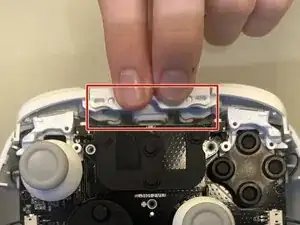
This guide will help GameSir G7 SE owners disassemble the bumper assembly for inspection, cleaning, or repair. Issues such as sticking, reduced click feedback, or inconsistent input may require opening the controller to access the bumper components.
Ferramentas


-
-
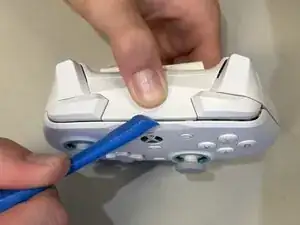
Insert an opening tool in the seam between the faceplate and chassis.
-
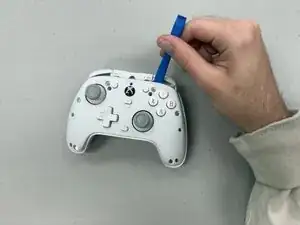
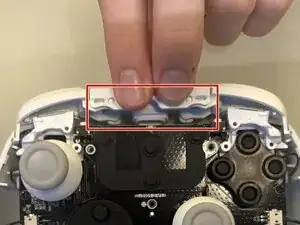
Lift the faceplate off the controller.
-
-
-
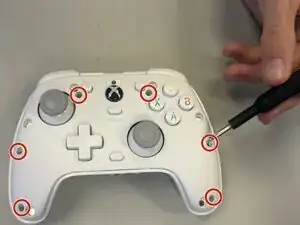
Remove the six 9.2 mm-long screws from the interior face plate using a Phillips #00 screwdriver.
-
Conclusão
To reassemble your device, follow these instructions in reverse order.