Introdução
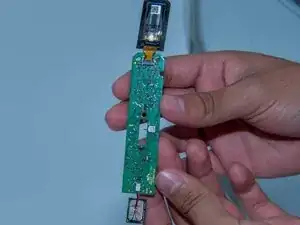
Is your hair straightener turning off just after a short time of tuning it on, it might be the Control Board, Speaker, and Screen Replacement. Due to overtime Control Board, Speaker, and Screen Replacement usually start to deteriorate it may be caused by overuse of device or just wearing out. Not allowing the Control Board, Speaker, and Screen Replacement to work as usual and it looses its power to work to its full potential. If the Control Board, Speaker, and Screen Replacement in your Dyson Corrale HS03 has defects, it will need to be removed and replaced.
In this guide, we'll show you how to safety replace the Control Board, Speaker, and Screen Replacement in your Dyson Corrale HS03 hair straightener.
To make sure your Dyson Corrale needs a new Control Board, Speaker, and Screen Replacement check out our Troubleshooting page, before beginning to make any repairs.
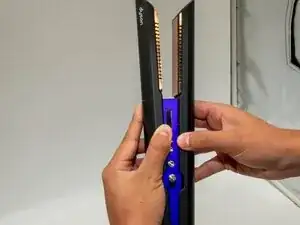
Before you begin, make sure the hair straightener is turned off, unplugged from the charger, and completely cooled if it was used recently.


-
-
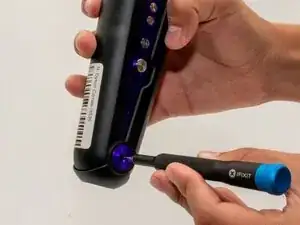
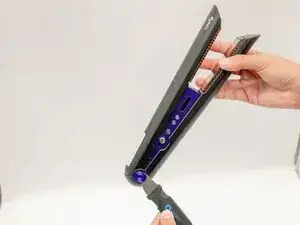
Use a TR6 Torx security screwdriver to remove the screw from the center of the purple hinge bracket on each side of the hinge.
-
Use a Jimmy or spudger to carefully pry up and remove the hinge brackets.
-
-
-
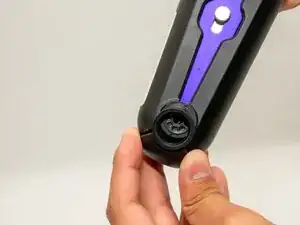
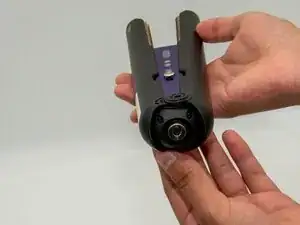
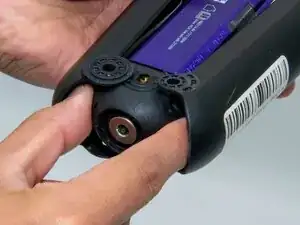
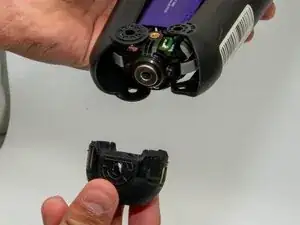
Pull off the black cover from the base.
-
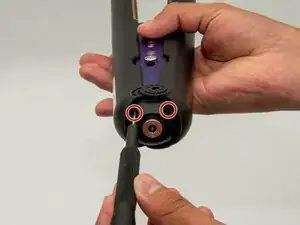
Use a TR7 Torx security screwdriver to remove the two screws from the base of the straightener.
-
-
-
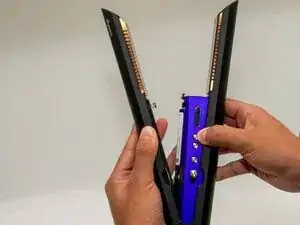
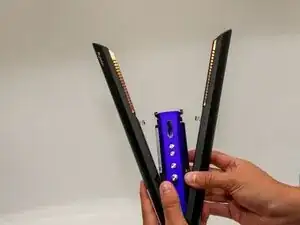
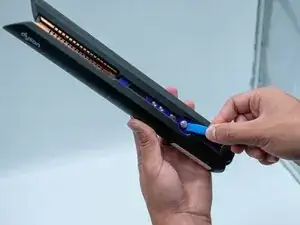
Hold the Dyson firmly, supporting one side with one hand while using the other hand to open the opposite side.
-
Pull up on the side you want to open to release it, then repeat on the opposite side.
-
-
-
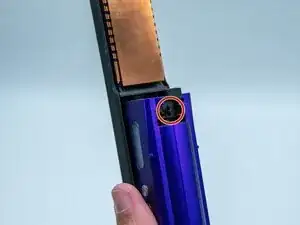
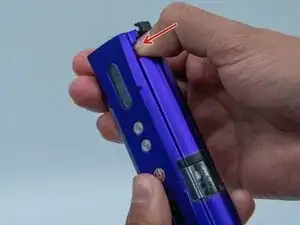
Hold the Dyson firmly with one hand. With the other hand, push down under the black tab while pulling up at the same time to lift and remove the purple casing.
-
-
-
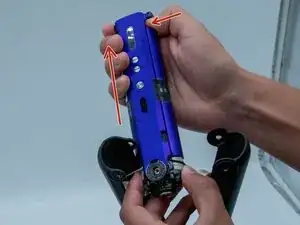
Pull the purple casing upward to access and remove the battery.
-
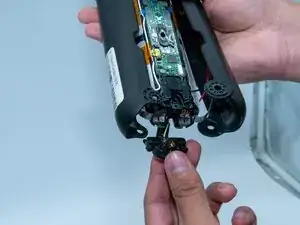
Use a TR7 Torx security screwdriver to remove the screw securing the magnetic charging port.
-
Detach the charging port.
-
-
-
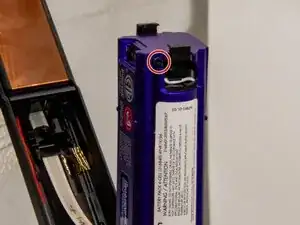
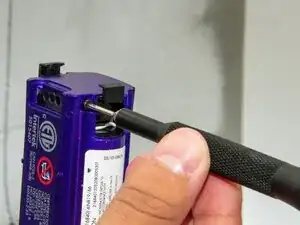
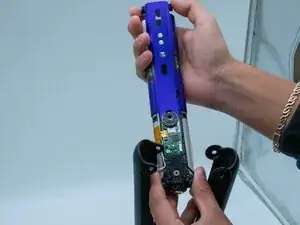
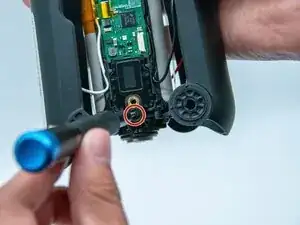
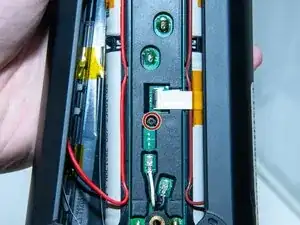
With a TR6 Torx security screwdriver you will take off a singular screw.
-
This will later be an advantage when removing the black cover of the control board.
-
-
-
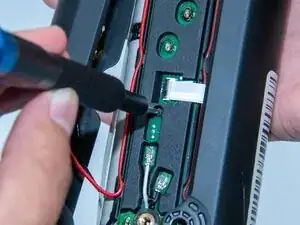
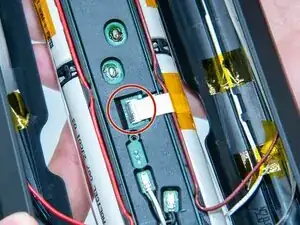
Use a spudger or a clean fingernail to flip up the locking flap—this is the unlocked position.
-
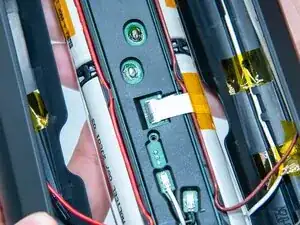
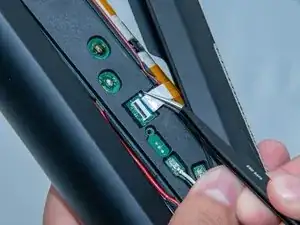
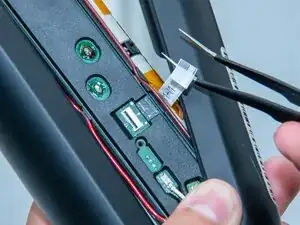
Use tweezers or your fingers to gently pull the white ribbon cable from the socket on the board.
-
-
-
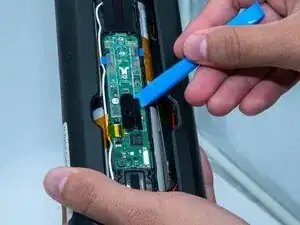
Grab a iFixit Opening Tool and take off the black plastic cap holding the control board.
-
Once again with the iFixit Opening Tool now remove the protective plastic on top of the control board.
-
Now we have a view of the next steps needed.
-
-
-
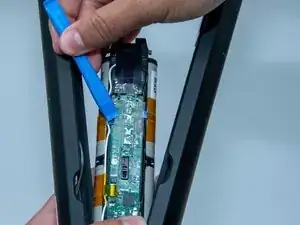
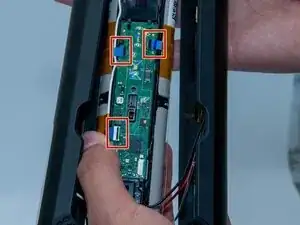
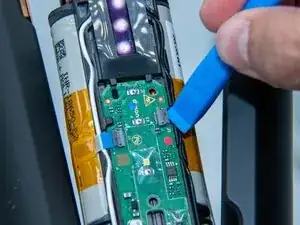
We will now remove connectors with a iFixit Opening Tool, simply pop the connector open and it will come off, repeat this on all three connectors.
-
Keep using the iFixit it Opening Tool, now slide it under the control board, this will make it easy to lift up and remove.
-
-
-
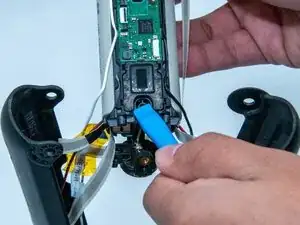
Exercising the iFixit Opening Tool now remove the black plastic that's covering the speaker.
-
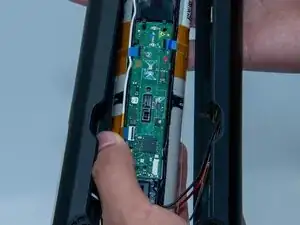
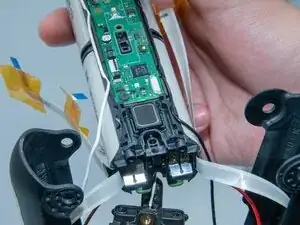
We now have the speaker and the whole control board free and ready to come off.
-
-
-
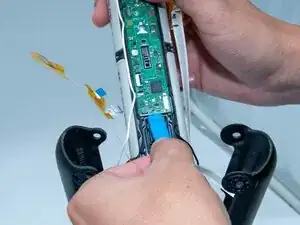
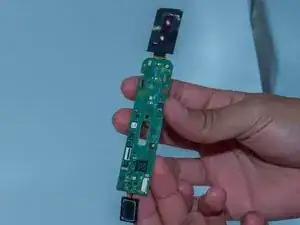
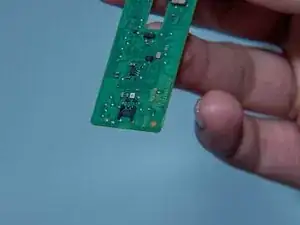
Once the control board is off we have the speaker on one side and the screen on the other end.
-
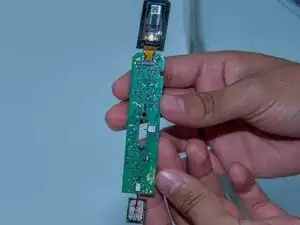
We will now flip it and start working on the back of the control board.
-
-
-
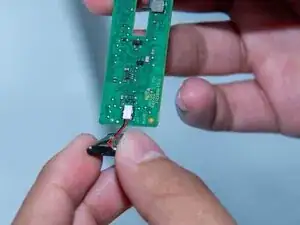
Starting with the speaker you won't need much since its a small switch you can simply just flip it up with your thumb or imply a iFixit Opening Tool, the speaker should now come all the way off.
-
We can now replace the whole speaker and this step is done.
-
-
-
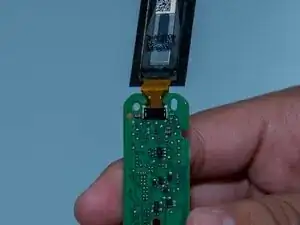
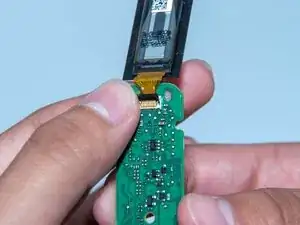
To remove the screen, place your thumb under the switch and lift it upward. It should flip up as shown in the picture.
-
You can now disconnect the connector, and the screen will come off with it. The screen is now ready to be replaced.
-
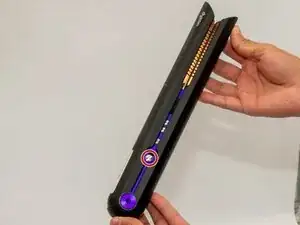
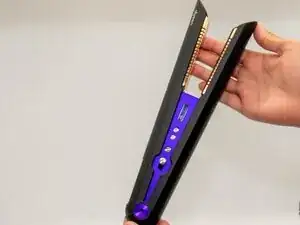
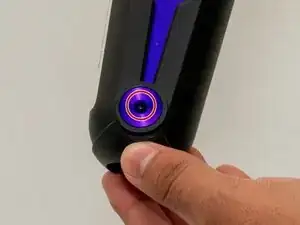
To reassemble your device, follow these instructions in reverse order. Take your e-waste to an R2 or e-Stewards certified recycler.