Introdução
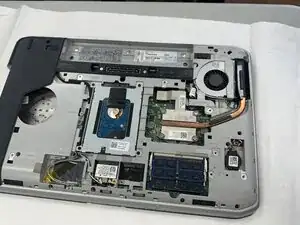
If your Dell Latitude E5520 is constantly overheating, it's probably time to replace the heat sync. The heat sync is a crucial part of moving heat away from the CPU and GPU, and if it's not doing its job it can cause internal damage to hardware. If you are experiencing performance drops, random shut downs, or the cooling fan running excessively loud, these are all signs that you need to replace the heat sync. These steps are very simple, and will only take around 10 minutes.
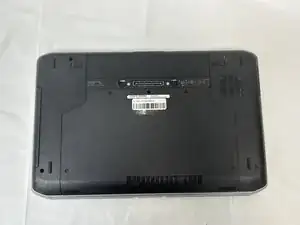
Before you begin, make sure the computer is unplugged and the battery is taken out for safety.
Ferramentas

-
-
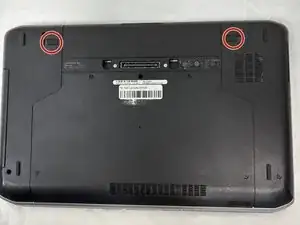
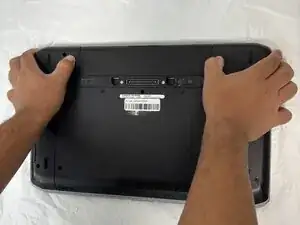
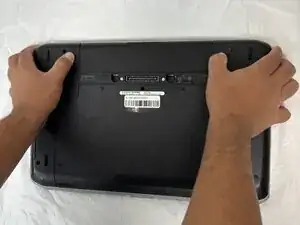
You will find two push clips near the top edge on the bottom side of the laptop.
-
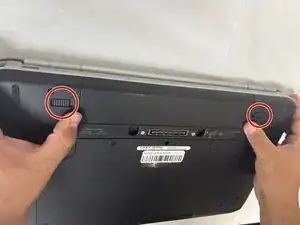
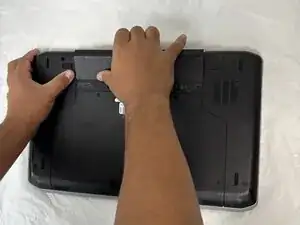
Place fingers on each of these clips at the same time.
-
-
-
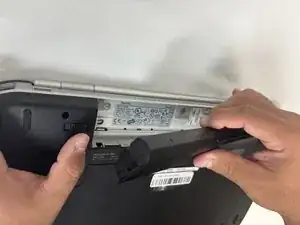
Push the two clips outward with pressure at the same time and pull up on the battery.
-
The battery will be released to safely remove the part.
-
-
-
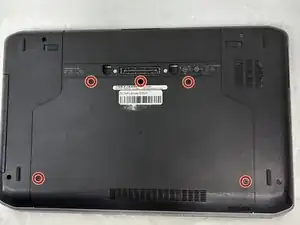
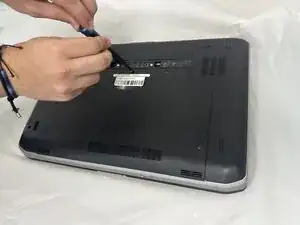
Remove all five 2.5x5 screws that secure the lower case with a Phillips screwdriver.
-
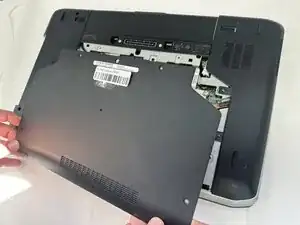
Lift the back panel and set it aside.
-
-
-
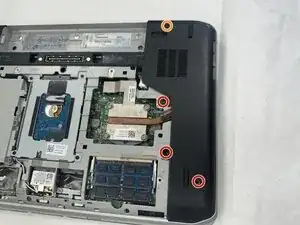
Remove all three 2.5x5 screws with a Phillips screwdriver.
-
Remove one 2.5x8 screw with a Phillips screwdriver.
-
Lift the right side back panel and set it aside.
-
-
-
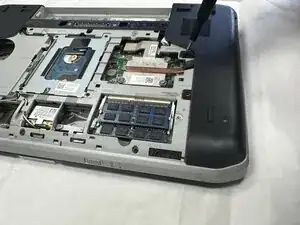
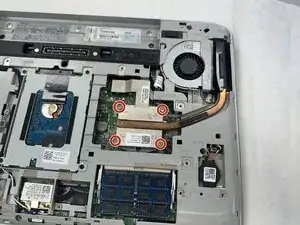
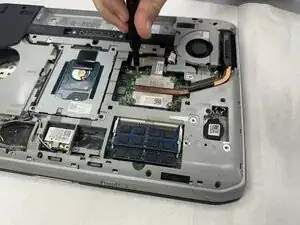
Loosen the four 2.5x8 Phillips screws securing the heat sink.
-
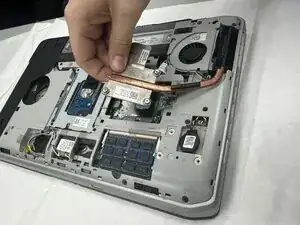
Gently lift the heat sink out.
-
To reassemble your device, follow these instructions in reverse order.