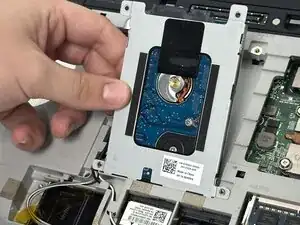
Introdução
If you are experiencing any hard drive failure, such as slow performance, frequent crashes, or strange noises, it's probably time to replace the hard drive. Even if you just want to upgrade to more storage or have more speed, this guide will show you how to do that. This is a very simple process with easy steps that should only take around 8-10 minutes.
Before you begin, ensure that the laptop is completely shut off.
Ferramentas

-
-
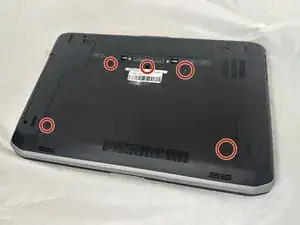
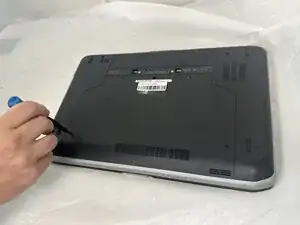
Remove all five M2.5x5 Phillips screws that secure the lower case.
-
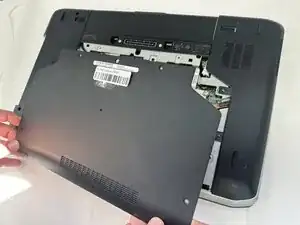
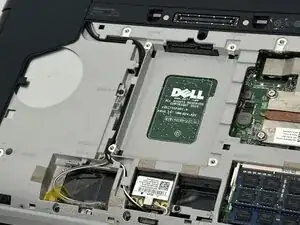
Lift the back panel gently and set it aside.
-
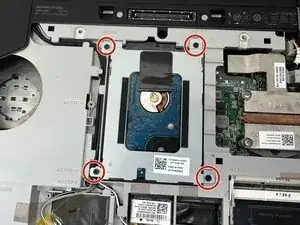
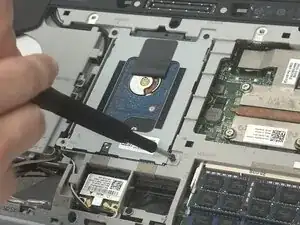
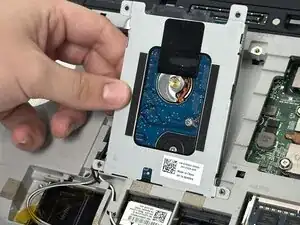
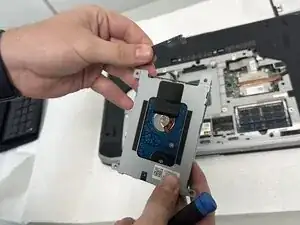
To reassemble your device, follow the above steps in reverse order.
Take your e-waste to an R2 or e-Stewards certified recycler.
Repair didn’t go as planned? Try some basic troubleshooting or ask our Answers community for help.