Introdução
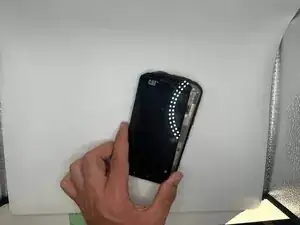
This is a guide to replace the screen of a CAT S48c.
If you're experiencing issues such as:
- Flickering
- Discoloration
- Black spots
- No display
You may need to replace your screen, this guide is to help you go step through step to easily replace it.
You can find a replacement on Ebay: CAT S48C LCD Screen with Digitizer Full Assembly (Black)


-
-
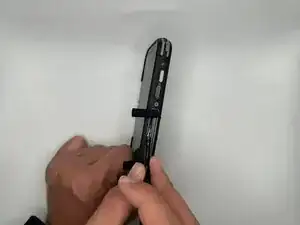
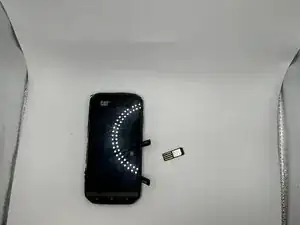
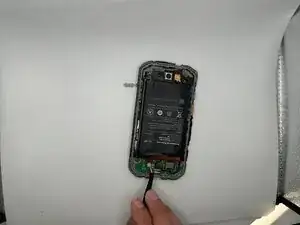
Open the side covers and remove the SIM card with tweezers or a pick.
-
If there is an SD card remove that as well.
-
-
-
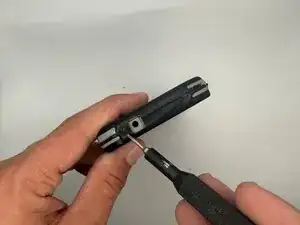
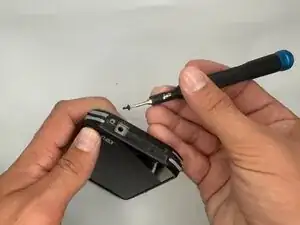
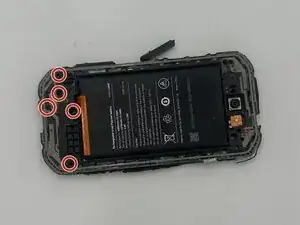
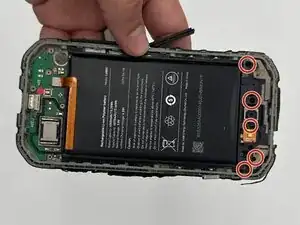
Remove the five 3 mm-long Phillips #000 screws from the top section of the midframe.
-
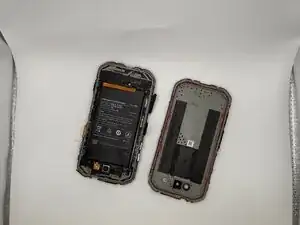
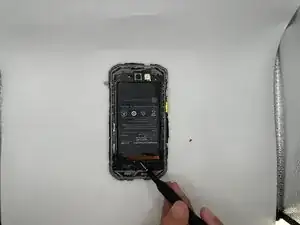
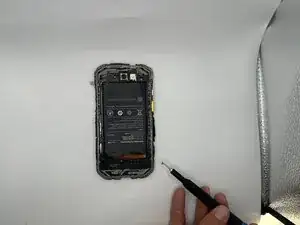
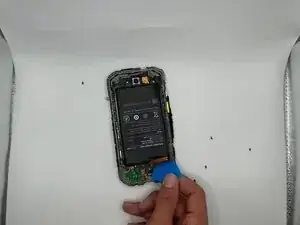
Gently pry the section along with the battery off of the case.
-
-
-
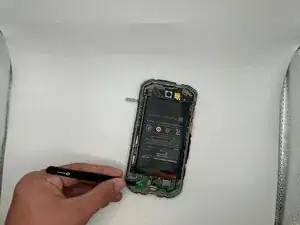
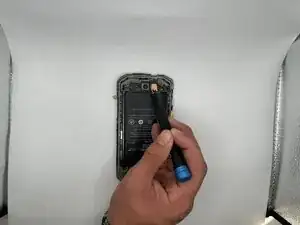
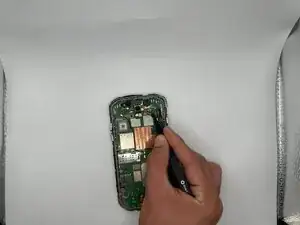
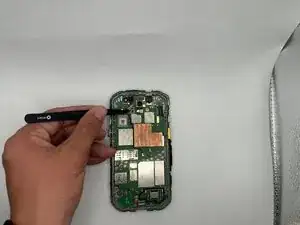
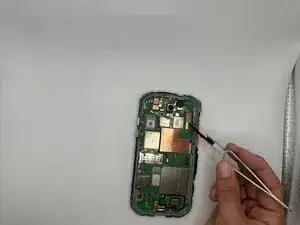
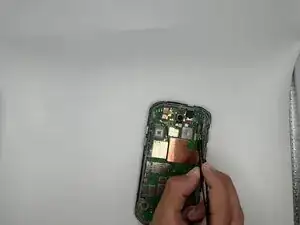
Detach the headphone jack press connector at the top of the motherboard with tweezers, an opening pick, or your finger tips.
-
-
-
Detach the display press connector the top-right of the motherboard with tweezers, a pick, or your fingertips.
-
-
-
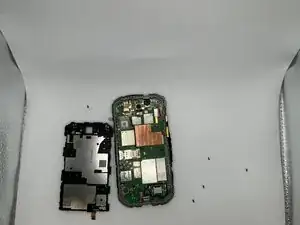
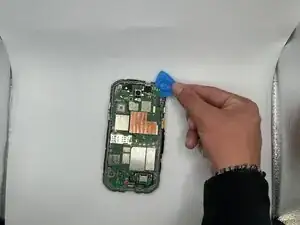
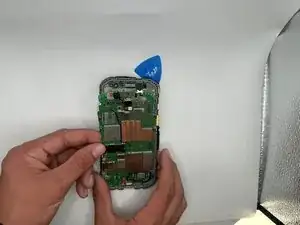
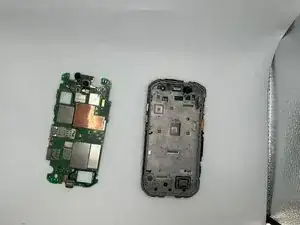
The charging port will be somewhat lodged into the frame to keep in tact, move it up and pop it out to remove the motherboard.
-
-
-
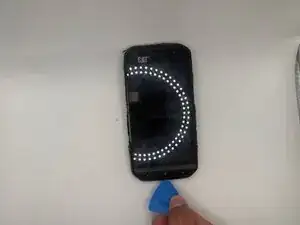
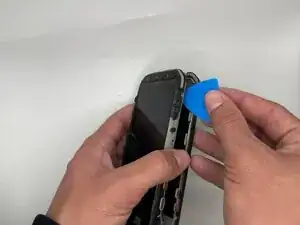
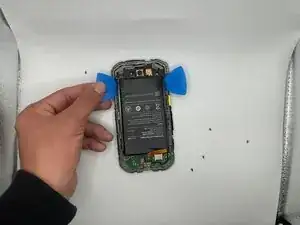
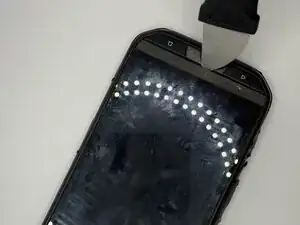
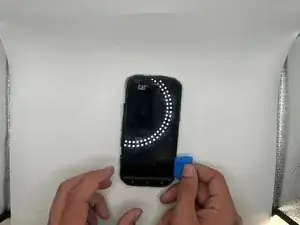
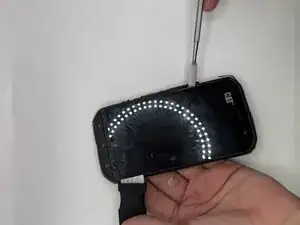
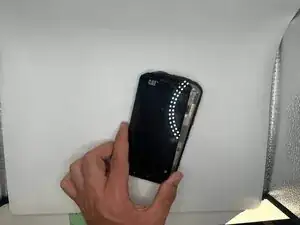
Start by going in between the case and the screen and find a narrow opening to pry in to with a pry tool.
-
-
-
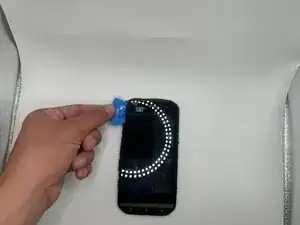
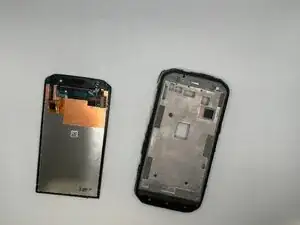
Once you feel it all has detached from the frame, take it out.
-
Attach the flex cable to the motherboard with your new screen and put it back into the frame.
-
To reassemble your device, follow the above steps in reverse order.
Take your e-waste to an R2 or e-Stewards certified recycler.
Repair didn’t go as planned? Try some basic troubleshooting or ask our Answers community for help.