Introdução
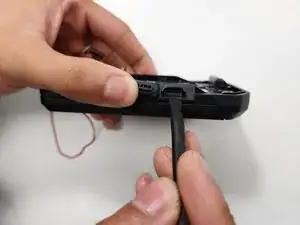
This guide will go over removing the CAT S22 Flip’s charging port. The charging port is responsible for recharging the battery when the charge becomes depleted.
A faulty charging port would prevent the phone from being able to recharge, eventually leading to the phone not turning on.
To be sure the charging port is the issue, check the CAT S22 Flip troubleshooting guides (CAT S22 Flip).
Ferramentas


-
-
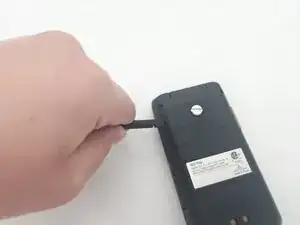
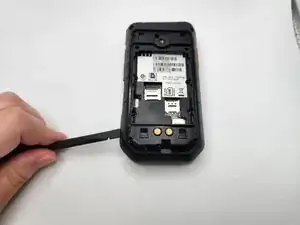
There is a slot to insert a spudger at the bottom of the battery.
-
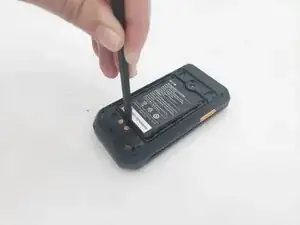
Use a spudger to lift the battery out of the phone.
-
-
-
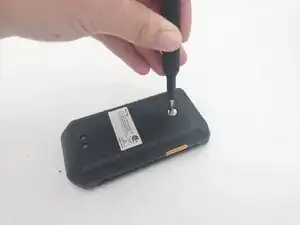
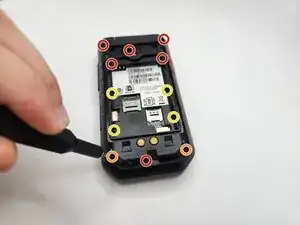
Remove the six 3.8 mm-long screws from the back frame using a J00 screwdriver.
-
Remove the two 3.8 mm-long screws with rubber washers using a J00 screwdriver.
-
Remove the four 2.4 mm-long screws from the back frame using the J00 screwdriver.
-
-
-
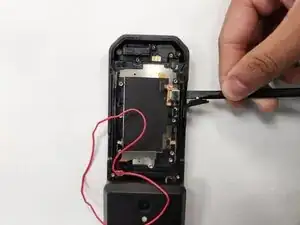
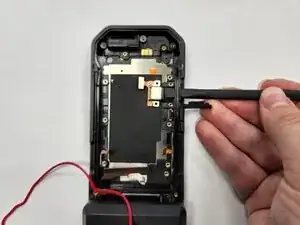
Use the flat end of a spudger to pry up and disconnect all four motherboard press connectors.
-
Repeat on the other 3 small ribbon cables.
-
-
-
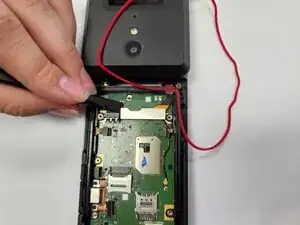
Placing the Spudger at one end of the metallic connector of the daughterboard ribbon, apply a light upward pressure. The connector should slightly loosen from the motherboard, but not completely disconnect.
-
Move the spudger across the bottom of the connector, apply a rhythmic upward force as you go. The ribbon cable should disconnect.
-
If the daughterboard ribbon cable does not disconnect, repeat the previous instruction until it does. Do not apply too much upward force or use the motherboard as leverage even if the ribbon cable doesn’t disconnect.
-
-
-
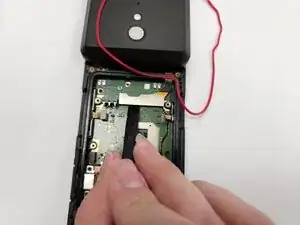
Dislodge the red seal from the channel. It should be connected to the daughterboard ribbon cable.
-
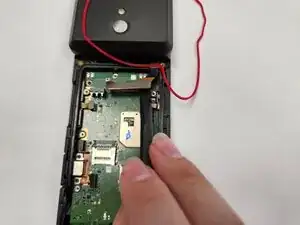
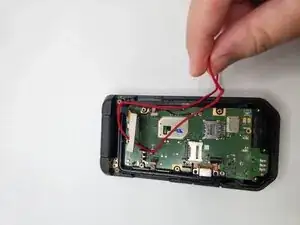
Lift up the daughterboard ribbon cable and the red seal out of the way from the motherboard.
-
-
-
Lift up the remaining 4 ribbon cables.
-
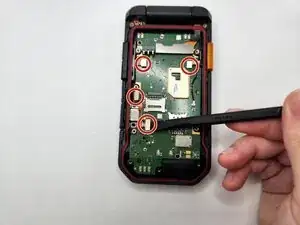
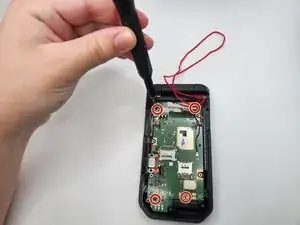
Unscrew the four motherboard screws from the phone using a J00 screwdriver.
-
-
-
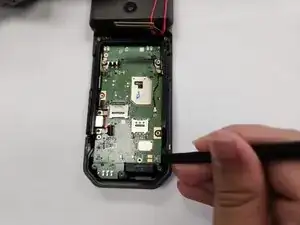
Locate the black lip of the phone frame. Use the spudger to move the motherboard away from the frame lip.
-
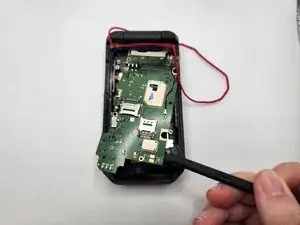
Then use the spudger to gently pry up the motherboard.
-
-
-
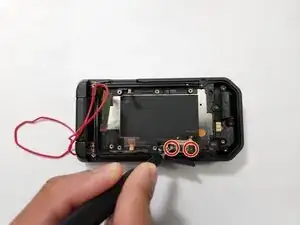
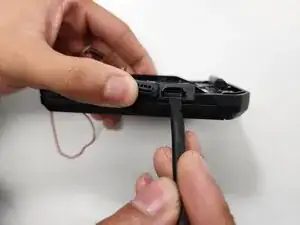
Use a J00 JIS screwdriver to unscrew the two 2.4 mm-long screws that secure the charging port.
-
To reassemble your device, follow the above steps in reverse order.
Take your e-waste to an R2 or e-Stewards certified recycler.
Repair didn’t go as planned? Try some basic troubleshooting or ask our Answers community for help.