Introdução
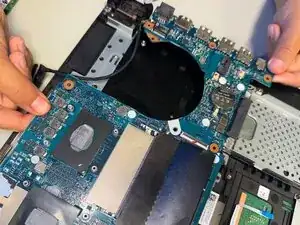
If your Asus TUF gaming FX705G laptop is constantly shutting down, had an increased number of error windows, freezing for no reason, or generally not running smoothly it might be a sign to replace your motherboard.
Motherboards are a very crucial part of laptops as they have the key functions of connecting all hardware components, distributing electricity, and housing connectors and slots for peripherals.


-
-
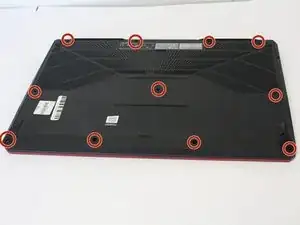
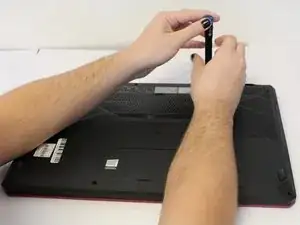
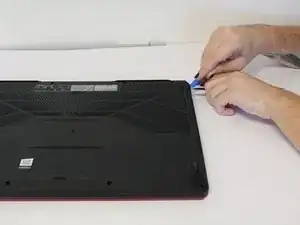
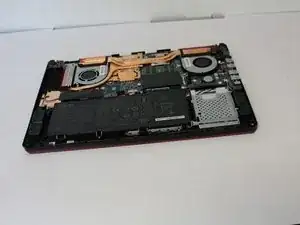
Use the iFixit opening tool to lift the back cover's seam, then insert the spudger parallel to the back cover and lift gently upward.
-
-
-
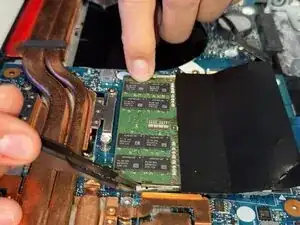
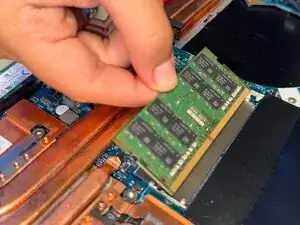
Two clips secure the RAM module in place, one on each side. Using your fingers, spread the clips away from the RAM module.
-
-
-
Gently lift the screw side of the SSD to approximately a 45 degree angle and pull away from slot to remove it from the laptop.
-
-
-
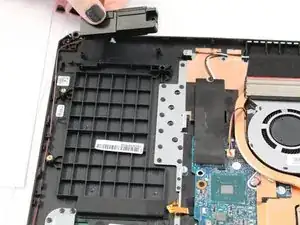
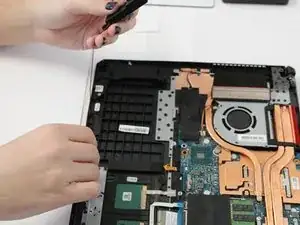
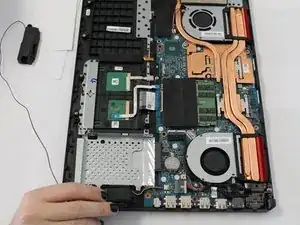
Use your fingers to lift the speaker from the housing and follow the wire path carefully, lifting the wire out of place around the base.
-
-
-
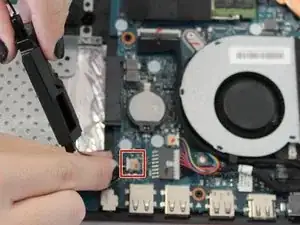
With the second speaker removed from the track, carefully disconnect the three wires from the insert on the motherboard.
-
-
-
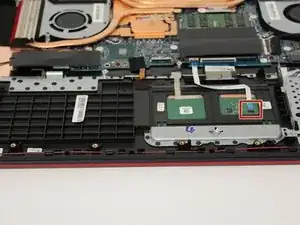
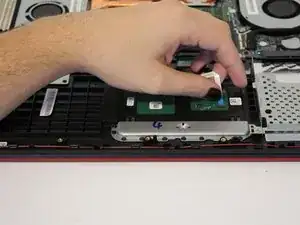
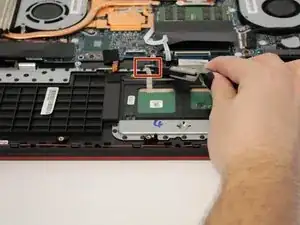
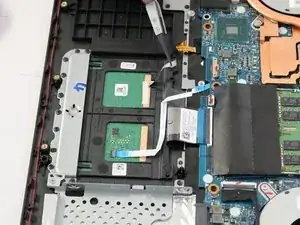
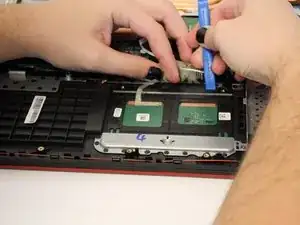
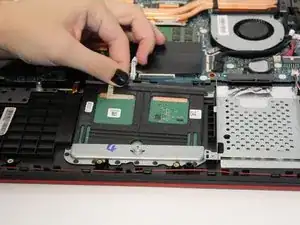
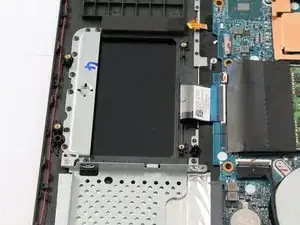
Use the iFixit opening tool to pry the track pad up slightly at the top and pull the latch at the top to free the track pad.
-
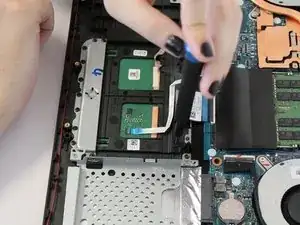
Slide the track pad up and out of the housing unit.
-
-
-
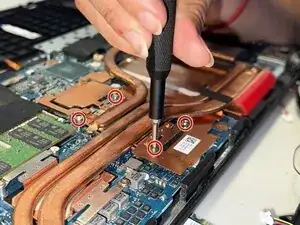
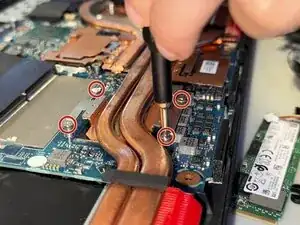
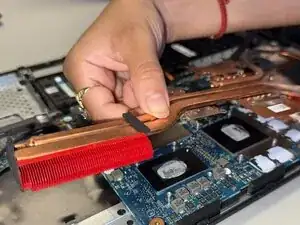
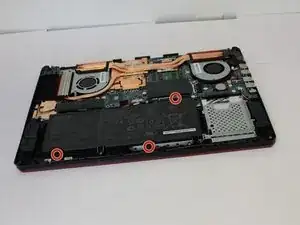
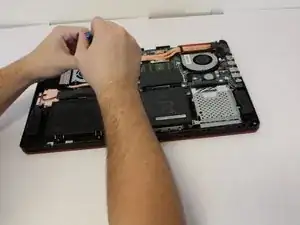
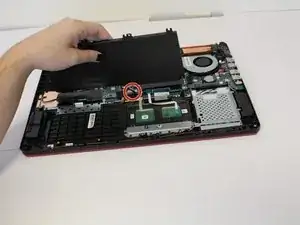
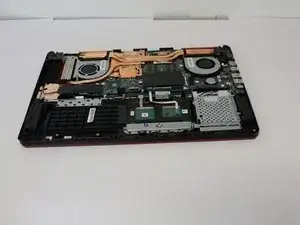
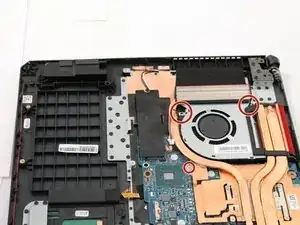
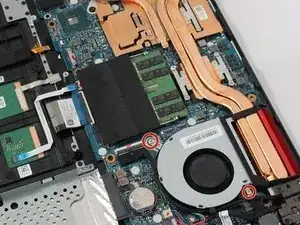
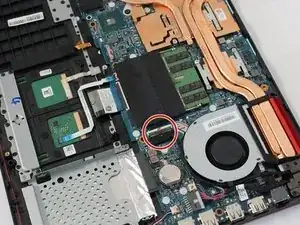
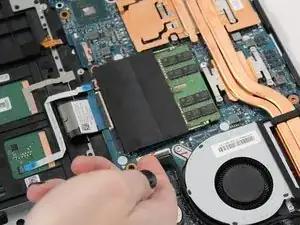
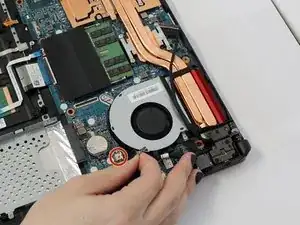
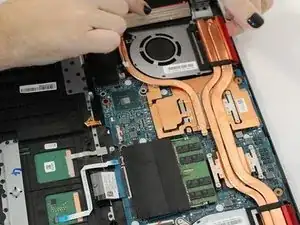
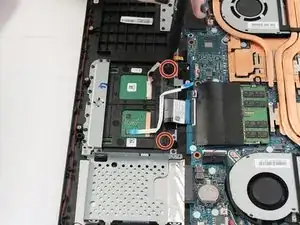
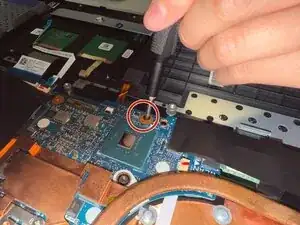
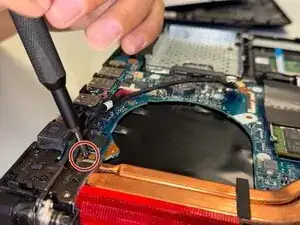
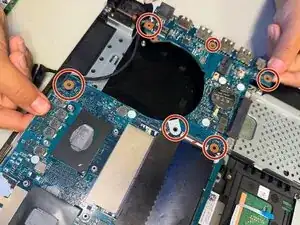
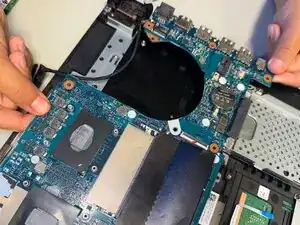
Use a Phillips #0 screwdriver to remove each of the six 1.8 mm-long screws securing the motherboard.
-
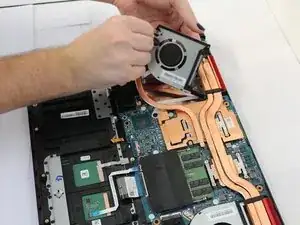
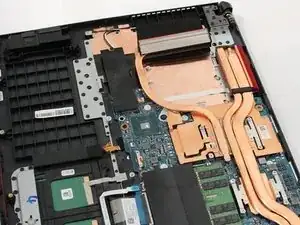
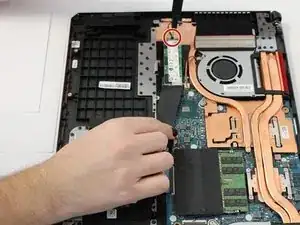
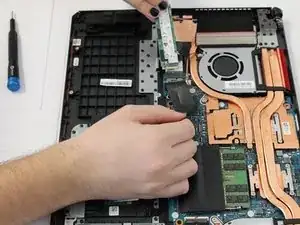
To reassemble your device, follow the above steps in reverse order.
Take your e-waste to an R2 or e-Stewards certified recycler.
Repair didn’t go as planned? Try some basic troubleshooting or ask our Answers community for help.
