Introdução
This guide will help you to replace the feet/skates for the Alienware Pro Wireless Gaming Mouse (model name PRO-MS and PRO-M-D). The bottom feet/skates are essential when it comes to smooth and fluid movements when gaming, especially in hardcore professional gaming. Because of the physical use and wear of the mouse, the feet are the part most likely to get damaged or warped. This guide will walk you through how to remove the old feet.
Please note that the adhesive on new feet can easily wear off, so be careful and precise so you don't have to remove them again to adjust the placement. Be careful that you don't misplace the mouse feet, when replacing them or working on a different guide. Using a mouse without feet may scratch the surface you are working on.
Ferramentas

-
-
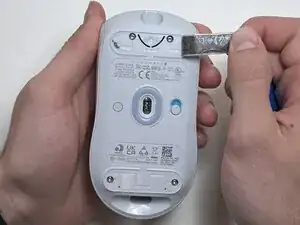
Flip the mouse over so the bottom is facing up..
-
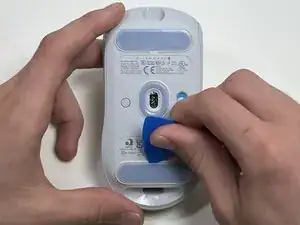
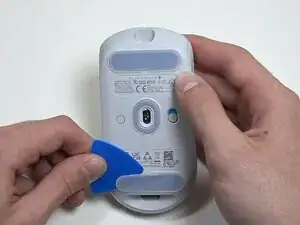
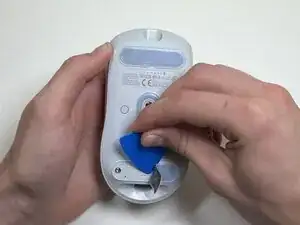
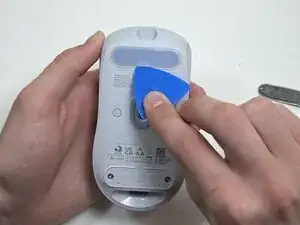
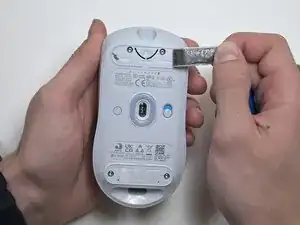
Use an opening pick to gently peel the mouse foot off the bottom case.
-
To reassemble your device, follow these instructions in reverse order.